1. Introducción
Welcome to the user manual for your new Lovskoo 1080P 44MP Pink Digital Camera. This manual provides essential information on setting up, operating, and maintaining your camera to ensure optimal performance and longevity. Please read through these instructions carefully before using your device.
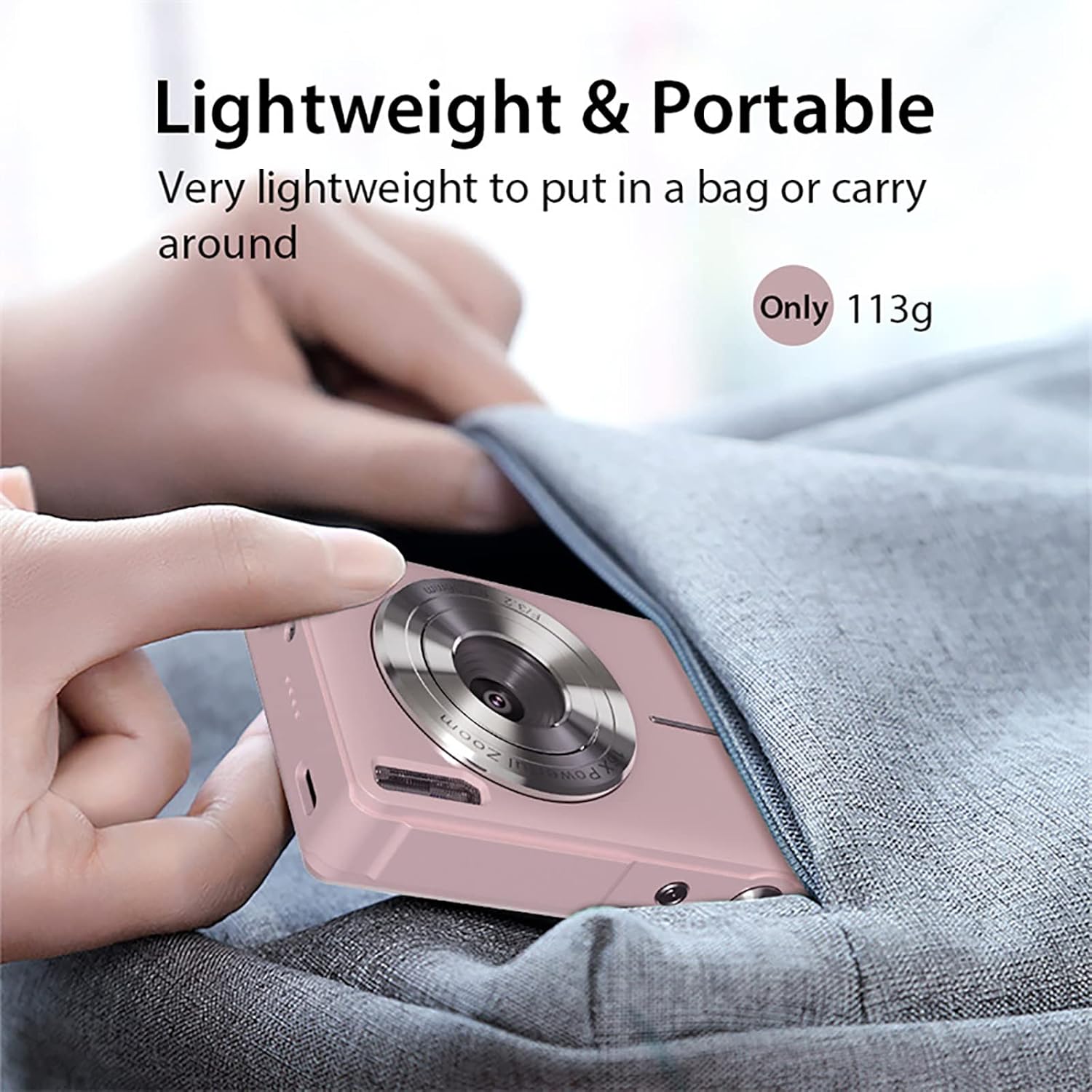
This compact digital camera is designed for ease of use, featuring a 44-megapixel sensor for high-resolution photos, 1080P video recording, 16x digital zoom, and anti-shake technology to capture clear memories. Its lightweight and portable design makes it ideal for everyday photography and vlogging.
2. Contenido del paquete
Verifique que todos los artículos enumerados a continuación estén incluidos en su paquete:
- 1x Lovskoo 1080P 44MP Pink Digital Camera (with built-in battery)
- 1x cable de carga USB-C
- 1x Cordón
- 1x bolsa de tela
- 1x paño de limpieza
- 1x Manual de usuario

3. Cámara sobreview
3.1 Características físicas
Familiarícese con los componentes físicos de la cámara:


3.2 Unboxing and Initial Setup Overview
Watch this video for a quick guide on unboxing your camera and performing the initial setup steps, including battery and memory card insertion.
4. Configuración
4.1 Inserción de la batería
- Localice la tapa del compartimiento de la batería en la parte inferior de la cámara.
- Deslice el pestillo de la cubierta para abrir el compartimiento.
- Insert the rechargeable Li-Battery, ensuring the correct orientation as indicated inside the compartment.
- Cierre la tapa del compartimiento de la batería hasta que encaje firmemente en su lugar.
4.2 Inserción de la tarjeta de memoria
The camera supports Micro SD cards up to 32GB (not included). A memory card is required to save photos and videos.
- Con el compartimiento de la batería abierto, localice la ranura para tarjeta Micro SD.
- Insert the Micro SD card into the slot with the metal contacts facing down, pushing gently until it clicks into place.
- Para quitarla, empuje la tarjeta suavemente hacia adentro hasta que salga.

4.3 Carga de la batería
Connect the camera to a power source using the provided USB-C cable. The charging indicator light will illuminate during charging and turn off when fully charged.
5. Instrucciones de funcionamiento
5.1 Encendido / Apagado
Press and hold the Power button (usually located on the top of the camera) for a few seconds to turn the camera on or off.
5.2 Toma de fotografías
- Ensure the camera is in Photo Mode (indicated by an icon on the screen).
- Encuadre su toma utilizando la pantalla LCD de 2.5 pulgadas.
- Press the Shutter button (usually a larger button on top) halfway down to focus, then press fully to capture the image.
5.3 Grabación de vídeos
- Switch to Video Mode (usually via a dedicated button or menu option).
- Press the Shutter button to start recording. A red 'REC' indicator will appear on the screen.
- Presione el botón del obturador nuevamente para detener la grabación.
5.4 Digital Zoom (16x)
Use the 'W' (Wide) and 'T' (Telephoto) buttons, typically located near the shutter, to adjust the 16x digital zoom. 'T' zooms in, and 'W' zooms out.

5.5 Función anti-vibración
The camera features an electronic anti-shake function to help reduce blur caused by camera movement, resulting in clearer images and videos. This feature is typically enabled by default or can be toggled in the settings menu.
5.6 Face Detection and Smile Capture
The camera can detect faces and automatically optimize focus and exposure. Some models also include a smile capture feature, which can automatically take a photo when a smile is detected.
5.7 Using Filters and Effects
Explore various built-in filters and effects to enhance your photos. These options are usually accessible through the 'Menu' button and navigating to the 'Effect' or 'Filter' settings.
5.8 Modo de reproducción
A view your captured photos and videos, press the Playback button (often indicated by a triangle icon). Use the directional buttons to navigate through your media.
6. Conexión a una computadora
6.1 Transferencia Files
- Conecte la cámara a su computadora usando el cable USB-C provisto.
- Enciende la cámara. Debería aparecer como una unidad de disco extraíble en tu computadora.
- Open the camera's folder to access and transfer your photos and videos.
6.2 WebFuncionalidad de la cámara
Your camera can also function as a PC camera (webcam) for video calls or live streaming:
- Connect the camera to your computer via USB-C.
- On the camera screen, select 'PC Camera' mode when prompted.
- Su computadora debería reconocer la cámara como una webcam, which can then be selected in your video conferencing or streaming software.
7. Mantenimiento
- Limpieza: Use the provided cleaning cloth to gently wipe the lens and screen. For stubborn smudges, use a lens cleaning solution designed for optical surfaces. Avoid harsh chemicals.
- Almacenamiento: Store the camera in a cool, dry place away from direct sunlight and extreme temperatures. When not in use for extended periods, remove the battery.
- Cuidado de la batería: Cargue completamente la batería antes del primer uso. Evite descargarla por completo con regularidad para prolongar su vida útil.
8. Solución de problemas
- La cámara no enciende: Ensure the battery is correctly inserted and fully charged. Try charging the camera for at least 30 minutes.
- Imágenes borrosas: Check that the lens is clean. Ensure the anti-shake function is enabled in the settings. Hold the camera steady when taking photos.
- Error de tarjeta de memoria: Ensure the memory card is correctly inserted and not full. Try formatting the card (this will erase all data, so back up first). The camera supports Micro SD cards up to 32GB.
- No se puede conectar a la computadora: Ensure the USB-C cable is securely connected to both the camera and the computer. Try a different USB port or cable. Select 'USB Mode' or 'PC Camera' on the camera when prompted.
9. Especificaciones técnicas
| Característica | Especificación |
|---|---|
| Tipo de sensor | CMOS |
| Resolución de la fotografía | Hasta 44 megapíxeles |
| Resolución de vídeo | 1080P/720P/480P (AVI format) |
| Zoom digital | 16x |
| Pantalla de visualización | 2.5 inch LCD (4:3 aspect ratio) |
| Lente | F/3.2 f=7.36mm |
| Estabilización de imagen | Antivibración digital |
| Soporte para tarjetas de memoria | Micro SD, máximo 32 GB |
| Puerto USB | Tipo C |
| Fuente de alimentación | Batería de litio recargable |
| Dimensiones | 9.5 6.0 x x 2.0 cm (3.7 2.3 x x 0.93 in) |
| Peso | 113g (0.25 lb) |
| Características especiales | Face Detection, Smile Detection, Continuous Shooting, Self-Timer, WebFunción de leva |
10. Garantía y soporte
For warranty information or technical support, please refer to the contact details provided with your purchase or visit the official Lovskoo webSitio. Conserve su comprobante de compra para cualquier reclamación de garantía.