Introducción
The Amazon Kindle Paperwhite (12th Generation) is an advanced e-reader designed for an immersive reading experience. It features a 7-inch glare-free display, adjustable warm light, and extended battery life, making it suitable for reading in various environments. This manual provides essential information for setting up, operating, maintaining, and troubleshooting your device.

Image: The Kindle Paperwhite device, showcasing su pantalla y diseño compacto.
Configuración
1. Desempaquetado y carga inicial
Upon unboxing your Kindle Paperwhite, ensure all included items are present: the Kindle Paperwhite device, a USB-C charging cable, and the Quick Start Guide. Before first use, fully charge your device. Connect the USB-C cable to the Kindle's charging port and the other end to a compatible USB power adapter (9W recommended, sold separately) or a computer's USB port. A full charge takes approximately 2.5 hours with a 9W adapter.
2. Encendido / apagado
To power on your Kindle, press and hold the power button located on the bottom edge of the device for a few seconds until the screen illuminates. To turn off the screen (sleep mode), briefly press the power button. To fully power off the device, press and hold the power button for approximately 7 seconds until a power dialog appears, then select 'Power Off'.
3. Conexión a Wi-Fi
After powering on, follow the on-screen prompts to connect to a Wi-Fi network. Your Kindle supports 2.4 GHz and 5.0 GHz networks with WEP, WPA, WPA2, WPA3, and OWE security. Select your network from the list and enter the password if required. A stable Wi-Fi connection is necessary for downloading content and receiving software updates.
4. Registro de su dispositivo
Once connected to Wi-Fi, you will be prompted to register your Kindle to an Amazon account. You can either sign in with an existing Amazon account or create a new one. Registration links your device to your Kindle library and enables access to the Kindle Store.
Cómo usar su Kindle Paperwhite
1. Navegación básica
- Pasos de página: Tap the right side of the screen to go to the next page, or the left side to go to the previous page. You can also swipe left or right.
- Pantalla de inicio: Tap the top of the screen to bring up the toolbar, then tap the 'Home' icon to return to your library.
- Buscar: Use the search bar on the home screen to find books, authors, or content within your device or the Kindle Store.
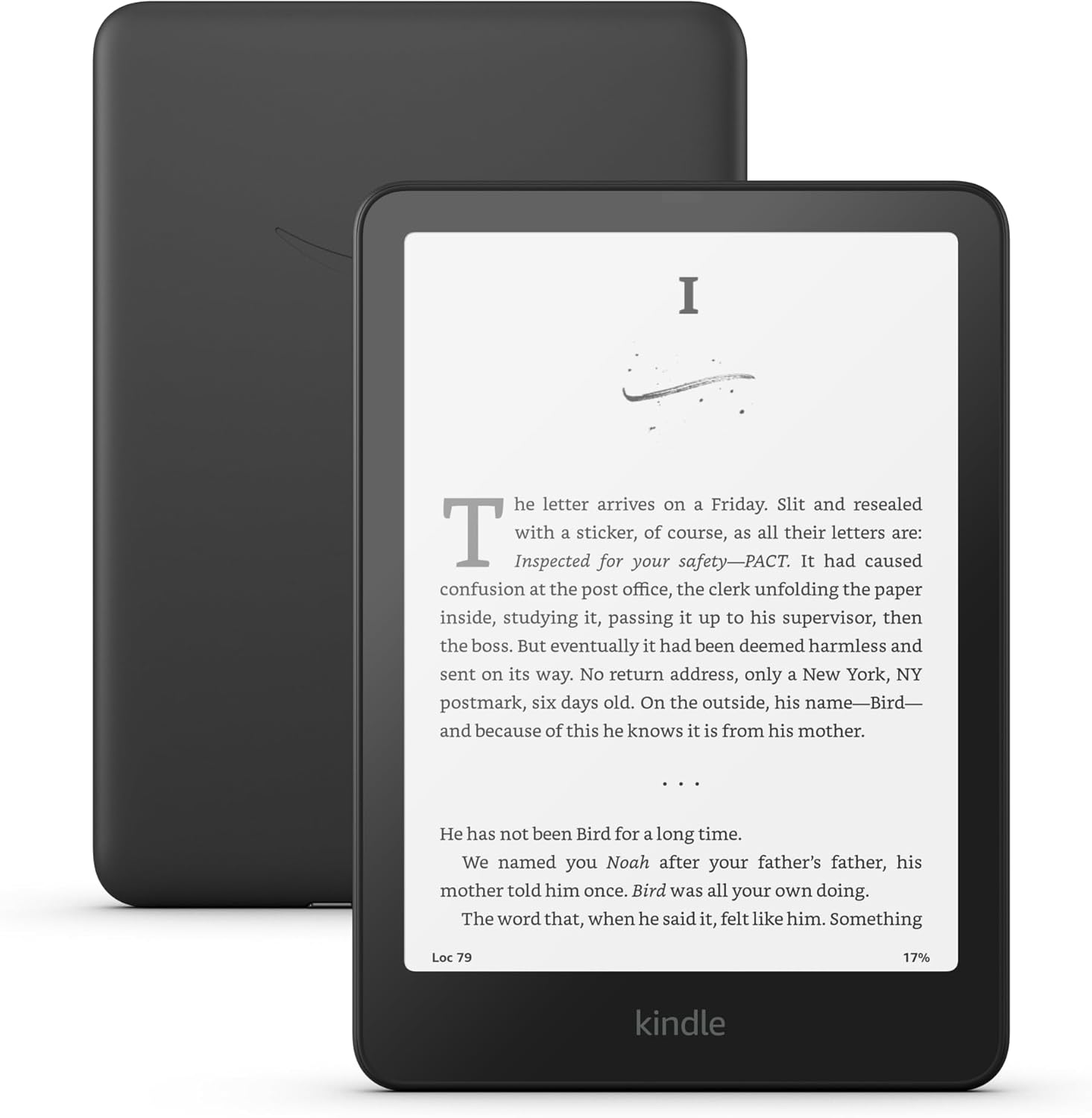
Image: A user interacting with the Kindle Paperwhite, demonstrating its ergonomic design for reading.
2. Reading Experience Customization
- Configuración de fuente: While reading, tap the top of the screen, then select the 'Aa' icon to adjust font size, font face, line spacing, and margins.
- Luz cálida ajustable: The Kindle Paperwhite features an adjustable warm light. Tap the top of the screen, then use the brightness and warmth sliders to customize the display's illumination from white to amber. This feature is beneficial for comfortable reading in various lighting conditions, including low light.
- Modo oscuro: For reading in very dark environments, Dark Mode inverts the screen colors (white text on a black background). Access this setting from the quick actions menu by tapping the top of the screen.
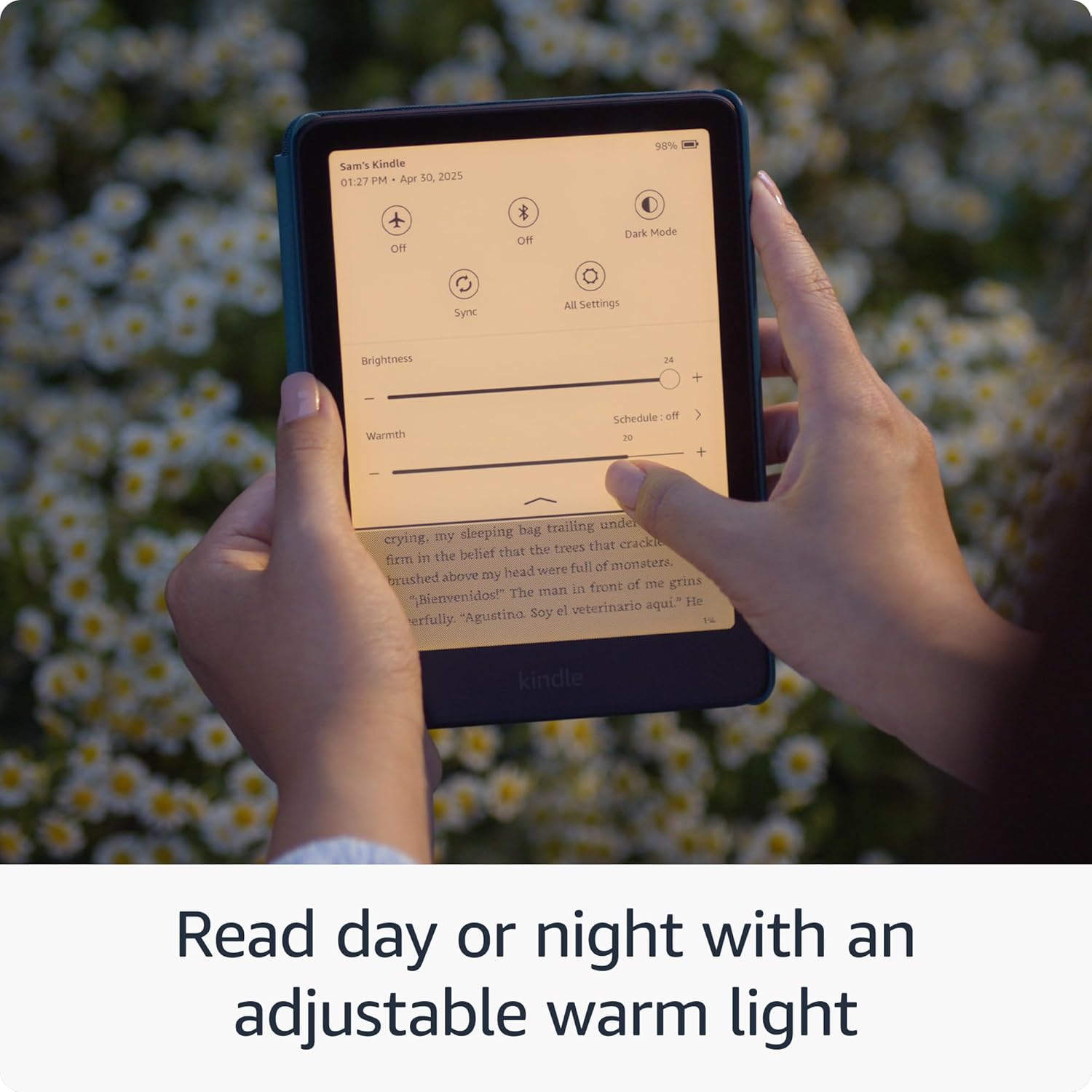
Image: The Kindle Paperwhite display demonstrating the adjustable warm light feature for comfortable reading day or night.
3. Gestión de contenidos
- Tienda Kindle: Access millions of titles directly from your device via the Kindle Store. Browse by genre, author, or bestseller lists.
- Kindle Unlimited: If subscribed, Kindle Unlimited provides access to a vast catalog of e-books, audiobooks, and magazines.
- Personal Documents: You can send personal documents (PDF, DOCX, HTML, EPUB, etc.) to your Kindle via email or the Send to Kindle application. These documents will appear in your library.
- Audible Audiobooks: The Kindle Paperwhite supports Audible audiobooks. Connect Bluetooth headphones or speakers to listen.

Image: A visual representation of the extensive library of books accessible through the Kindle Store.
4. Funciones de accesibilidad
The Kindle Paperwhite includes several accessibility features:
- VozView Lector de pantalla: Available over Bluetooth audio, VoiceView provides spoken feedback to help navigate the device and read books using text-to-speech (English only). To enable, connect Bluetooth headphones/speaker, then go to Settings > Accessibility > VoiceView Screen Reader.
- Ajustes de fuente: Customize font size, font face, line spacing, and margins for improved readability.
Mantenimiento
1. Carga y duración de la batería
To maintain optimal battery performance, charge your Kindle Paperwhite regularly. A single charge can last up to twelve weeks, based on 30 minutes of reading per day with wireless off and the light setting at 13. Battery life will vary with usage, especially with Wi-Fi on or Audible audiobook streaming.
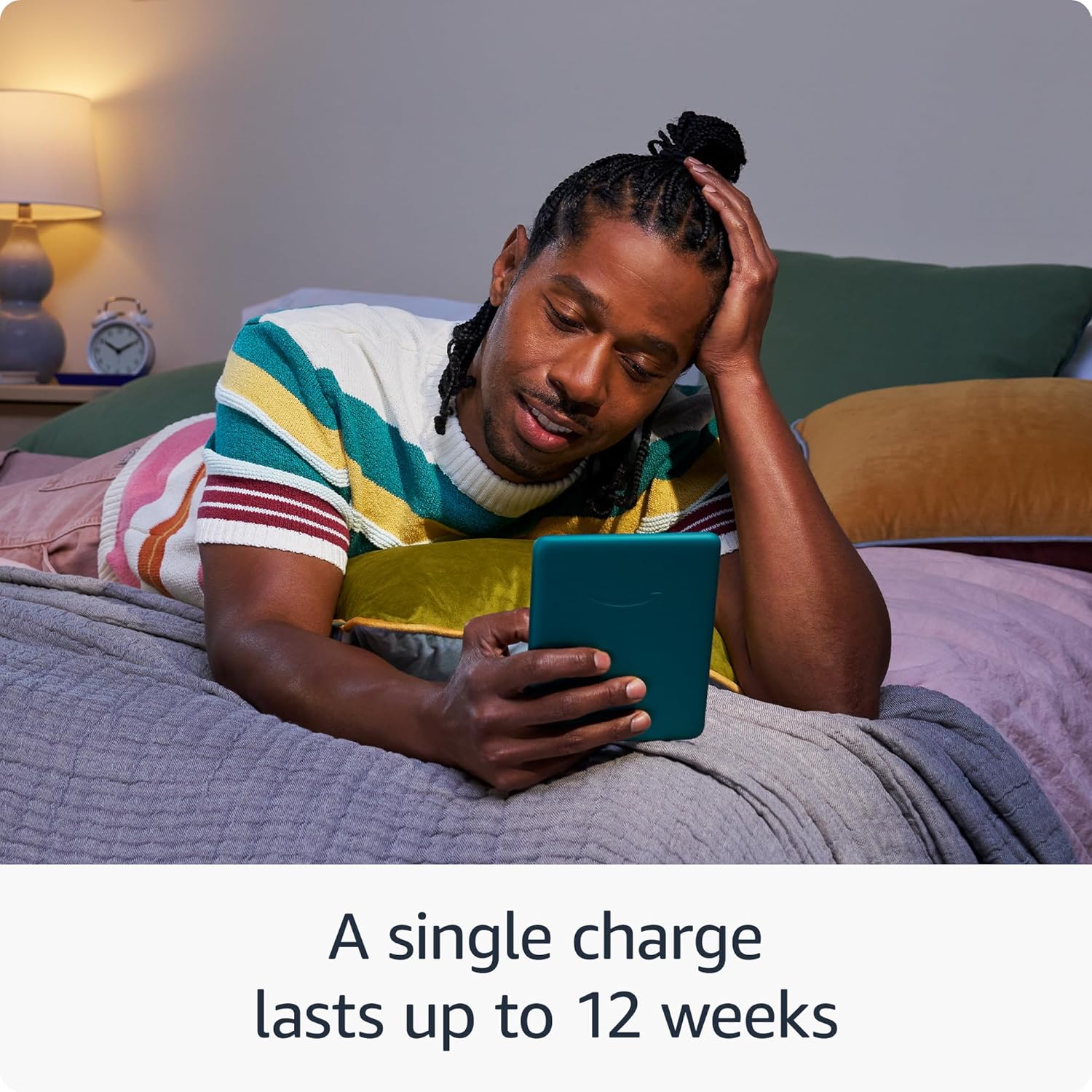
Image: The Kindle Paperwhite in use, highlighting its extended battery life for prolonged reading sessions.
2. Limpieza del dispositivo
Gently wipe the screen and body of your Kindle with a soft, lint-free cloth. Avoid using abrasive cleaners, solvents, or aerosol sprays directly on the device.
3. Impermeabilidad (IPX8)
The Kindle Paperwhite is waterproof with an IPX8 rating, meaning it is tested to withstand immersion in 2 meters of fresh water for 60 minutes. While designed for durability, avoid prolonged submersion in water, especially saltwater or other liquids. If the device gets wet, dry it thoroughly before charging.
Image: The Kindle Paperwhite's glare-free display, suitable for reading in various environments without distractions.
4. Software Security Updates
Your Kindle Paperwhite receives guaranteed software security updates for at least four years from its last availability as a new unit. These updates are typically delivered automatically when connected to Wi-Fi. Ensure your device is connected to a network periodically to receive these updates, which improve performance and security.
Solución de problemas
- El dispositivo no responde: If your Kindle is unresponsive, press and hold the power button for 40 seconds until the device restarts.
- No se puede conectar a Wi-Fi: Ensure your Wi-Fi password is correct. Try restarting your Wi-Fi router and then your Kindle. If issues persist, try connecting to a different network to rule out network-specific problems.
- La batería se agota rápidamente: Reduce screen brightness, turn off Wi-Fi when not needed, and ensure no large downloads are pending. If the issue persists, a full restart may help.
- Books Not Appearing: Ensure your device is connected to Wi-Fi and registered to the correct Amazon account. Sync your Kindle from the quick actions menu (three dots icon) to refresh your library.
Presupuesto
| Mostrar | Tecnología de pantalla Paperwhite de 7” de Amazon con luz incorporada, 300 ppp, tecnología de fuente optimizada, escala de grises de 16 niveles. |
| Tamaño | 5” x 7” x 0.3” (127.6 x 176.7 x 7.8 mm) |
| Peso | 7.4 oz (211 g). El tamaño y el peso reales pueden variar según la configuración y el proceso de fabricación. |
| Requisitos del sistema | None; fully wireless and doesn't require a computer to download content. |
| Almacenamiento en el dispositivo | 16 GB; contiene miles de libros. |
| Almacenamiento en la nube | Almacenamiento gratuito en la nube para todo el contenido de Amazon. |
| Duración de la batería | Una sola carga dura hasta doce (12) semanas, con base en media hora de lectura diaria con la conexión inalámbrica desactivada y la luz en 13. La duración de la batería puede variar según el uso. La reproducción de audiolibros por Bluetooth reducirá la duración de la batería. |
| Tiempo de carga | Se carga completamente en menos de 2.5 horas con un adaptador de corriente USB de 9 W. |
| Conectividad Wi-Fi | Compatible con redes de 2.4 GHz y 5.0 GHz, con compatibilidad con seguridad WEP, WPA, WPA2, WPA3 y OWE mediante autenticación por contraseña o Configuración Wi-Fi Protegida (WPS). No admite la conexión a redes Wi-Fi ad-hoc (o punto a punto). |
| Funciones de accesibilidad | VozView screen reader, available over Bluetooth audio, provides spoken feedback allowing you to navigate your device and read books with text-to-speech (available in English only). Kindle Paperwhite also includes Dark Mode and the ability to adjust font size, font face, line spacing and margins. |
| Formatos de contenido admitidos | Formato Kindle 8 (AZW3), Kindle (AZW), TXT, PDF, MOBI sin protección, PRC de forma nativa; PDF, DOCX, DOC, HTML, EPUB, TXT, RTF, JPEG, GIF, PNG, BMP mediante conversión; Formato de audio Audible (AAX). |
| Incluido en la caja | Kindle Paperwhite, cable de carga USB-C y guía de inicio rápido. |
| Impermeabilización | Resistente al agua (IPX8), probado para soportar la inmersión en 2 metros de agua dulce durante 60 minutos. |
| Colores disponibles | Negro, Frambuesa y Jade |
| Generación | Kindle Paperwhite (12th Generation) - 2024 release. |
Garantía y soporte
Your Kindle Paperwhite comes with a 1-year limited warranty and service. Optional extended warranties (1-year, 2-year, or 3-year) may be available for purchase separately for U.S. customers. Use of the Kindle is subject to the terms found on the Amazon websitio.
For additional support, detailed documentation, and frequently asked questions, please visit the official Amazon Kindle support pages or refer to the Kindle User Guide available on your device or online.
You can also manage your content and devices by visiting Administra tu contenido y tus dispositivos.


