1. Producto terminadoview
The VTech CS1500 DECT cordless phone is designed for home use, offering essential communication features with enhanced convenience. This manual provides instructions for setting up, operating, and maintaining your phone.
Características principales:
- Dual-Charging Design: Innovative design allows the handset to be charged face up for easy screen viewing or face down for a compact profile.
- Bloqueo de llamadas: Block up to 60 unwanted numbers to prevent nuisance calls.
- ECO DECT Mode: Automatically adjusts radio frequency power based on distance from the base station, ensuring reduced energy consumption.
- Batería de larga duración: Provides up to 13 hours of talk time and 200 hours of standby time.
- Pantalla retroiluminada: Clear, easy-to-read display for optimal visibility.
- Directorio telefónico: Almacene hasta 60 nombres y números para marcar rápidamente.
- Identificador de llamadas/Llamada en espera: Stores up to 20 incoming call entries with name, number, time, and date.
- Volver a marcar el último número: Easily redial the last 10 numbers called.
- Altavoz manos libres: For convenient conversations.
- Funciones adicionales: Adjustable ringtone volume and melodies, alarm function, mute function, 3-way conference, call transfer, and intercom.

Figure 1: VTech CS1500 DECT Cordless Phone Handset in Charging Base.
2. Contenido del paquete
Asegúrese de que su paquete contenga los siguientes elementos:
- VTech CS1500 Handset
- Base Station with Power Adapter
- Cable de línea telefónica
- Rechargeable Batteries (1 product specific - included)
- Manual de usuario (este documento)
3. Guía de configuración
3.1 Instalación de la batería
- Abra la tapa del compartimiento de la batería en la parte posterior del teléfono.
- Inserte las baterías recargables suministradas, observando la polaridad correcta (+ y -).
- Cierre bien la tapa del compartimento de la batería.
3.2 Base Station Placement and Connection
- Coloque la estación base sobre una superficie plana y estable, lejos de fuentes de calor y de la luz solar directa.
- Connect the small end of the power adapter to the power jack on the base station.
- Conecte el extremo grande del adaptador de corriente a un tomacorriente de pared.
- Connect one end of the telephone line cord to the telephone line jack on the base station.
- Conecte el otro extremo del cable de la línea telefónica a una toma telefónica de pared.
3.3 Initial Charging and Handset Registration
- Place the handset in the base station to charge. The handset can be placed face up or face down.
- Deje que el teléfono se cargue durante al menos 16 horas antes del primer uso para garantizar la capacidad completa de la batería.
- The handset is typically pre-registered to the base station. If not, follow the on-screen prompts or refer to the full manual for manual registration steps.

Figure 2: Handset dual-charging design, allowing face-up or face-down placement in the base.

Figure 3: Illustration of the phone's reliable long-range signal within a home environment.
4. Instrucciones de funcionamiento
4.1 Realizar y recibir llamadas
- Hacer una llamada: Presione el Hablar button (green phone icon), then dial the number. Alternatively, dial the number first and then press Hablar.
- Para recibir una llamada: Cuando suene el teléfono, presione el Hablar botón.
- Para finalizar una llamada: Presione el Fin button (red phone icon) or place the handset back in the base station.
4.2 Uso del altavoz
Durante una llamada, presione el Altavoz button (speaker icon) to activate hands-free mode. Press it again to return to handset mode.
4.3 Agenda telefónica
The phonebook stores up to 60 names and numbers.
- To Add an Entry: Navigate to the Phonebook menu, select 'Add New', enter the name and number, then save.
- Para marcar desde la agenda telefónica: Presione el Directorio telefónico button, scroll to the desired entry, and press Hablar.
4.4 Bloqueo de llamadas
Block unwanted calls by adding numbers to the call block list (up to 60 entries).
- Para bloquear un número: During an incoming call or from the Caller ID log, press the Bloqueo de llamadas button (shield icon) and confirm.

Figure 4: Close-up of the handset highlighting the call block button, used to prevent unwanted calls.
4.5 Caller ID and Call Log
The phone displays the caller's information (if available) and stores the last 20 incoming calls.
- A View Registro de llamadas: Presione el CID button or navigate to the Call Log menu. Use the navigation keys to scroll through entries.
- To Dial from Call Log: Select an entry from the Call Log and press Hablar.

Figure 5: Handset display showing caller ID information and a list of stored incoming calls.
4.6 Volver a marcar el último número
The phone stores the last 10 numbers dialed.
- Para volver a marcar: Presione el Remarcar button, scroll to the desired number, and press Hablar.

Figure 6: Handset display showing a number being redialed, illustrating the last 10 number redial function.
4.7 Otras funciones
- Silenciar: Durante una llamada, presione el Silenciar button to temporarily disable your microphone.
- Alarma: Configure una alarma a través del menú del teléfono.
- Intercomunicador: If you have multiple handsets, you can make internal calls between them.
- Conferencia de 3 vías: Allows three parties to participate in a single call.

Figure 7: A user on a call, with an indicator showing the phone's 13-hour talk time capability.
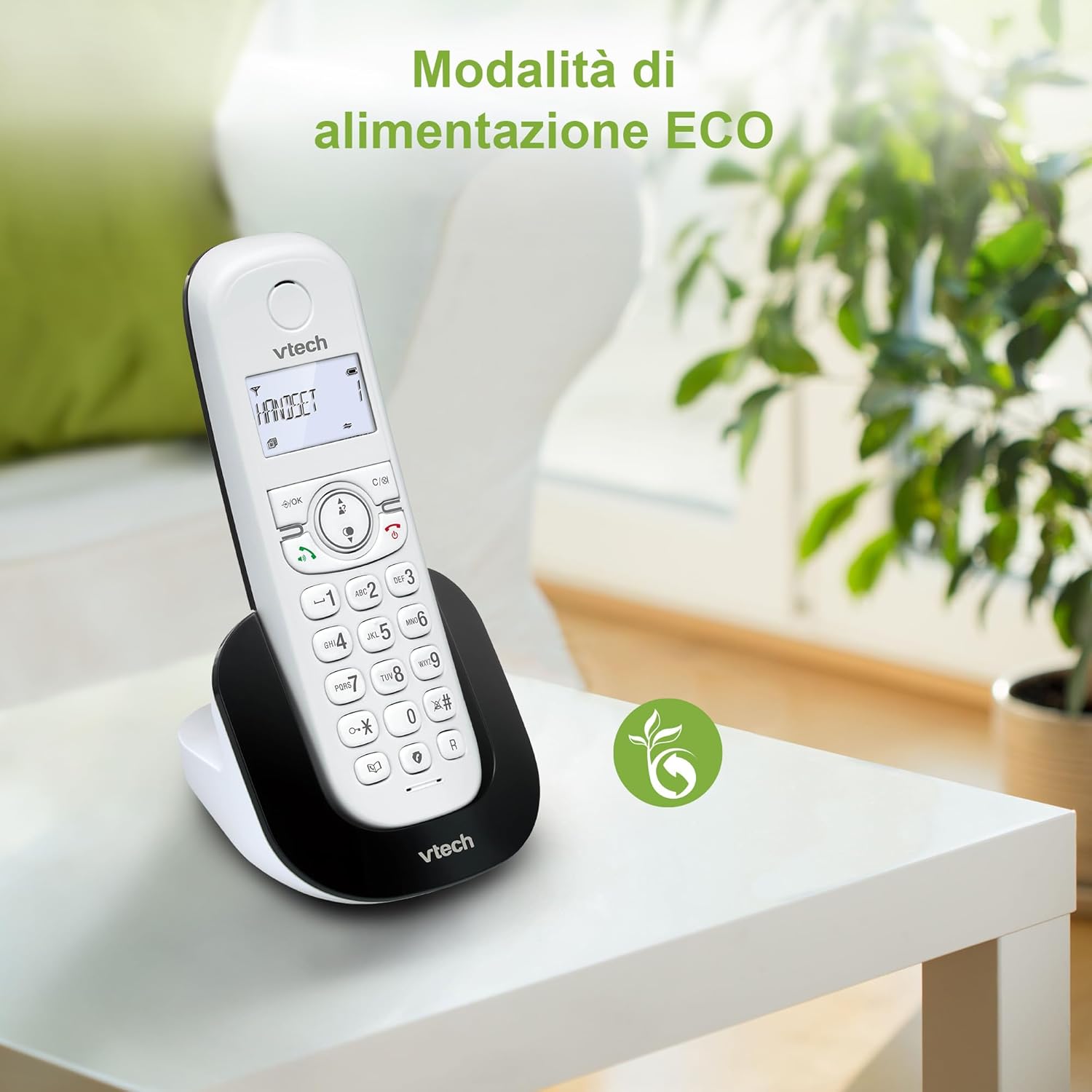
Figure 8: The phone in a home setting, indicating the energy-saving ECO power mode.
5. Mantenimiento
5.1 Limpieza
- Limpie el teléfono y la estación base con un paño suave.amp paño.
- Do not use cleaning sprays or harsh chemicals, as these can damage the surface or internal components.
5.2 Cuidado de la batería
- To maintain optimal battery performance, always return the handset to the base station when not in use.
- Si el teléfono no se utilizará durante un período prolongado, retire las baterías para evitar fugas.
- Replace batteries when their performance significantly degrades. Use only VTech-approved replacement batteries.
6. Solución de problemas
If you experience issues with your VTech CS1500, try the following solutions:
| Problema | Solución |
|---|---|
| Sin tono de marcado | Ensure the base station power adapter and telephone line cord are securely connected. Check if other phones on the same line are working. |
| No puedo hacer ni recibir llamadas | Check the telephone line connection. Ensure the handset batteries are charged. If multiple handsets, ensure they are registered. |
| Mala calidad de sonido | Move closer to the base station. Ensure there are no large metal objects or other electronic devices interfering with the signal. |
| La pantalla del teléfono está en blanco | Place the handset in the base station to charge. The battery may be depleted. |
| El teléfono no se carga | Ensure the power adapter is connected to the base station and a working wall outlet. Clean the charging contacts on both the handset and base station. |
7. Especificaciones
| Característica | Detalle |
|---|---|
| Marca | VTech |
| Número de modelo | CS1500 |
| Color | Blanco |
| Tipo de teléfono | Sin cable |
| Características especiales | Sin cable |
| Dispositivos compatibles | PSTN |
| Número de baterías | 1 (Product Specific - Included) |
| Material | Plástico |
| Fuente de poder | Funciona con pilas |
| Tipo de marcador | Teclado único |
| Tipo de sistema de contestación | Digital (Note: Product description does not explicitly mention an answering machine feature.) |
| Peso del artículo | 350 gramos |
| Fabricante | VTECH TELECOMUNICACIONES LTD. |
| País natal | Porcelana |
8. Garantía y soporte
For warranty information and technical support, please refer to the warranty card included with your product or visit the official VTech website. You can typically find support contact details, FAQs, and additional resources there.
Oficial de VTech Websitio: www.vtechphones.com


