Introducción
Thank you for choosing the Laser TWS Earbuds. These true wireless stereo earbuds are designed to provide a high-fidelity audio experience with convenient features such as an LED battery display, intuitive tap controls, and an ergonomic design for comfortable, extended use. The included rechargeable case ensures your earbuds are always ready for use. This manual will guide you through the setup, operation, and maintenance of your new earbuds.
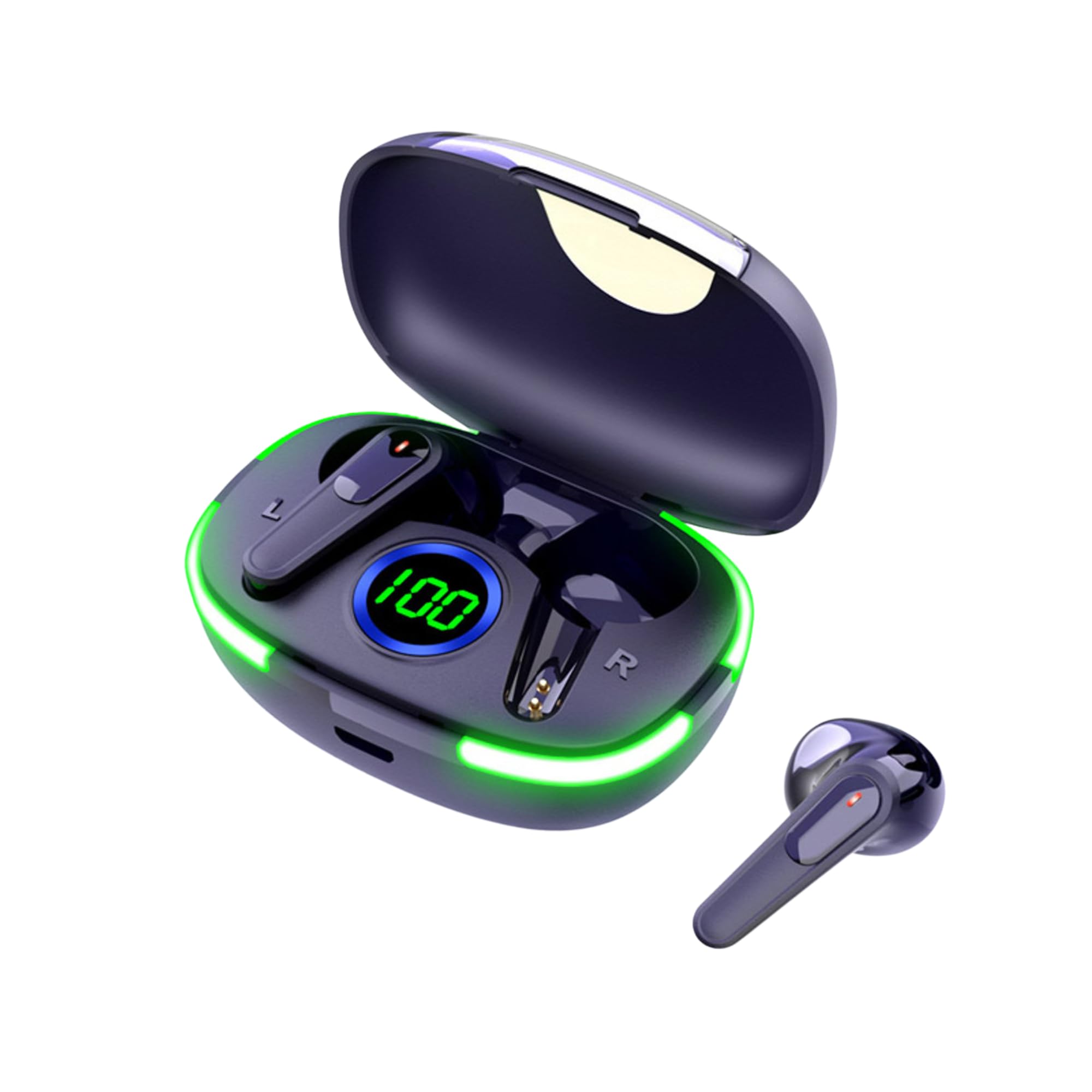
Image: The Laser TWS Earbuds, showcasing the charging case with its LED display and one earbud placed outside the case.
Contenido del paquete
Asegúrese de que todos los artículos estén presentes en el paquete:
- 1 x Pair of Laser TWS Earbuds
- 1 x Charging Case with Battery Display
- 1 x cable de carga tipo C
- 1 x Manual de usuario
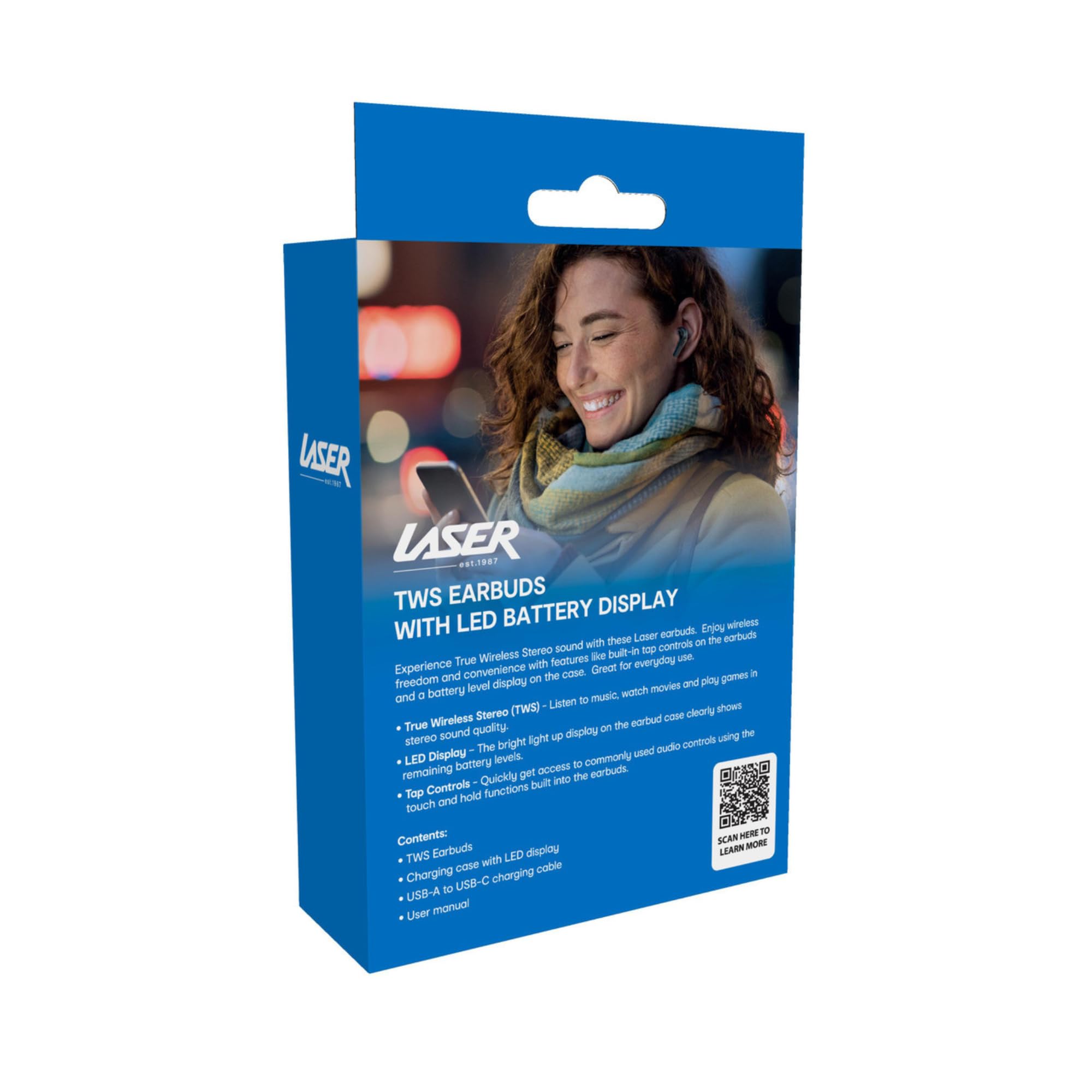
Image: The retail packaging for the Laser TWS Earbuds, indicating contents and features.
Configuración
1. Carga de los auriculares y el estuche
Before first use, fully charge the earbuds and the charging case. The LED display on the case indicates the battery level.
- Conecte el cable de carga tipo C provisto al puerto de carga del estuche y a una fuente de alimentación USB.
- The LED display will show the charging progress. A full charge takes approximately 1 hour.
- The earbuds charge automatically when placed inside the charging case. The case can recharge the earbuds up to 3 times on a single charge.

Imagen: Un primer plano view of the charging case's LED display, showing the battery percentage, indicating the charge level.
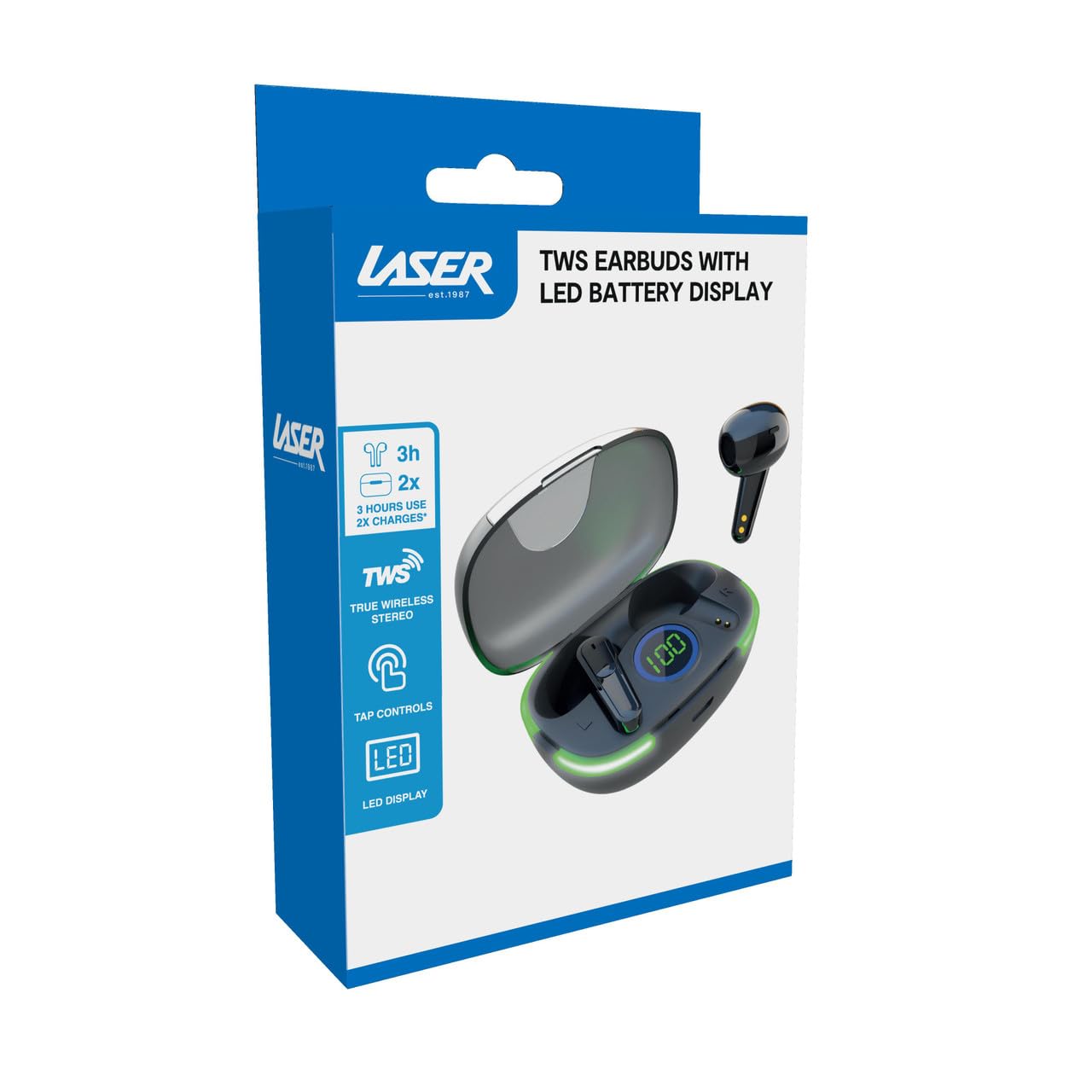
Image: Another close-up of the LED display on the charging case, highlighting the digital battery indicator.
2. Emparejamiento con un dispositivo
The earbuds use Bluetooth for wireless connectivity.
- Abre el estuche de carga. Los auriculares entrarán automáticamente en modo de emparejamiento.
- En su dispositivo (teléfono inteligente, tableta, computadora portátil), habilite Bluetooth y busque nuevos dispositivos.
- Select "Laser TWS Earbuds" or "EPS-LT10B-128" from the list of available devices.
- Una vez conectado, escuchará un tono de confirmación y los auriculares estarán listos para usar.
- The earbuds support multi-device compatibility, allowing pairing with various devices.
Instrucciones de funcionamiento
Cómo usar los auriculares
The earbuds are designed for ergonomic comfort and a secure fit. Gently insert each earbud into your ear canal and twist slightly to ensure a snug and comfortable position. This helps optimize sound quality and stability.
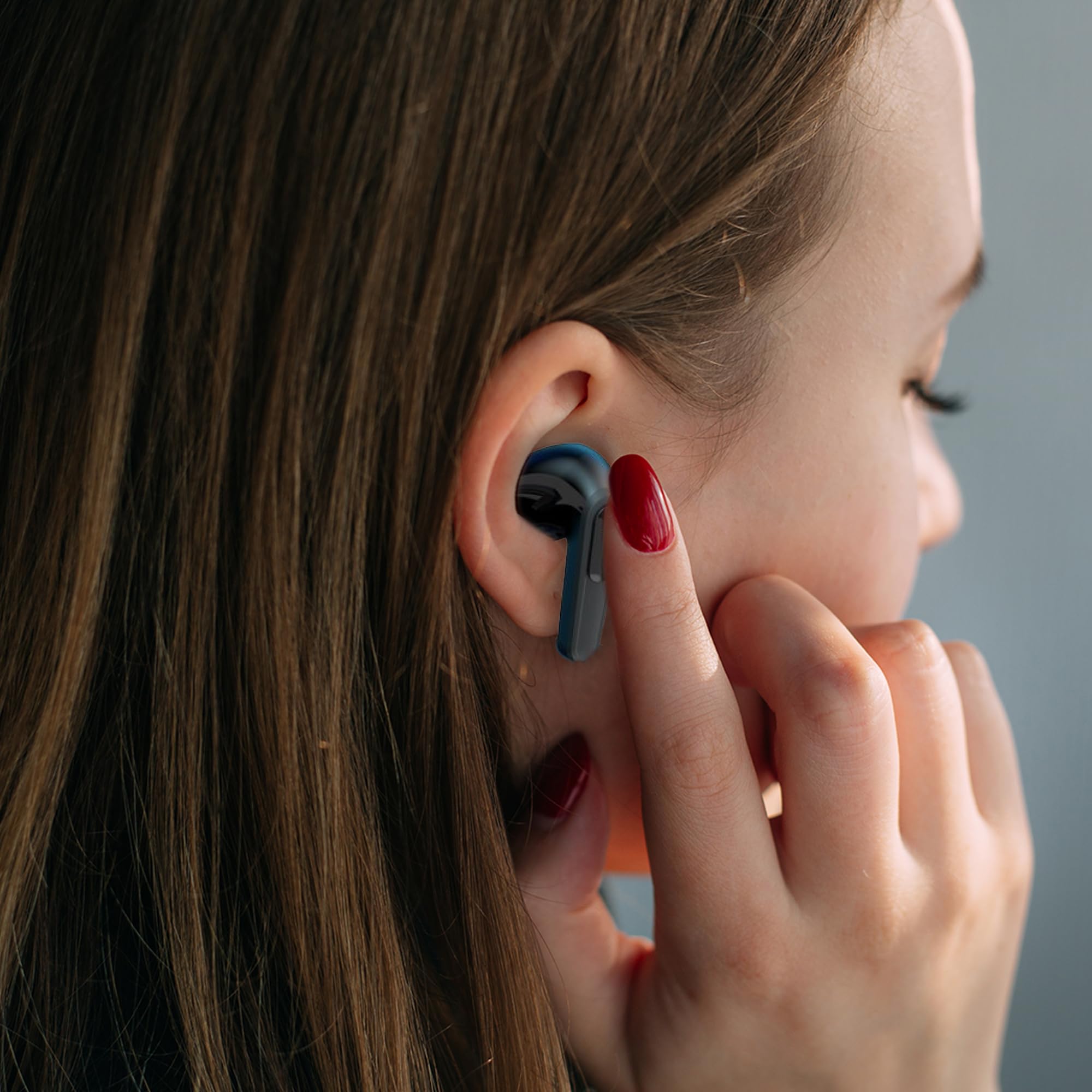
Image: A woman comfortably wearing one of the Laser TWS Earbuds while interacting with her smartphone.
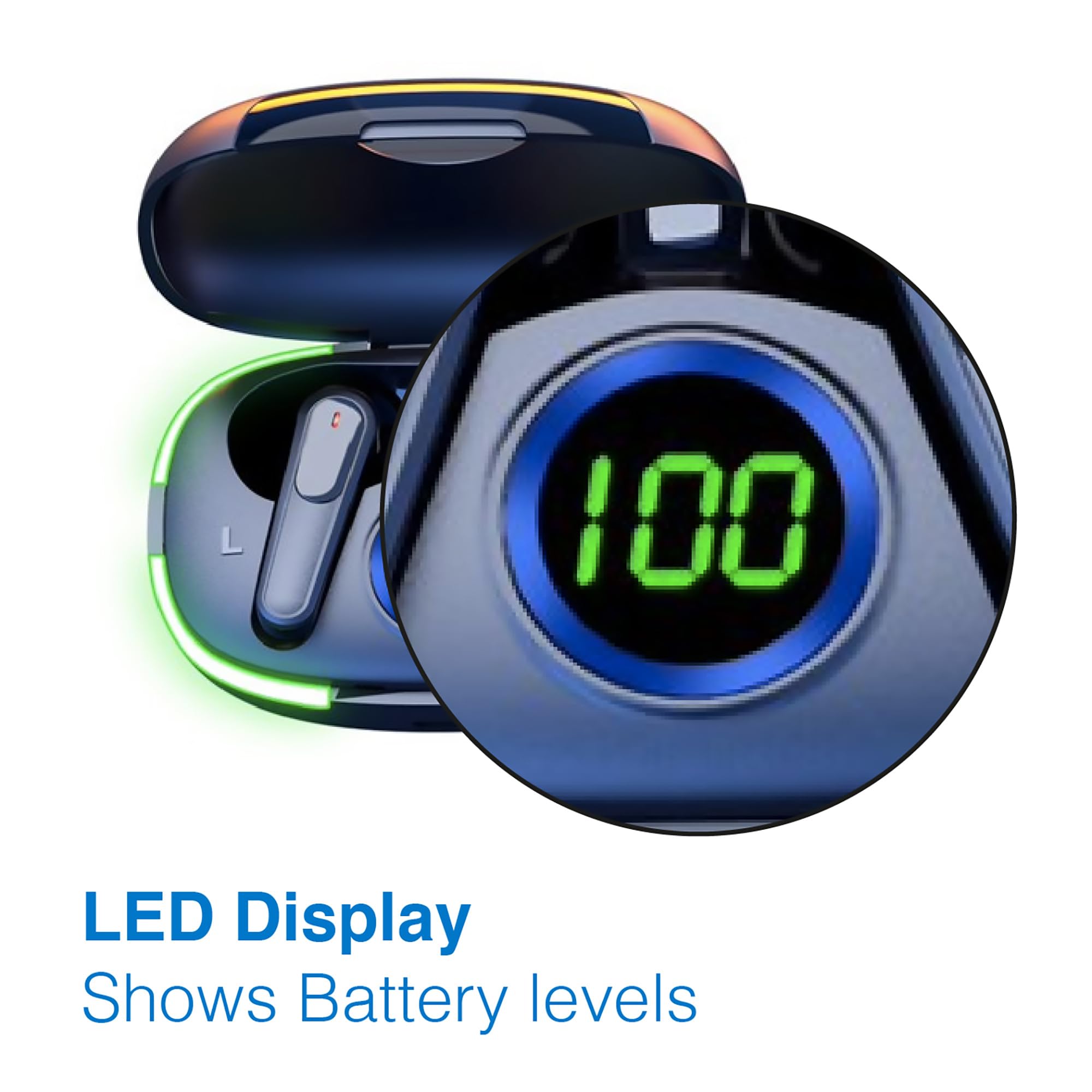
Image: A man walking outdoors, wearing a Laser TWS Earbud, demonstrating the ergonomic design for active use.
True Wireless Stereo Experience
These earbuds provide a true wireless stereo experience, delivering high-fidelity sound with clear channel separation for an immersive audio experience, whether for music, movies, or gaming.
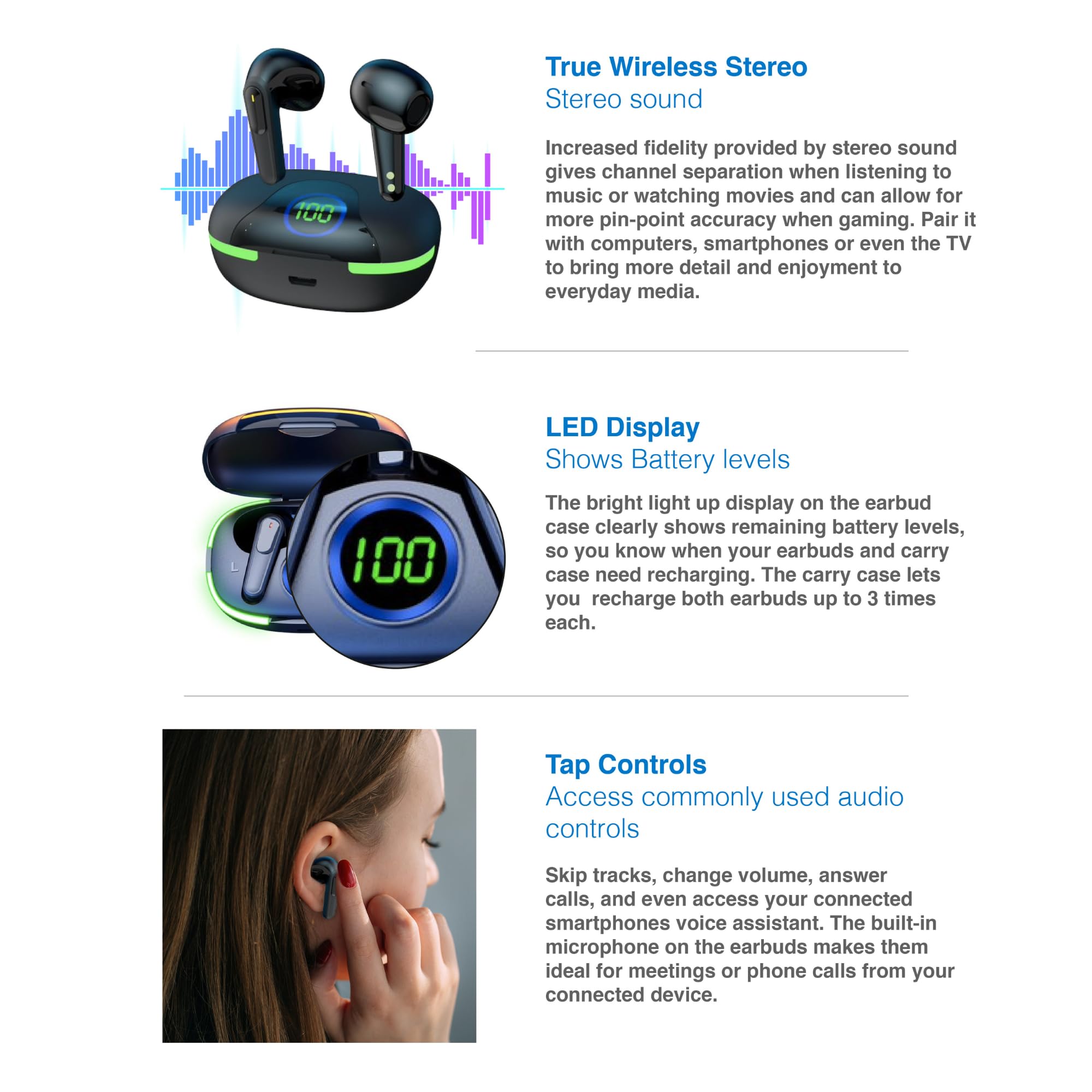
Image: A graphic representation of the True Wireless Stereo feature, showing the earbuds in their case with sound wave visualizations.
Controles de toque
The earbuds feature intuitive tap controls for easy management of audio playback and calls without needing to access your connected device.
| Acción | Control |
|---|---|
| Reproducir/Pausar música | Un solo toque en cualquiera de los auriculares |
| Pista siguiente | Toque dos veces el auricular derecho |
| Pista anterior | Toque dos veces el auricular izquierdo |
| Responder/Finalizar llamada | Un solo toque en cualquiera de los auriculares |
| Rechazar llamada | Mantenga presionado cualquiera de los auriculares |
| Activar Asistente de Voz (Siri, Asistente de Google, Alexa) | Toque tres veces en cualquiera de los auriculares |

Image: A person's hand touching an earbud, illustrating the tap control functionality.
Micrófono incorporado
Each earbud includes a built-in microphone, enabling hands-free calls and meetings without needing to switch to your device.
Mantenimiento
- Limpieza: Limpie regularmente los auriculares y el estuche de carga con un paño suave, seco y sin pelusa. Evite usar materiales abrasivos o productos químicos agresivos.
- Almacenamiento: Cuando no los utilice, guarde los auriculares en su estuche de carga para protegerlos y mantenerlos cargados.
- Cuidado de la batería: Para prolongar la vida útil de la batería, evite descargar completamente los auriculares y el estuche con frecuencia. Cárguelos regularmente, incluso si no los usa constantemente.
- Resistencia al agua: Estos auriculares no son resistentes al agua. Evite la exposición al agua, el sudor o la humedad alta.
Solución de problemas
| Problema | Solución |
|---|---|
| Los auriculares no se emparejan | Ensure earbuds are charged. Turn off and on Bluetooth on your device. Forget the device in Bluetooth settings and re-pair. Place earbuds back in case and take them out again. |
| Sin sonido de un auricular | Check battery level of both earbuds. Re-pair the earbuds. Try resetting the earbuds (refer to manufacturer's websitio para obtener instrucciones de restablecimiento específicas si es necesario). |
| El estuche de carga no carga | Ensure the charging cable is securely connected. Try a different USB power source or cable. |
| Tap controls not responding | Ensure earbuds are properly seated in your ears. Clean the touch sensitive area. Re-pair the earbuds. |
If you encounter persistent issues, please refer to the official Laser support websitio para obtener más ayuda.
Presupuesto
| Característica | Detalle |
|---|---|
| Modelo | EPS-LT10B-128 |
| Tecnología de conectividad | Bluetooth inalámbrico |
| Control de ruido | Aislamiento de sonido |
| Duración de la batería (auriculares) | Aproximadamente 3 horas |
| Tiempo de carga | Aproximadamente 1 hora |
| Estuche de carga se recarga | Hasta 3 veces |
| Distancia máxima de funcionamiento | 10 metros |
| Tipo de control | Control táctil, control por voz |
| Material | Plástico |
| Peso del artículo | 30 gramos |
| Dimensiones | 62.2 x 42.5 x 32.6 cm (Producto) |
| Nivel de resistencia al agua | No resistente al agua |
Garantía y soporte
The Laser TWS Earbuds come with a 1 año de garantía A partir de la fecha de compra. Conserve el comprobante de compra para reclamaciones de garantía.
For further support, troubleshooting, or warranty information, please visit the official Laser websitio:
You may also contact Laser customer service directly for assistance.


