Introducción
Gracias por la compraasing the Edifier MG300 Computer Speakers PC SoundBar. This manual provides essential information for setting up, operating, and maintaining your new soundbar. Please read this manual thoroughly before use to ensure proper functionality and to maximize your listening experience.
Información de seguridad
To reduce the risk of electric shock, fire, or damage to your device, please observe the following safety precautions:
- No exponga el dispositivo a la lluvia ni a la humedad.
- No coloque objetos llenos de líquido, como jarrones, sobre el dispositivo.
- No lo instale cerca de fuentes de calor como radiadores, rejillas de calefacción, estufas u otros aparatos (incluidos ampificadores) que producen calor.
- Utilice únicamente accesorios especificados por el fabricante.
- Deje todo servicio a personal de servicio calificado.
Contenido del paquete
Por favor, marque la casilla correspondiente a los siguientes artículos:
- Edifier MG300 Soundbar
- Cable USB-A a USB-C
- Manual de usuario
Producto terminadoview
The Edifier MG300 Soundbar features dual 52mm full-range speakers and dual inverter tubes for balanced audio. It includes dynamic RGB lighting effects and a hidden microphone for clear voice communication. Control buttons are located on the top panel for easy access.
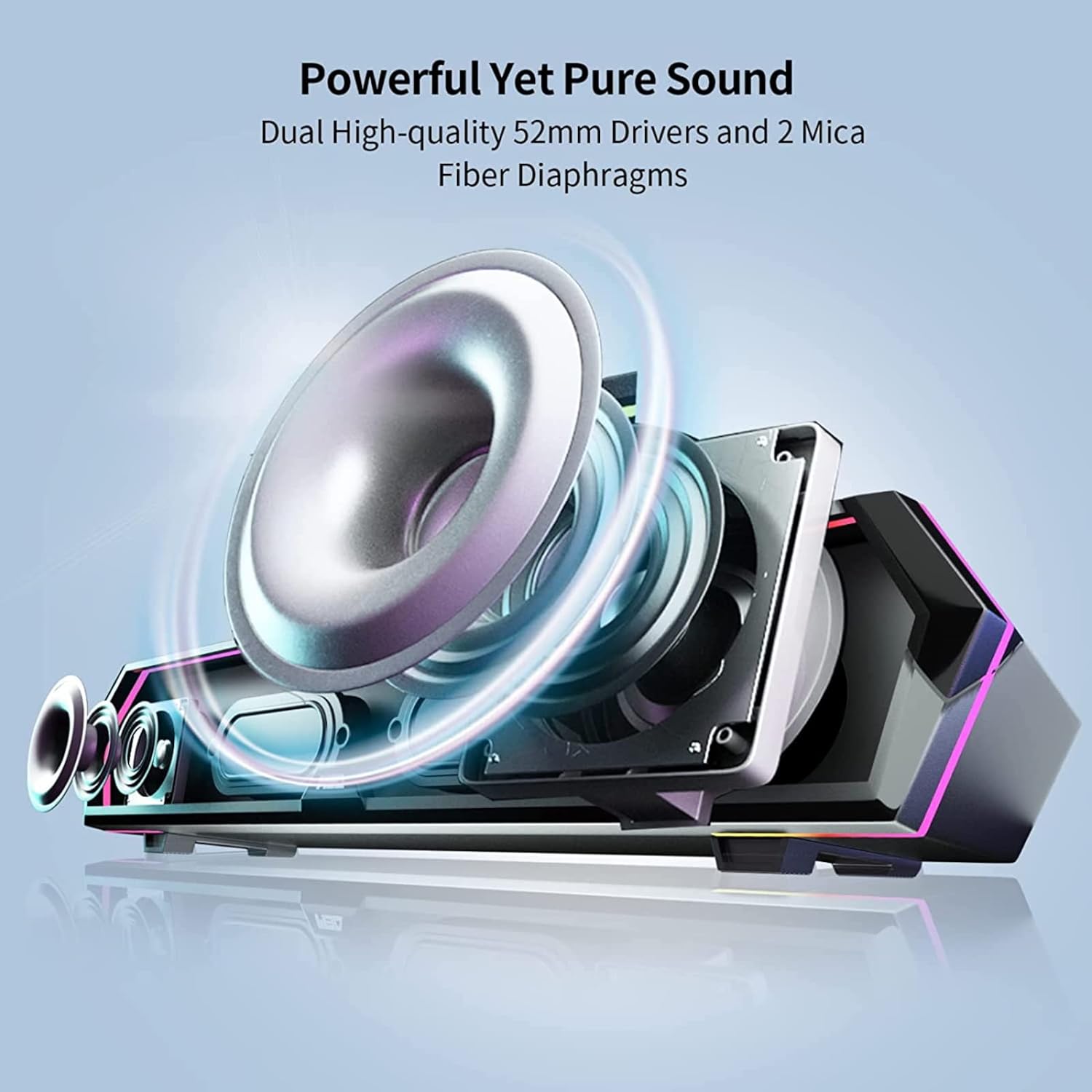
Image: Internal Speaker Components
This image illustrates the internal structure of the soundbar, showcasing the dual 52mm drivers and mica fiber diaphragms designed for powerful and pure sound reproduction.
Configuración
1 Colocación
Position the Edifier MG300 soundbar on a stable, flat surface, ideally directly under your computer monitor. Its compact design (485mm x 70mm x 80mm) is optimized to save desktop space.

Image: Soundbar Placement
The soundbar is shown positioned beneath a computer monitor, demonstrating its space-saving design and ideal placement for desktop use.
2. Power and Connection Options
The MG300 offers two primary connection methods: USB-A and Bluetooth 5.3.
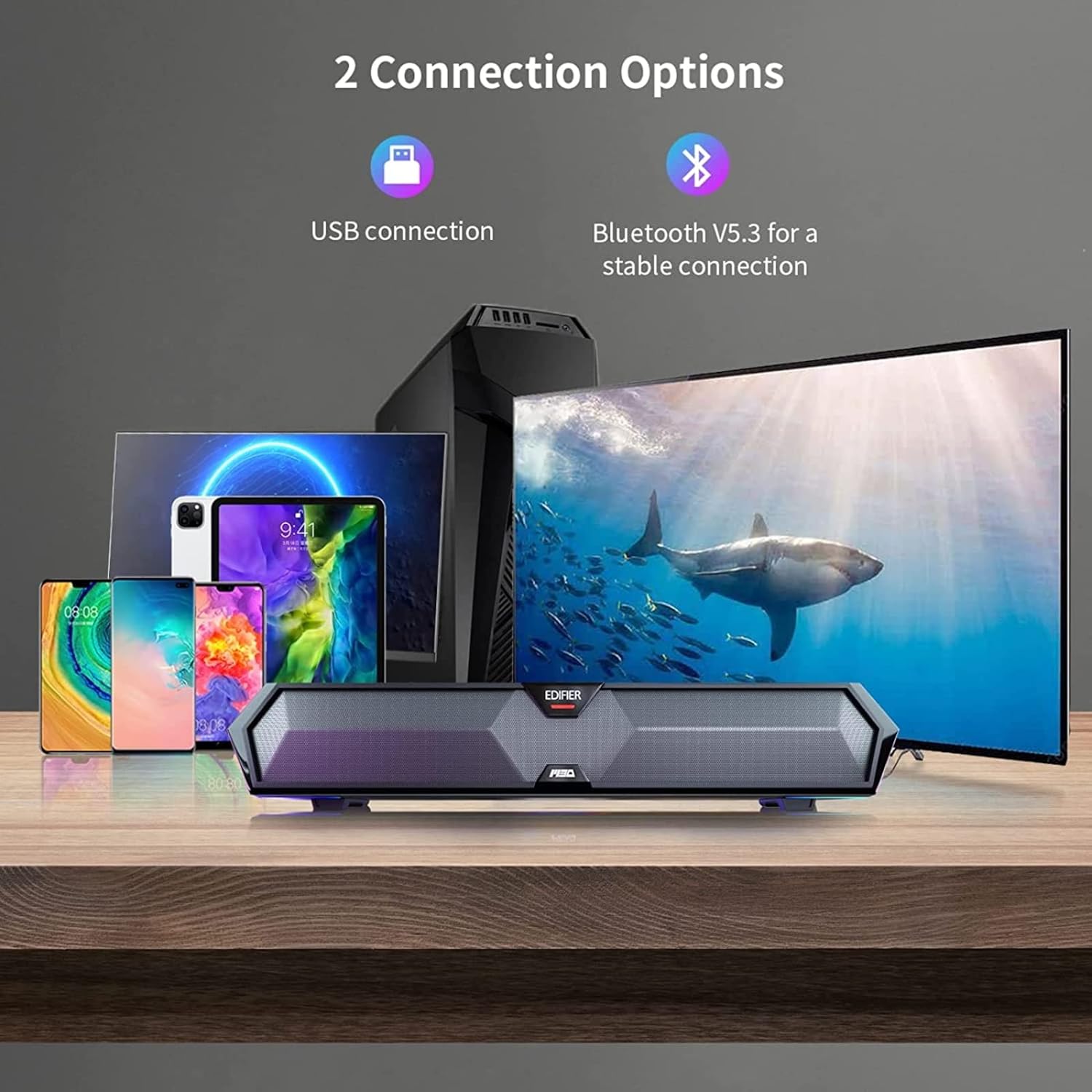
Image: Connection Options
This image illustrates the two main ways to connect the soundbar: via USB to a computer or wirelessly via Bluetooth to mobile devices.
USB Connection (for PC)
- Connect the provided USB-A to USB-C cable to the USB-C port on the back of the soundbar.
- Conecte el extremo USB-A a un puerto USB disponible en su computadora.
- The soundbar will power on automatically and be recognized as an audio output device by your computer.
Conexión Bluetooth (para dispositivos móviles)
- Press the Bluetooth button on the top panel of the soundbar to enter Bluetooth pairing mode. The RGB lights will flash to indicate pairing mode.
- En su dispositivo móvil (teléfono inteligente, tableta), habilite Bluetooth y busque los dispositivos disponibles.
- Select "Edifier MG300" from the list of devices to pair.
- Once connected, the RGB lights will stop flashing and remain solid.
Instrucciones de funcionamiento
1. Encendido y apagado
Mantenga presionado el botón de encendido (U) on the top panel to turn the soundbar on or off.
2. Control de volumen
Utilice el botón para subir el volumen (+) y bajar el volumen (-) buttons on the top panel to adjust the audio level.
3. Control de iluminación RGB
The soundbar features dynamic RGB lighting effects. Press the light control button (O:) on the top panel to cycle through different lighting modes or to turn the lights off.
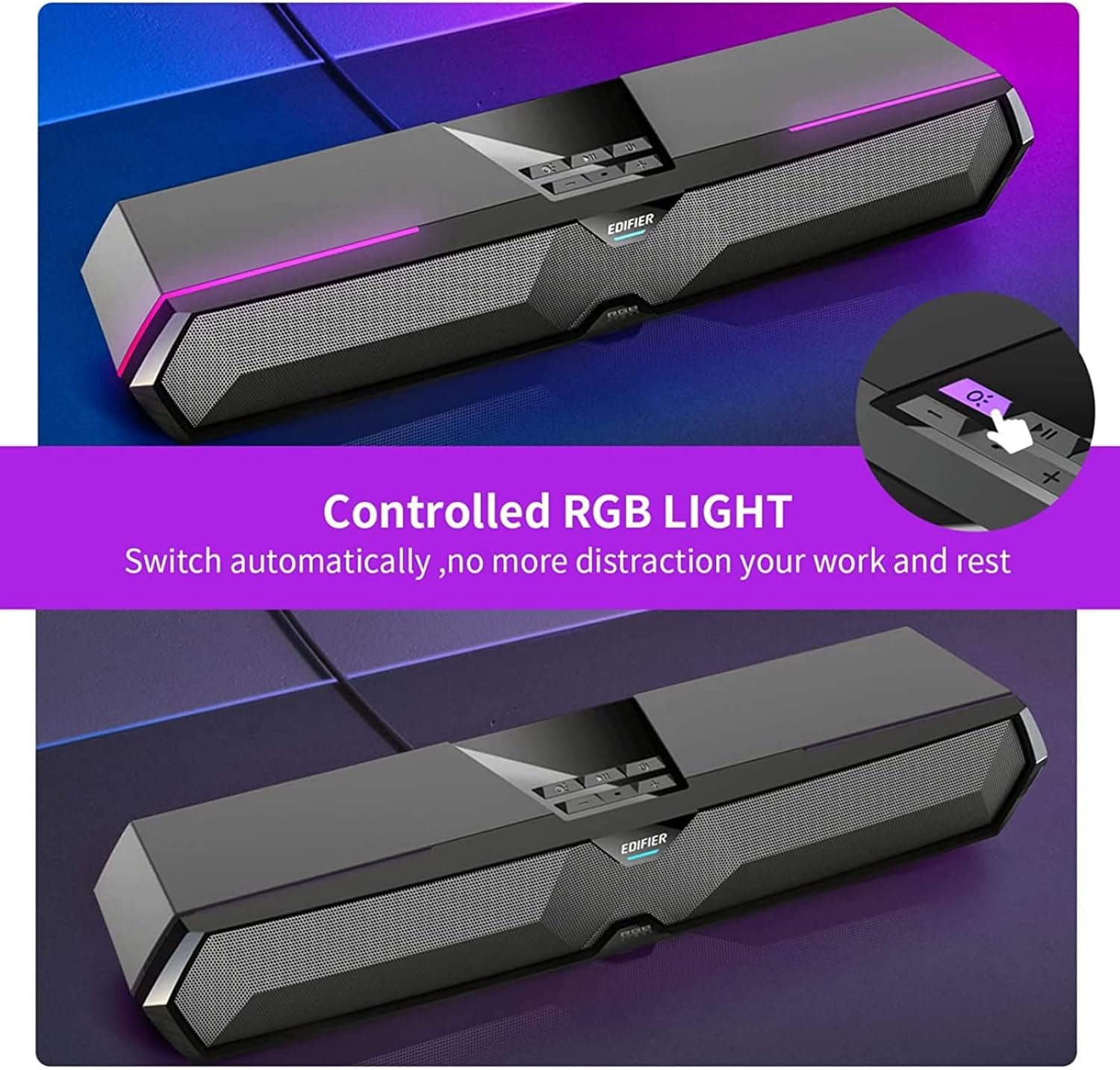
Image: RGB Light Control
This image shows the control panel on the soundbar, indicating the button used to manage the RGB lighting effects.
4. Music and Game Sound Modes
The MG300 offers optimized sound effects for both music and gaming. Press the mode button (often integrated with play/pause or a dedicated button) to switch between these modes. In music mode, vocals are amplified for a richer listening experience. In game mode, environmental details are enhanced for immersive realism.

Image: Game and Music Modes
This image demonstrates the soundbar's adaptability, showing it in use for both gaming and music listening, each with optimized sound profiles.
5. Using the Hidden Microphone
The soundbar features a hidden microphone, cleverly integrated under a silicone protective sleeve on the top panel. This design helps isolate external vibrations, ensuring crystal clear voice calls and communication during gaming or online meetings.

Image: Hidden Microphone in Use
This image depicts the soundbar's hidden microphone being utilized during a gaming session, emphasizing its clarity for in-game communication.
Mantenimiento
To ensure the longevity and optimal performance of your Edifier MG300 soundbar, follow these maintenance guidelines:
- Limpieza: Use a soft, dry cloth to wipe the surface of the soundbar. Do not use liquid cleaners or aerosol sprays, as they may damage the finish or internal components.
- Almacenamiento: Cuando no utilice la barra de sonido durante períodos prolongados, guárdela en un lugar fresco y seco, alejado de la luz solar directa y de temperaturas extremas.
- Evite Obstrucciones: Ensure that the speaker grilles are not obstructed to maintain proper sound dispersion and prevent overheating.
Solución de problemas
If you encounter any issues with your Edifier MG300 soundbar, please refer to the following common problems and solutions:
- Sin sonido:
- Ensure the soundbar is powered on and connected correctly (USB or Bluetooth).
- Check the volume levels on both the soundbar and your connected device.
- If using USB, verify that the soundbar is selected as the default audio output device in your computer's sound settings.
- If using Bluetooth, ensure the device is paired and within range. - Mala calidad de sonido:
- Ensure the soundbar is placed on a stable surface and not obstructed.
- Try adjusting the volume and switching between music/game modes.
- If connected via Bluetooth, try moving closer to the soundbar to improve signal strength. - Las luces RGB no funcionan:
- Press the light control button (O:) para recorrer los modos o activarlos.
- Ensure the soundbar is powered on. - El micrófono no funciona:
- Ensure the soundbar is connected via USB to your PC.
- Check your computer's sound settings to ensure the soundbar's microphone is selected as the input device.
Presupuesto
| Nombre del modelo | MG300 |
| Tipo de altavoz | Sala múltiple |
| Característica especial | Portátil |
| Usos recomendados | Para Computadoras |
| Dispositivos compatibles | Computadora, portátil, teléfono inteligente, tableta |
| Configuración de canales de sonido envolvente | 2.0 |
| Potencia de salida total (RMS) | 2.5W + 2.5W (5 Watts total) |
| Versión de Bluetooth | V5.3 |
| Respuesta de frecuencia | 80 Hz - 20 kHz |
| Dimensiones (An x Al x Pr) | 485 mm x 70 mm x 80 mm (15.67" de profundidad x 3.33" de ancho x 2.89" de alto) |
| Peso neto | 0.9 kg (2.6 libras) |
| Entradas de audio | Bluetooth, USB-A Soundcard |
| Método de control | Tocar |
| Tamaño del controlador de audio | 52 milímetros |
Vídeo oficial del producto
Video: Edifier MG300 Overview
Este video proporciona un resumenview of the Edifier MG300 soundbar, showcasing its features and design. It highlights the multi-driver PC soundbar and subwoofer, Bluetooth 5.3 connectivity, seamless PC and mobile connection, game sound effects, dynamic RGB lighting, USB connection, hidden mic, and immersive sound capabilities.
Garantía y soporte
The Edifier MG300 SoundBar comes with a Limited Warranty. For detailed warranty information or technical support, please refer to the official Edifier webSitio web o contacte con su servicio de atención al cliente. También hay planes de protección disponibles para una cobertura extendida.