Introducción
This manual provides essential information for the safe and effective use of your Lovskoo Mini Projector. Please read it thoroughly before operating the device and retain it for future reference. The projector is designed for home cinema and educational purposes, offering a portable solution for displaying content on a large screen.
¿Qué hay en la caja?
Al desembalar, verifique que estén incluidos todos los siguientes elementos:
- 1x Portable Projector
- 1x adaptador de corriente
- 1x cable AV
- 1x control remoto
- 1x Bracket (Mini Tripod)
- 1x Manual de instrucciones

Figure 1: Lovskoo Mini Projector and included accessories.
Producto terminadoview
The Lovskoo Mini Projector is a compact and portable device designed for versatile media projection. Key features include:
- Bright & Vibrant Display: Offers 600 lumens brightness and an 800:1 contrast ratio.
- Compacto y portátil: Measures approximately 5.2 x 3.4 x 2.3 inches and weighs 1.33 pounds.
- Largo Lamp Vida: Features a light source lamp bead with up to 30,000 hours of life.
- Audio integrado: Includes a built-in speaker; external speakers can also be connected.
- Múltiples opciones de conectividad: Supports HDMI, USB, AV cord, and 3.5mm audio connections.

Figura 2: De arriba hacia abajo view of the Lovskoo Mini Projector.

Figure 3: The compact size of the projector, held in a hand.

Figure 4: Projector dimensions for reference.

Figure 5: Projector with mini tripod for multi-angle adjustment.
Video 1: This video demonstrates the compact size and portability of the Lovskoo Mini Projector, showing it projecting various content in different home environments.
Configuración
- Colocación: Coloque el proyector sobre una superficie estable y plana. Asegúrese de que haya suficiente ventilación alrededor del dispositivo. Para un funcionamiento óptimo viewing, place the projector perpendicular to the projection surface.
- Conexión de energía: Conecte el adaptador de corriente al puerto DC IN del proyector y luego conéctelo a una toma de corriente.
- Conexión de fuente de entrada:
- HDMI: Connect an HDMI cable from your source device (e.g., laptop, game console) to the projector's HDMI port.
- USB: Inserte una unidad USB en el puerto USB para la reproducción directa de medios.
- AV: Utilice el cable AV proporcionado para conectar a dispositivos con salida AV.
- Salida de audio: For external speakers, connect a 3.5mm audio cable to the projector's audio output jack.
- Encendido: Presione el botón de encendido en el proyector o el control remoto para encender el dispositivo.
- Ajuste de enfoque: Gire el anillo de enfoque cerca de la lente hasta que la imagen proyectada sea clara y nítida.
- Corrección trapezoidal: If the image appears trapezoidal, use the keystone correction feature (if available, typically a manual slider or digital adjustment in settings) to square the image.
Instrucciones de funcionamiento
- Selección de fuente de entrada: Use the 'Source' button on the remote or projector to cycle through available input options (HDMI, USB, AV).
- Navegación: Use the arrow keys on the remote or projector to navigate menus and select options. The 'OK' button confirms selections.
- Control de volumen: Ajuste el volumen utilizando los botones de volumen dedicados en el control remoto.
- Configuración del menú: Access the projector's settings menu to adjust picture mode, aspect ratio, sound settings, and other preferences.
- Apagado: Press the power button once to initiate shutdown. Confirm shutdown if prompted.
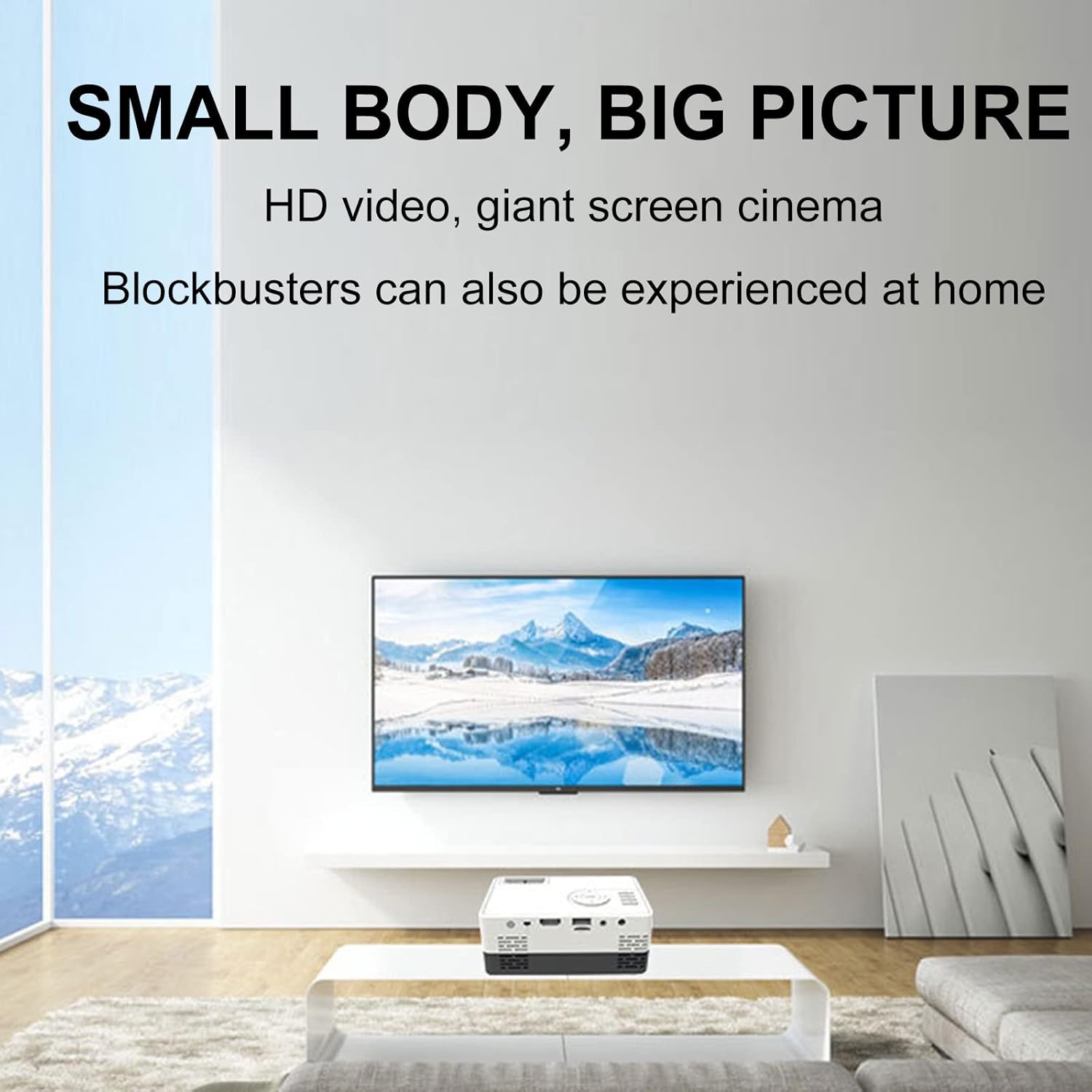
Figura 6: Example of the projector displaying a large image in a home environment.
Mantenimiento
- Limpieza de lentes: Utilice un paño suave y sin pelusa, especialmente diseñado para lentes ópticas, para limpiar con cuidado la lente del proyector. Evite materiales abrasivos o productos químicos agresivos.
- Ventilación: Ensure the projector's ventilation ports are clear of dust and obstructions to prevent overheating. Periodically clean vents with compressed air.
- Almacenamiento: Cuando no esté en uso, guarde el proyector en un lugar fresco y seco, alejado de la luz solar directa y de temperaturas extremas.

Figure 7: Illustration of the projector's internal cooling system.
Solución de problemas
| Problema | Posible causa | Solución |
|---|---|---|
| No se proyecta ninguna imagen | Power not connected; incorrect input source; lens cap on. | Verifique la conexión de alimentación; seleccione la fuente de entrada correcta; retire la tapa de la lente. |
| La imagen es borrosa | Fuera de foco; distancia de proyección incorrecta. | Adjust the focus ring; ensure projector is within optimal projection distance (0.8-2M). |
| Sin sonido | Volume too low; external speakers not connected properly; audio source issue. | Increase volume; check external speaker connection; verify audio output from source device. |
| La imagen es trapezoidal | El proyector no está perpendicular a la pantalla. | Adjust keystone correction or reposition the projector. |
Presupuesto
- Marca: Lovskoo
- Número de modelo: mini projector hdmi
- Peso del artículo: 1.33 libras
- Dimensiones del producto: 5.2 x 3.4 x 2.3 pulgadas
- Resolución de pantalla: 1920 x 1080 (Full HD)
- Brillo: 600 lúmenes
- Relación de contraste: 800:1
- Distancia de proyección: 0.8-2 meters (optimal performance)
- Lamp Vida: 30,000 horas
- Tecnología de conectividad: HDMI, USB, AV
- Características especiales: Built-in Speaker, HDMI Interface
- Usos recomendados: Educación, Cine en casa
Garantía y soporte
For warranty information and customer support, please refer to the documentation included with your purchase or contact the retailer. Specific warranty terms may vary.


