1. Introducción
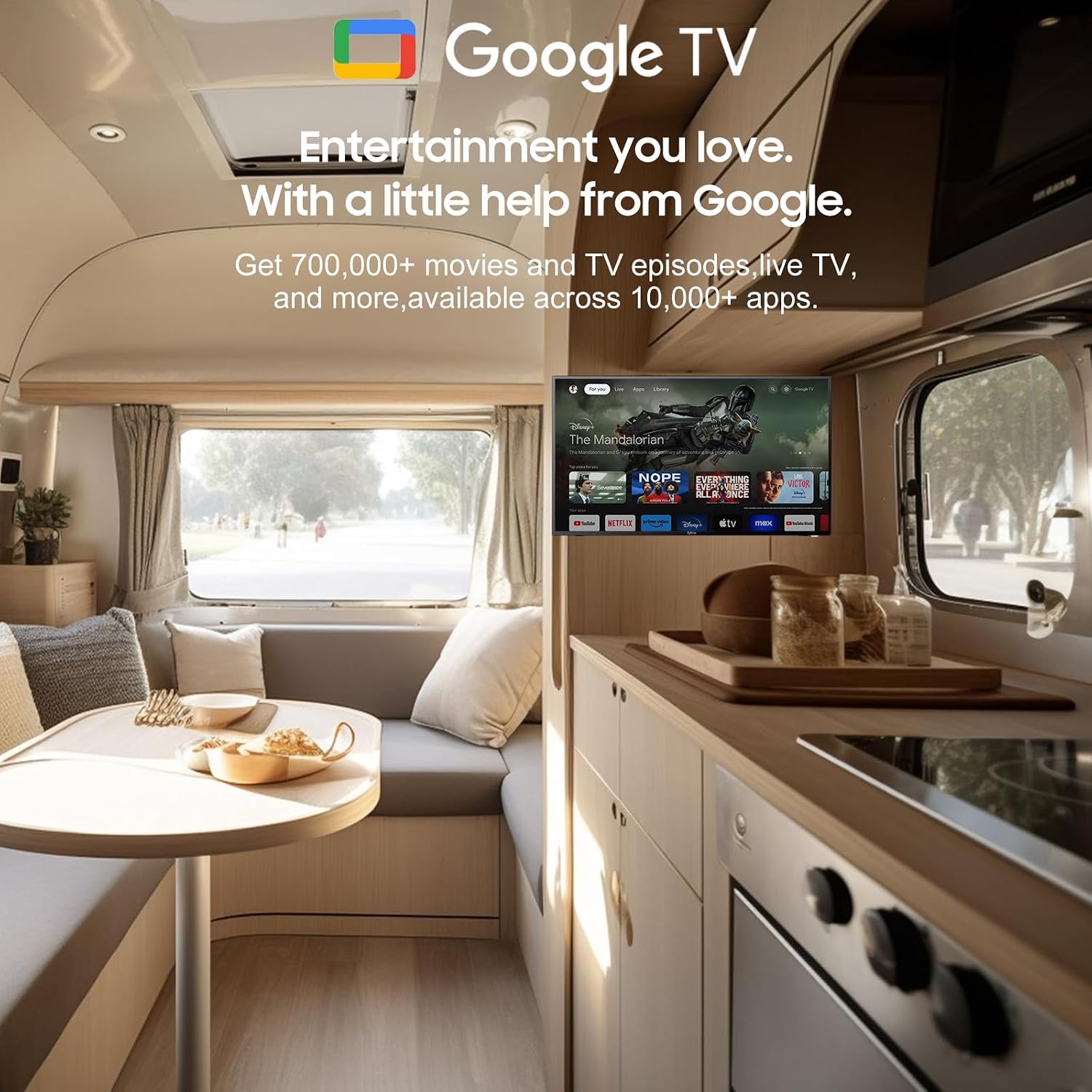
Thank you for choosing the SYLVOX 40-inch Smart RV TV. This television is designed for versatile use, offering both DC and AC power options, making it ideal for RVs, campers, and home environments. Featuring the Android 11.0 system, it provides a smart and intuitive viewing experience with access to a wide range of applications, Google Assistant, and built-in Chromecast.
This manual provides detailed instructions for setting up, operating, and maintaining your SYLVOX Smart RV TV. Please read it thoroughly before use to ensure proper functionality and longevity of your device.
2. ¿Qué hay en la caja?
Upon opening your SYLVOX Smart RV TV package, please verify that all the following components are included:
- SYLVOX 40-inch Smart RV TV
- Remote Control (2 AAA batteries required, often included)
- Power Cord (for AC power)
- Car Charger Cable (for DC power)
- Adaptador de corriente
- Manual de instrucciones
- Base Stands (2 pieces)
- Screws for Base Stands
- Destornillador

Contents of the SYLVOX Smart RV TV package.
3. Configuración
3.1 Desembalaje y colocación inicial
Retire con cuidado el televisor de su embalaje. Colóquelo sobre una superficie estable y plana o prepárelo para montarlo en la pared. Asegúrese de que haya suficiente ventilación alrededor del televisor.

Frente view of the SYLVOX Smart RV TV.
3.2 Attaching the Base Stands (Optional)
If you are not wall-mounting the TV, attach the included base stands to the bottom of the TV using the provided screws and screwdriver. Ensure they are securely fastened.
3.3 Conexión de alimentación
Your SYLVOX RV TV supports both DC and AC power supply:
- DC Power (10.5V-28V): For RVs, campers, or yachts, connect the provided car charger cable directly to your vehicle's 12V/24V power outlet. The TV features wide voltage protection and shock resistance for mobile environments.
- Alimentación CA (110 V): For home use, connect the power adapter to the TV and then plug the power cord into a standard 110V AC wall outlet.
3.4 Configuración del control remoto
Insert the two AAA batteries into the remote control, observing the correct polarity. The remote is pre-paired and ready for use.
4. Operating Your Smart RV TV
4.1 Smart Android 11.0 System
The TV runs on the Android 11.0 operating system, providing a user-friendly interface and access to a vast ecosystem of apps. Upon first power-on, follow the on-screen prompts to set up your language, Wi-Fi connection, and Google account.
4.2 Asistente de Google
Your remote control includes a dedicated Google Assistant button. Press this button and speak your commands to easily search for content, control smart home devices, get answers, and more.

Utilice el Asistente de Google para comandos de voz.
4.3 Tienda Google Play
Access the Google Play Store directly from your TV to browse and download a wide variety of applications, games, and media streaming services, expanding your entertainment options.
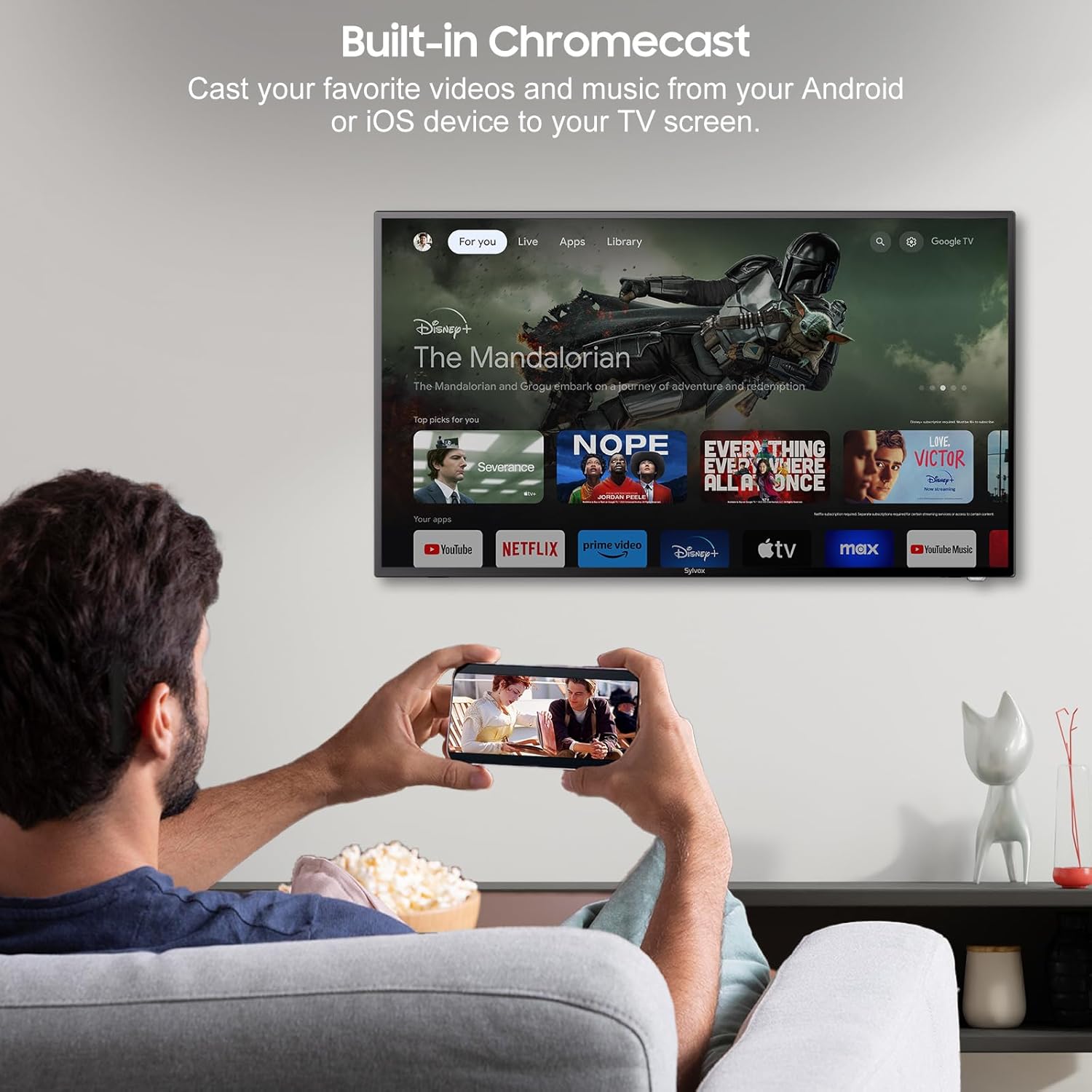
4.4 Built-in Chromecast
With built-in Chromecast, you can effortlessly stream and display content (videos, photos, music) from your compatible mobile devices (Android or iOS) or computers directly onto the TV screen.

Stream content with built-in Chromecast.
5. Conectividad
Your SYLVOX Smart RV TV offers a comprehensive range of connectivity options for various devices:
- Puertos HDMI: Connect external devices such as gaming consoles, Blu-ray players, or set-top boxes.
- Puertos USB: Reproducir medios files directly from USB drives or connect USB peripherals.
- Puerto RJ45 (Ethernet): Para una conexión a Internet por cable estable.
- Salida de audio óptica: Connect to soundbars or home theater systems for enhanced audio.
- Entrada RF: Para conectar una antena para recibir transmisiones por aire.
- AV Input (Mini AV): Para conectar dispositivos más antiguos con salidas de vídeo compuesto y audio estéreo.
- Enchufe de audífonos: Para escucha privada.
5.1 Conectividad inalámbrica
- Wifi: Connect to your wireless network for internet access and smart TV features.
- Bluetooth: Emparejamiento con dispositivos habilitados para Bluetooth, como auriculares, parlantes o controladores de juegos.
Wireless and wired connectivity options.

Puertos de conectividad del panel trasero.
6. Calidad de imagen y sonido
6.1 1080P Full HD Display
Experience stunning visuals with the 1080P Full HD resolution, providing crisp, clear, and immersive picture quality for all your content.
1080P Full HD picture quality comparison.
6.2 Built-in HiFi Speakers
The TV is equipped with two built-in HiFi speakers, delivering rich and immersive audio to complement your viewing experience. For enhanced sound, external audio systems can be connected via the available audio output ports or Bluetooth.
7. Mantenimiento
7.1 Limpieza
- Pantalla: Limpie suavemente la pantalla con un paño suave que no deje pelusa. Para manchas difíciles, utilice una solución de limpieza específica para pantallas y aplíquela al paño, no directamente sobre la pantalla.
- Gabinete: Limpie el mueble del televisor con un paño suave y seco. Evite usar limpiadores abrasivos o disolventes.
7.2 Almacenamiento
If storing the TV for an extended period, disconnect it from power, clean it, and store it in a cool, dry place, preferably in its original packaging to protect it from dust and physical damage.
8. Solución de problemas
If you encounter issues with your SYLVOX Smart RV TV, please refer to the following common problems and solutions:
| Problema | Posible causa | Solución |
|---|---|---|
| Sin poder | Power cable not connected; outlet malfunction; vehicle battery low (for DC) | Ensure power cable is securely connected. Test outlet with another device. Check vehicle battery charge. |
| No hay imagen, pero hay sonido | Fuente de entrada incorrecta seleccionada; problema con el dispositivo externo | Press the 'Input' or 'Source' button on the remote to select the correct input. Check connections to external devices. |
| No hay sonido, pero hay imagen | Volumen silenciado o demasiado bajo; problema del sistema de audio externo | Unmute volume or increase level. Check connections to external speakers/soundbar. |
| El control remoto no responde | Pilas agotadas; obstrucción entre el control remoto y el televisor | Cambie las pilas. Retire cualquier obstáculo. Asegúrese de estar dentro del alcance. |
| No se puede conectar al Wi-Fi | Contraseña incorrecta; problema del enrutador; el televisor está demasiado lejos del enrutador | Double-check Wi-Fi password. Restart router. Move TV closer to router or use Ethernet. |
| Las aplicaciones no se cargan o fallan | Insufficient memory; app specific issue; outdated app version | Clear app cache/data. Update the app. Restart the TV. |
If the problem persists after trying these solutions, please contact SYLVOX customer support for further assistance.
9. Especificaciones
Detailed technical specifications for the SYLVOX 40-inch Smart RV TV:
| Característica | Especificación |
|---|---|
| Marca | SYLVOX |
| Número de modelo | 40 Vehicle Smart |
| Tamaño de pantalla | 40 pulgadas (102 cm en diagonal) |
| Tecnología de visualización | CONDUJO |
| Resolución | 1080p (Full HD) |
| Frecuencia de actualización | 60 Hz |
| Sistema operativo | Androide 11.0 |
| Fuente de alimentación | DC 10.5V-28V, AC 110V |
| Quétage | 84 vatios |
| Conectividad | Bluetooth, WiFi, Ethernet (RJ45), HDMI, USB, Wireless |
| Puertos | HDMI, USB, RJ45, Optical, RF, AV, Earphone |
| Tipo de altavoz | Built-In HiFi Speakers |
| Peso del artículo | 14.33 libras |
| Dimensiones del producto (Pr x An x Al) | 8.32 x 35.7 x 22.11 pulgadas |
| Relación de aspecto | 16:9 |
| Características especiales | DC/AC, 12V, Wide voltage protection, Vibration protection, Google Assistant, Chromecast |
10. Garantía y soporte
SYLVOX is committed to providing high-quality products and excellent customer service. Your SYLVOX Smart RV TV comes with the following:
- 12-Month Free Defect Protection: Cubre defectos de fabricación durante un año a partir de la fecha de compra.
- Free Returns for Quality Issues: If you experience quality-related problems, returns are free of charge.
- Devoluciones sin complicaciones durante 30 días: Enjoy a 30-day return period for your convenience.
Please note that original packaging may be required for returns. For any technical assistance, warranty claims, or product inquiries, please contact SYLVOX customer support through the official SYLVOX websitio o su plataforma de compra.


