1. Introducción
This manual provides comprehensive instructions for the installation, operation, and maintenance of your Intel Core i7-13700F Desktop Processor and GIGABYTE Z790 Motherboard. Please read this manual thoroughly before beginning installation to ensure proper setup and optimal performance.

Image 1.1: Intel Core i7-13700F Processor box and GIGABYTE Z790 Motherboard. This image displays the retail packaging for the Intel Core i7-13700F processor alongside the GIGABYTE Z790 motherboard, highlighting the two primary components of this bundle.
2. Producto terminadoview
The Intel Core i7-13700F processor and GIGABYTE Z790 motherboard combination offers a robust foundation for high-performance computing. Key features include:
- Procesador: 16 cores (8 Performance-cores + 8 Efficient-cores) and 24 threads, with a maximum clock speed of up to 5.2 GHz and 30MB Cache. Features performance hybrid architecture for optimized workload distribution.
- Compatibilidad de la placa base: Designed for Intel LGA 1700 Socket, supporting 13th and 12th Gen Intel Core Series Processors.
- Soporte de memoria: Dual Channel DDR5 compatibility with 4 DIMM slots.
- Diseño de potencia: Sturdy 16+1+1 Twin Hybrid Phases Digital Power Design with 60A DrMOS.
- Gestión térmica: Comprehensive thermal design including Fully Covered MOSFET Heatsinks, M.2 Thermal Guard, Ultra Durable Armor, and a 6-layer PCB for efficient heat dissipation.
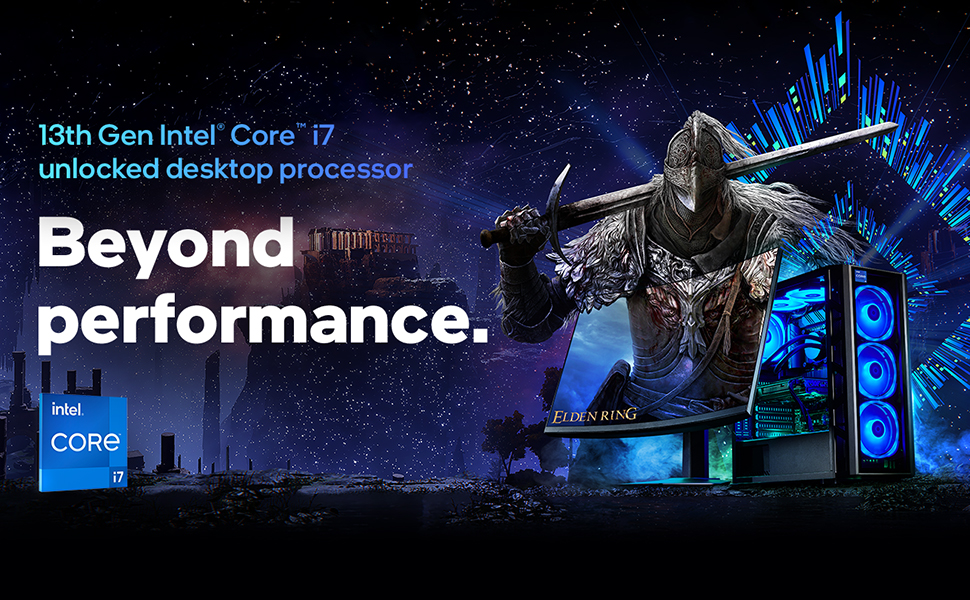
Imagen 2.1: Másview of 13th Gen Intel Core i7 Processor capabilities. This image illustrates the "Beyond performance" concept associated with the 13th Gen Intel Core i7 desktop processor, emphasizing its advanced capabilities for demanding tasks.

Image 2.2: Visual representation of Intel's Performance Hybrid Architecture. This graphic depicts how the performance hybrid architecture integrates different core microarchitectures to optimize performance by intelligently distributing workloads.
3. Configuración e instalación
This section outlines the general steps for installing the Intel Core i7-13700F processor onto the GIGABYTE Z790 motherboard and integrating it into a PC system. Professional installation is recommended if you are unfamiliar with PC component assembly.
3.1. Antes de empezar
- Asegúrese de que su unidad de fuente de alimentación (PSU) sea compatible y proporcione suficiente agua.tage para todos los componentes.
- Gather necessary tools: Phillips head screwdriver, anti-static wrist strap, thermal paste (if not pre-applied on cooler).
- Familiarize yourself with your PC case and its component mounting points.
3.2. Instalación del procesador (zócalo LGA 1700)
- Carefully open the CPU socket retention lever on the motherboard.
- Align the triangular mark on the processor with the corresponding mark on the socket.
- Gently place the processor into the socket. Do not force it.
- Close the retention lever to secure the processor.
- Install the CPU cooler according to its manufacturer's instructions, ensuring proper thermal paste application.
3.3. Instalación de la placa base
- Install standoffs in your PC case that align with the GIGABYTE Z790 motherboard's mounting holes.
- Carefully place the motherboard into the case, aligning it with the standoffs and the I/O shield.
- Asegure la placa base con tornillos.
3.4. Instalación de memoria (RAM)
- Abra los clips de las ranuras DIMM DDR5.
- Alinee la muesca del módulo de memoria DDR5 con la clave en la ranura DIMM.
- Presione firmemente ambos extremos del módulo de memoria hasta que los clips encajen en su lugar.
- For dual-channel operation, refer to your GIGABYTE Z790 motherboard manual for recommended slot configurations.
3.5. Conexión de periféricos y alimentación
- Connect the 24-pin ATX power connector and the 8-pin (or 4+4 pin) CPU power connector from your PSU to the motherboard.
- Instale su tarjeta gráfica en la ranura PCIe x16 principal.
- Connect storage devices (SSDs/HDDs) via SATA or M.2 slots.
- Conecte los conectores del panel frontal (botón de encendido, botón de reinicio, puertos USB, conectores de audio) de acuerdo con el manual de la placa base.
4. Instrucciones de funcionamiento
Once all components are installed and connected, you can proceed with system boot-up and operating system installation.
4.1. Primer arranque y configuración del BIOS
- Conecte un monitor, un teclado y un mouse.
- Encienda su sistema.
- Press the designated key (usually DEL or F2) repeatedly during boot-up to enter the BIOS/UEFI setup utility.
- Verify that all components (CPU, RAM, storage) are recognized.
- Configure el orden de arranque para instalar su sistema operativo desde una unidad USB o un medio óptico.
- Guarde los cambios y salga del BIOS.
4.2. Instalación del sistema operativo
Follow the on-screen prompts to install your preferred operating system (e.g., Windows, Linux). Ensure you download and install the latest drivers for your GIGABYTE Z790 motherboard and Intel Core i7-13700F processor from the respective manufacturer websites for optimal performance and stability.
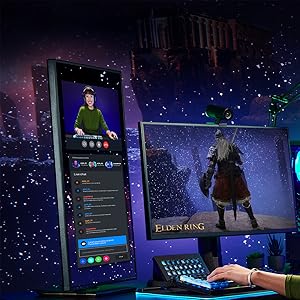
Imagen 4.1: Example of system usage for gaming and streaming. This image shows a user engaged in gaming while simultaneously streaming, demonstrating the multi-tasking capabilities supported by the processor.
Imagen 4.2: Example of system usage for content creation. This image illustrates a user utilizing the system for creative tasks, highlighting the processor's suitability for demanding applications like video editing or graphic design.
5. Mantenimiento
Proper maintenance ensures the longevity and stable performance of your processor and motherboard.
- Eliminación de polvo: Regularly clean dust from inside your PC case, especially from CPU cooler fins and motherboard components, using compressed air. Ensure the system is powered off and unplugged before cleaning.
- Actualizaciones de controladores: Keep your motherboard chipset drivers, CPU drivers, and BIOS/UEFI firmware updated to the latest versions available from Intel and GIGABYTE's official websitios.
- Monitoreo térmico: Use monitoring software to keep an eye on CPU temperatures. Excessive temperatures can indicate insufficient cooling or dust buildup.
- Configuración de BIOS/UEFI: Avoid making drastic changes to BIOS/UEFI settings unless you understand their function. Incorrect settings can lead to system instability.
6. Solución de problemas
Esta sección proporciona pasos básicos para la solución de problemas comunes.
6.1. El sistema no se enciende
- Check if the power supply unit (PSU) is switched on and properly connected to the wall outlet and motherboard.
- Ensure the front panel power button header is correctly connected to the motherboard.
- Pruebe la fuente de alimentación con otro sistema o con un probador de fuente de alimentación si está disponible.
6.2. No hay salida de pantalla
- Verify that the monitor is connected to the graphics card (not the motherboard's integrated graphics ports, as the i7-13700F does not have integrated graphics).
- Vuelva a colocar la tarjeta gráfica y los módulos de memoria.
- Compruebe si la tarjeta gráfica requiere conectores de alimentación PCIe adicionales de la fuente de alimentación.
6.3. Inestabilidad o fallos del sistema
- Asegúrese de que el disipador de la CPU esté correctamente instalado y haga buen contacto con la CPU. Supervise la temperatura de la CPU.
- Ejecute herramientas de diagnóstico de memoria para comprobar si hay errores de RAM.
- Update all drivers and BIOS/UEFI firmware to the latest versions.
- Compruebe si hay cables de alimentación o de datos sueltos.
For more detailed troubleshooting, refer to the official GIGABYTE Z790 motherboard manual or visit the support sections of the Intel and GIGABYTE websitios.
7. Especificaciones
| Característica | Detalle |
|---|---|
| Nombre del producto | Procesador Intel Core i7-13700F para ordenadores de escritorio + placa base GIGABYTE Z790 |
| Modelo de procesador | Intel Core i7-13700F |
| Núcleos de procesador | 16 (8 núcleos P + 8 núcleos E) |
| Subprocesos del procesador | 24 |
| Frecuencia máxima del turbo | Hasta 5.2 GHz |
| Cache | 30 MB de caché inteligente Intel |
| Zócalo del procesador | LGA 1700 |
| Chipset de la placa base | Intel Z790 |
| Tipo de memoria compatible | DDR5 (Doble canal) |
| Ranuras DIMM | 4 |
| Gráficos integrados | Ninguno (se requieren gráficos discretos) |
| Plataforma | Ventanas |
| Primera fecha disponible | 8 de abril de 2024 |
8. Garantía y soporte
For specific warranty information regarding your Intel Core i7-13700F processor and GIGABYTE Z790 motherboard, please refer to the documentation included with your product or visit the official websites of Intel and GIGABYTE.
Soporte de Intel: For processor-related inquiries and drivers, visit the Soporte Intel Websitio.
Soporte de GIGABYTE: For motherboard-related inquiries, drivers, and BIOS updates, visit the Soporte GIGABYTE Websitio.
También puedes visitar el Tienda Intel en Amazon Para obtener información adicional sobre el producto y recursos.


