1. Introducción
The Logitech POP Mouse is a compact and portable wireless Bluetooth mouse designed for versatile use across multiple devices. It features programmable buttons, quiet clicks, and a Smartwheel for efficient scrolling. This manual provides essential information for setting up, operating, maintaining, and troubleshooting your POP Mouse.

Image: The Logitech POP Mouse in Rose color, showcasing su diseño compacto y contorneado.
2. ¿Qué hay en la caja?
Upon unboxing your Logitech POP Mouse, ensure all the following items are present:
- Ratón Logitech POP
- 1 pilas AA (preinstaladas)
- Documentación del usuario
- Etiqueta engomada

Image: The Logitech POP Mouse and a single AA battery, representing the contents of the product packaging.
3. Configuración
3.1. Instalación de la batería
The Logitech POP Mouse comes with one AA battery pre-installed. To access or replace the battery:
- Gently pull the top cover of the mouse upwards from the rear to detach it. The cover is held by magnets.
- Locate the AA battery compartment.
- Insert or replace the AA battery, ensuring correct polarity.
- Align the top cover and gently press it back into place until it snaps magnetically.

Image: A diagram illustrating the internal components of the Logitech POP Mouse, including the battery compartment and the USB receiver slot.
3.2. Initial Device Pairing (Bluetooth)
The POP Mouse connects wirelessly via Bluetooth. Follow these steps to pair it with your device:
- Encienda el mouse utilizando el interruptor de encendido/apagado ubicado en la parte inferior.
- Press and hold the Easy-Switch button (circular button on the bottom of the mouse) for 3 seconds until the indicator light starts blinking rapidly. This indicates pairing mode.
- En su computadora, tableta o teléfono inteligente, abra la configuración de Bluetooth.
- Select "Logitech POP Mouse" from the list of available devices.
- Follow any on-screen prompts to complete the pairing process. The indicator light will turn solid for 5 seconds when connected.
Image: The underside of the Logitech POP Mouse, highlighting the Easy-Switch button and the three indicator lights for multi-device pairing.
4. Operación del ratón
4.1. Funciones básicas
- Click izquierdo: Selección e interacción estándar.
- Botón derecho del ratón: Accede a los menús contextuales.
- Rueda inteligente: The scroll wheel offers two modes: precise, line-by-line scrolling for accuracy, and a faster, free-spinning mode for quickly navigating long documents or web páginas.
- Clics silenciosos: The mouse features Silent Touch Technology, reducing click noise by over 90% compared to traditional mice, ideal for quiet environments.
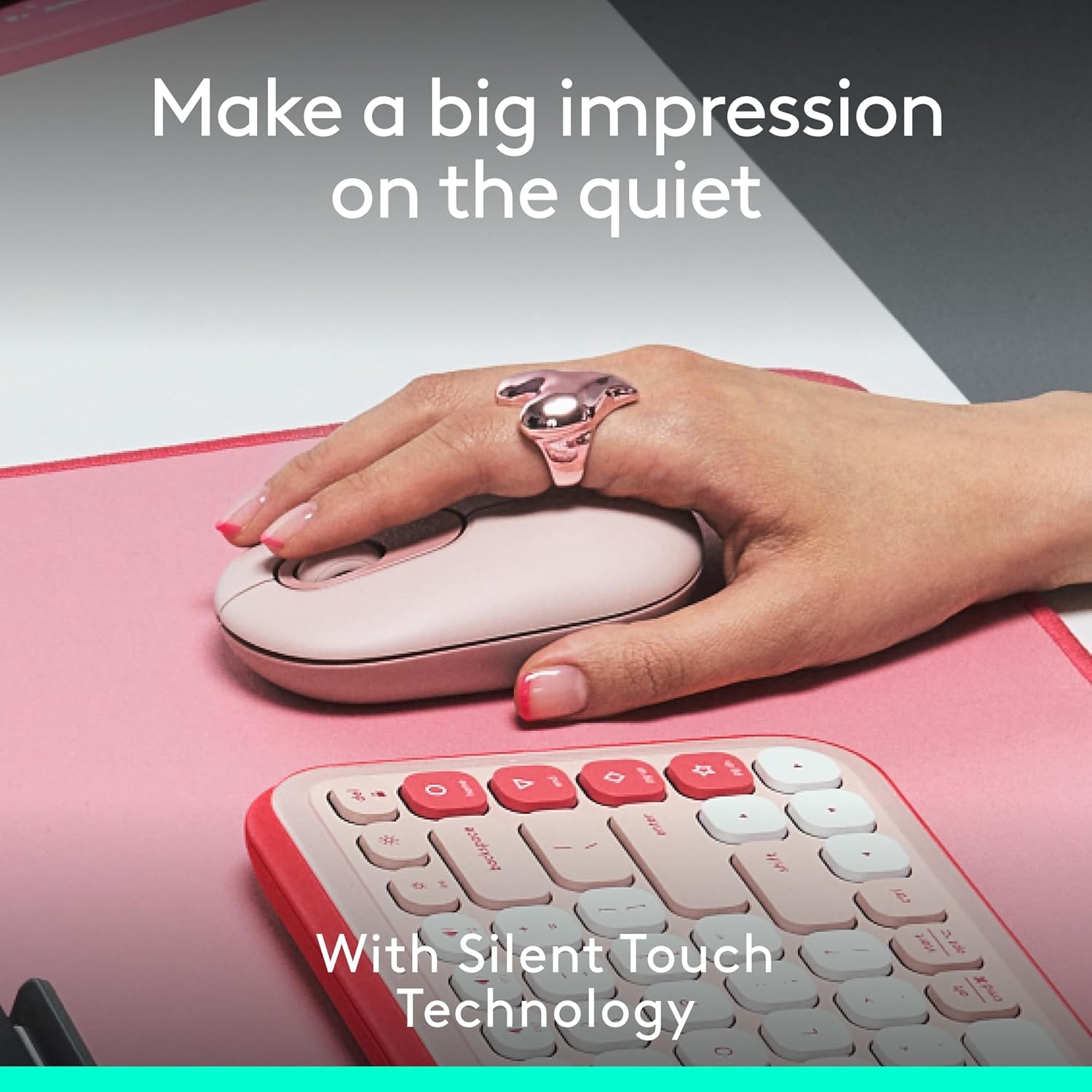
Image: A hand resting on the Logitech POP Mouse, demonstrating its comfortable grip and highlighting the quiet click feature.
4.2. Cambio fácil entre dispositivos
The POP Mouse can be paired with up to three different devices and allows for seamless switching between them:
- Ensure the mouse is paired with all desired devices (refer to Section 3.2).
- Press the Easy-Switch button on the bottom of the mouse to cycle through the connected devices. The indicator light will show which channel (1, 2, or 3) is currently active.
Image: The underside of the Logitech POP Mouse, illustrating the Easy-Switch button and its corresponding indicator lights for managing multiple device connections.
5. Customization with Logi Options+ App
Unlock the full potential of your POP Mouse by customizing its top button and other settings using the Logi Options+ App. This application is available for recent versions of Windows and macOS.
5.1. Customizable Top Button
The top button, by default, can be set to open an emoji menu. However, it can be reprogrammed to perform various actions:
- Launch applications (e.g., Spotify, Netflix)
- Access AI tools
- Perform system shortcuts (e.g., copy, paste, show desktop)
- Adjust brightness or volume
Personalizar:
- Descargue e instale la aplicación Logi Options+ desde el sitio web oficial de Logitech websitio.
- Open the app and select your POP Mouse.
- Navigate to the 'Buttons' section and select the top button.
- Choose your desired action from the available options.
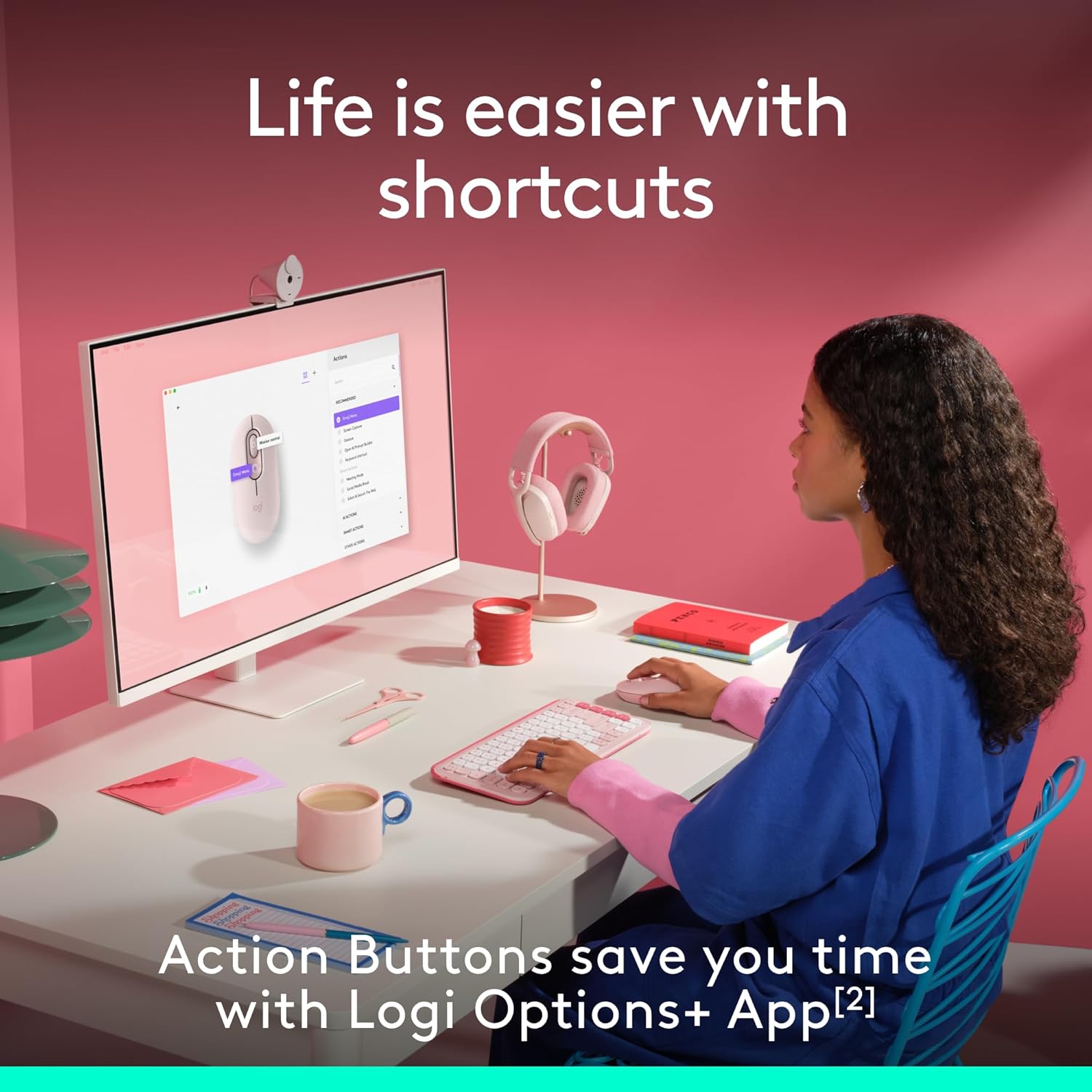
Image: A user interacting with a computer, demonstrating the customizable action buttons of the Logitech POP Mouse via the Logi Options+ App.
6. Mantenimiento
6.1. Reemplazo de la batería
The Logitech POP Mouse is powered by a single AA battery, offering up to 2 years of battery life depending on usage. To replace the battery, follow the steps outlined in Section 3.1.
6.2. Limpieza
Para mantener un rendimiento y una apariencia óptimos, limpie el mouse periódicamente:
- Utilice un paño suave y sin pelusa ligeramente seco.ampenriquecido con agua o alcohol isopropílico.
- Evite productos químicos agresivos o materiales abrasivos.
- Asegúrese de que no entre líquido en las aberturas del ratón.
7. Solución de problemas
7.1. Problemas de conectividad
- El ratón no se conecta: Ensure the mouse is turned on and the battery has sufficient charge. Re-enter pairing mode by holding the Easy-Switch button for 3 seconds. Check your device's Bluetooth settings to ensure it's discoverable and try re-pairing.
- Conexión intermitente: Acerque el ratón a su dispositivo. Asegúrese de que no haya objetos metálicos grandes ni otros dispositivos inalámbricos que causen interferencias.
7.2. Problemas de movimiento del cursor
- Cursor errático: Clean the optical sensor on the bottom of the mouse with a soft, dry cloth. Ensure you are using the mouse on a suitable surface; highly reflective or transparent surfaces may affect tracking.
- Sin movimiento del cursor: Check battery level. Ensure the mouse is connected to the correct device channel via the Easy-Switch button.
8. Especificaciones
| Característica | Detalle |
|---|---|
| Número de modelo | 910-007409 |
| Conectividad | Bluetooth |
| Soporte multidispositivo | Up to 3 devices (Easy-Switch) |
| Tecnología de detección de movimiento | Óptico |
| Rango de DPI | 1000 a 4000 |
| Tipo de batería | 1 x AA (incluidas) |
| Duración de la batería | Up to 2 years (may vary) |
| Peso del artículo | 4.6 onzas |
| Dimensiones del paquete | 4.88 x 3.5 x 1.77 pulgadas |
| Sistemas operativos compatibles | Chrome OS, Windows, iPadOS, macOS, Linux |
| Características especiales | Lightweight, Portable, Soundless (Silent Touch Technology), Customizable Button |
| Material | Plastic (37% to 68% recycled plastic, depending on color) |

Image: A diagram illustrating the physical dimensions of the Logitech POP Mouse.
9. Garantía y soporte
Para obtener información sobre la garantía, soporte técnico y recursos adicionales, visite el soporte oficial de Logitech. website. The user documentation included in the box also contains specific warranty details for your region.
You can find further assistance and product information at the Tienda Logitech.


