1. Producto terminadoview
The Spigen S573 Selfie Stick Tripod is a versatile accessory designed for capturing photos and videos with your smartphone. It features a durable aluminum construction, MagSafe compatibility, and a detachable Bluetooth remote control. This manual provides detailed instructions for its proper use and maintenance.
Características principales:
- Construcción Premium: Crafted from aluminum for durability, with a rubber coating to minimize friction and ensure stable mounting.
- Diseño portátil: Extendable, lightweight, and easy to carry, offering versatility for various shooting scenarios.
- Flexible Angle Control: Features a 360-degree rotating mount for both horizontal and vertical phone positioning.
- Mando a distancia Bluetooth: Includes a wireless Bluetooth remote control for convenient shooting from a distance.
- Compatibilidad MagSafe: Designed for secure attachment with MagSafe-enabled devices (iPhone 12 series and newer) or MagSafe cases.
- Compatibilidad universal: Comes with a rubber holder to accommodate non-MagSafe mobile devices ranging from 5.5 to 6.7 inches.
- Fuente de alimentación: Supplied with two CR1632 batteries; one pre-installed in the remote and one extra. No charging required for the stick itself.
2. Guía de configuración
2.1. Desembalaje y componentes
Retire con cuidado todos los elementos del embalaje. Asegúrese de que todos los componentes estén presentes antes de proceder con la instalación.
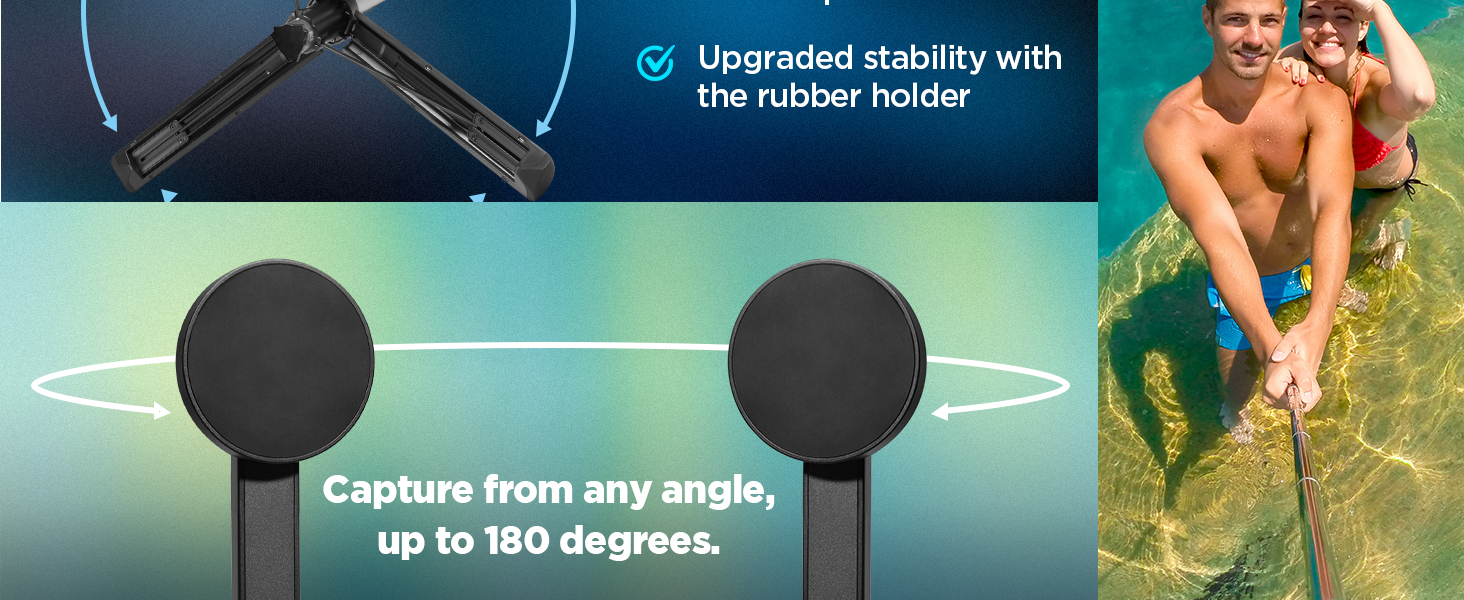
Figura 1: Included Components. The package contains the selfie stick/tripod, a Bluetooth remote control with a battery, an additional coin battery, and this user manual.
2.2. Batería del control remoto
The Bluetooth remote control comes with one CR1632 battery pre-installed. An additional CR1632 battery is provided as a spare.
- To access the battery compartment, gently lift the bottom cover of the remote control.
- Replace the battery by inserting a new CR1632 battery with the positive (+) side facing up.
- Cierre la tapa de forma segura.

Figura 2: Bluetooth Remote Control. The remote is magnetic and can be detached from the stick. It uses a replaceable CR1632 battery, offering up to 50,000 shots and a 6-month standby time.
2.3. Emparejamiento Bluetooth
Follow these steps to pair the remote control with your smartphone:
- Asegúrese de que el control remoto tenga una batería que funcione.
- Encienda el Bluetooth en su teléfono inteligente.
- Mantenga presionado el botón del control remoto hasta que la luz indicadora comience a parpadear, lo que indica que está en modo de emparejamiento.
- En su teléfono inteligente, busque los dispositivos Bluetooth disponibles.
- Select the device named "Spigen S573" or similar from the list to connect.
- Una vez emparejado, la luz indicadora del control remoto dejará de parpadear y permanecerá fija o se apagará.
3. Instrucciones de funcionamiento
3.1. Conexión del teléfono inteligente
The Spigen S573 offers two methods for attaching your smartphone:
3.1.1. MagSafe Devices
For iPhones (12 series and newer) or other devices with MagSafe compatibility, simply align your phone with the magnetic mount on the selfie stick. The strong magnetic force will securely hold your device.
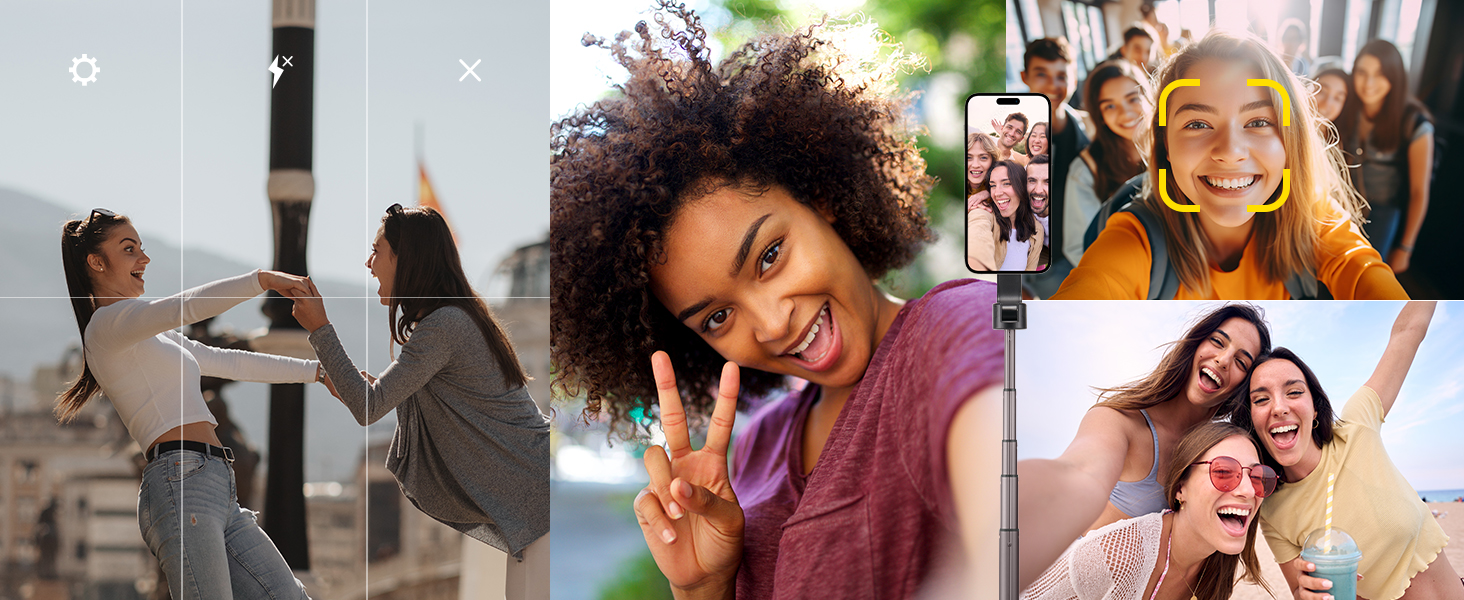
Figura 3: MagSafe Compatibility. The product is compatible with MagSafe built-in devices and MagSafe cases, providing a strong magnetic attachment.
3.1.2. Non-MagSafe Devices (with Rubber Holder)
For smartphones without MagSafe functionality, use the included rubber holder. Attach the rubber holder to the magnetic mount, then carefully place your phone into the holder. Ensure your device dimensions are between 5.5 and 6.7 inches for optimal fit and stability.
Note: To prevent marks from prolonged heat exposure or frequent mounting/detachment, it is recommended to use a MagSafe case when using this product with MagSafe devices.
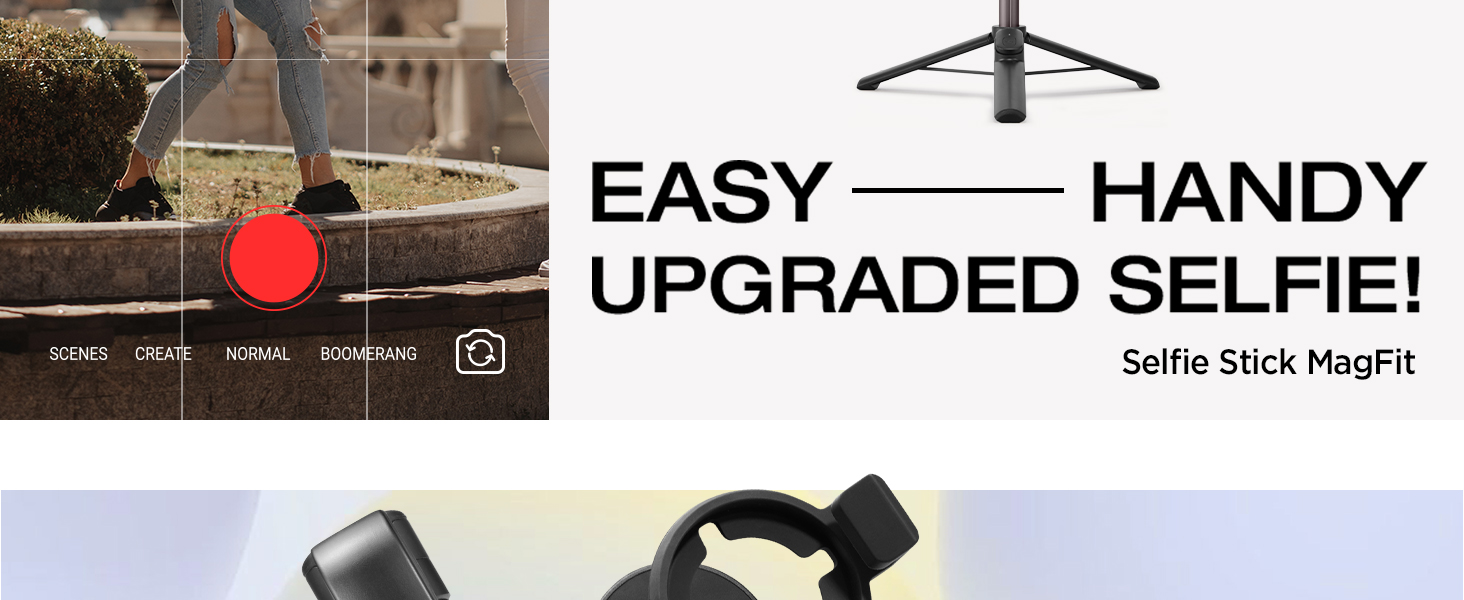
Figura 4: Universal Compatibility. The rubber holder allows secure attachment of non-MagSafe devices, enhancing stability for phones between 5.5 and 6.7 inches.
3.2. Extensión del palo selfie
To extend the selfie stick, grasp the handle and gently pull the upper section upwards. The stick will extend in segments. Extend it to your desired length, up to a maximum of 24.4 inches. To retract, push the sections back down until fully collapsed.
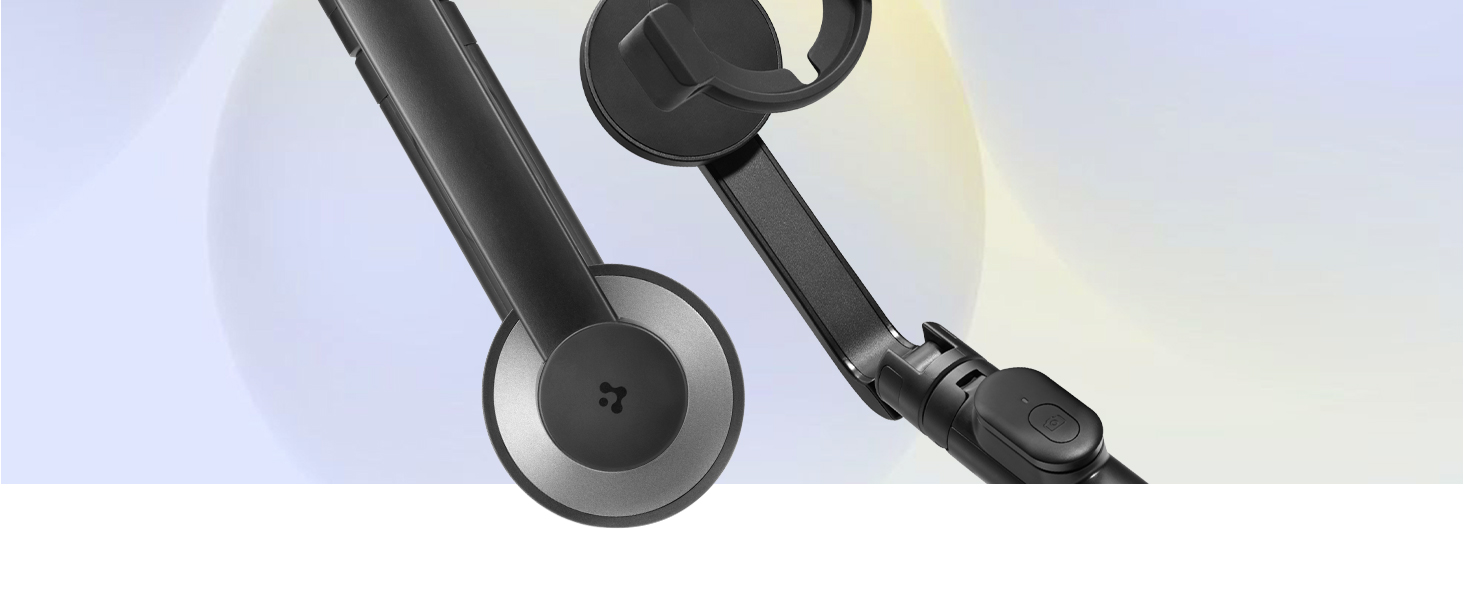
Figura 5: Compact and Portable Design. The selfie stick is lightweight (163g bare, 198g with rubber holder) and compact, making it easy to carry.
3.3. Uso como trípode
To convert the selfie stick into a tripod:
- Ensure the stick is fully retracted or extended to a stable height.
- Locate the tripod legs at the base of the handle.
- Gently pull the legs outwards until they fully deploy and lock into position, forming a stable base.
- Coloque el trípode sobre una superficie plana y estable.
- To collapse, push the legs back inwards until they are flush with the handle.

Figura 6: Sturdy and Stable Tripod. The dual-braced tripod structure provides enhanced stability for hands-free shooting.
3.4. Ajuste de ángulos
The phone mount allows for flexible angle adjustments. You can rotate your smartphone 360 degrees for both horizontal (landscape) and vertical (portrait) orientations. The mount also allows for tilting to achieve the perfect shooting angle.
3.5. Uso del control remoto Bluetooth
Once paired with your smartphone, the Bluetooth remote control can be used to trigger your phone's camera shutter from up to 10 meters away. Simply open your phone's camera app and press the button on the remote to take a photo or start/stop video recording (functionality may vary based on phone model and camera app).
4. Mantenimiento
4.1. Limpieza
- Limpie el palo para selfies y el control remoto con un paño suave y seco.
- Avoid using harsh chemicals, abrasive cleaners, or solvents, as these can damage the finish or internal components.
- Ensure no moisture enters the remote control or any openings.
4.2. Cuidado de la batería
- The remote control uses a CR1632 lithium coin battery. Replace it when the remote's performance diminishes.
- Deseche siempre las baterías usadas de forma responsable según las normativas locales.
- If storing the product for an extended period, consider removing the battery from the remote control to prevent potential leakage.
4.3. Almacenamiento
- Guarde el palo para selfies en un lugar fresco y seco, alejado de la luz solar directa y de temperaturas extremas.
- Keep it retracted and the tripod legs folded for compact storage.
- Avoid placing heavy objects on top of the product during storage.
5. Solución de problemas
5.1. Remote Control Not Connecting
- Comprobar la batería: Ensure the CR1632 battery in the remote is not depleted. Replace if necessary.
- Bluetooth activado: Verifique que Bluetooth esté habilitado en su teléfono inteligente.
- Modo de emparejamiento: Make sure the remote is in pairing mode (blinking indicator light). If not, press and hold the button to re-enter pairing mode.
- Olvidar dispositivo: On your phone, go to Bluetooth settings, forget the "Spigen S573" device, and attempt to pair again.
- Proximidad: Ensure the remote is within 10 meters of your smartphone.
5.2. Phone Not Attaching Securely
- Alineación MagSafe: For MagSafe devices, ensure proper alignment with the magnetic mount.
- MagSafe Case: If using a case, ensure it is a MagSafe-compatible case for optimal magnetic strength.
- Rubber Holder Fit: If using the rubber holder, confirm your phone's dimensions are within the 5.5 to 6.7 inch range and that it is seated correctly.
- Obstrucciones: Check for any debris or foreign objects on the magnetic surface or within the rubber holder that might prevent a secure attachment.
5.3. Stability Concerns (Tripod Mode)
- Superficie plana: Always place the tripod on a flat, stable, and level surface.
- Piernas completamente extendidas: Ensure all tripod legs are fully deployed and locked into position.
- Distribución del peso: Balance your phone's weight as centrally as possible on the mount.
- Condiciones del viento: In windy conditions, the tripod's stability may be reduced. Exercise caution or use in a sheltered area.
6. Especificaciones
| Marca | Spigen |
| Modelo | S573 |
| Dimensiones del producto | 6.1 x 2.8 x 16.6 cm (plegado) |
| Peso del artículo | 198 gramos |
| Material | Acero aleado |
| Dispositivos compatibles | Smartphones (MagSafe devices/cases, or 5.5-6.7 inch non-MagSafe with rubber holder) |
| Características especiales | Lightweight, Remote Control, Extendable, Tripod Function |
| Batería del control remoto | CR1632 Lithium (1 included, 1 extra) |
| Versión de Bluetooth | 4.2 (for remote control) |
| País natal | Porcelana |
7. Garantía y soporte
Spigen products are manufactured with quality and care. For information regarding warranty coverage, terms, and conditions, please refer to the warranty card included with your purchase or visit the official Spigen websitio.
If you encounter any issues or have questions about your Spigen S573 Selfie Stick Tripod, please contact Spigen customer support through their official channels. Provide your product model (S573) and purchase details for efficient assistance.
- Soporte en línea: Visit the Spigen official webSitio para preguntas frecuentes, artículos de soporte y formularios de contacto.
- Soporte por correo electrónico: Refer to your product documentation or the Spigen webSitio para la dirección de correo electrónico de servicio al cliente adecuada.


