Introducción
Thank you for choosing the HISHELL Language Translator Earbuds. These open-ear headphones are designed to provide seamless real-time language translation across 144 online languages, powered by 6 top translation engines. Beyond translation, they also function as versatile devices for music streaming and phone calls. This manual will guide you through the setup, operation, and maintenance of your new device to ensure an optimal user experience.

Image: The HISHELL Language Translator Earbuds, showing both earbuds and their transparent charging case.
¿Qué hay en la caja?
- 2 x Language Translator Earphones
- 1 compartimento de carga
- 1 cable de datos (USB-C)
- 1 x Headset User Manual
- 1 x APP Translation User Manual

Imagen: Frente view of the product packaging, displaying the earbuds inside.
Configuración
1. Carga de los auriculares y el estuche
Before first use, fully charge the earbuds and the charging case. Connect the provided USB-C data cable to the charging port on the case and plug the other end into a USB power source (e.g., computer, wall adapter). The indicator lights on the case will show charging status.
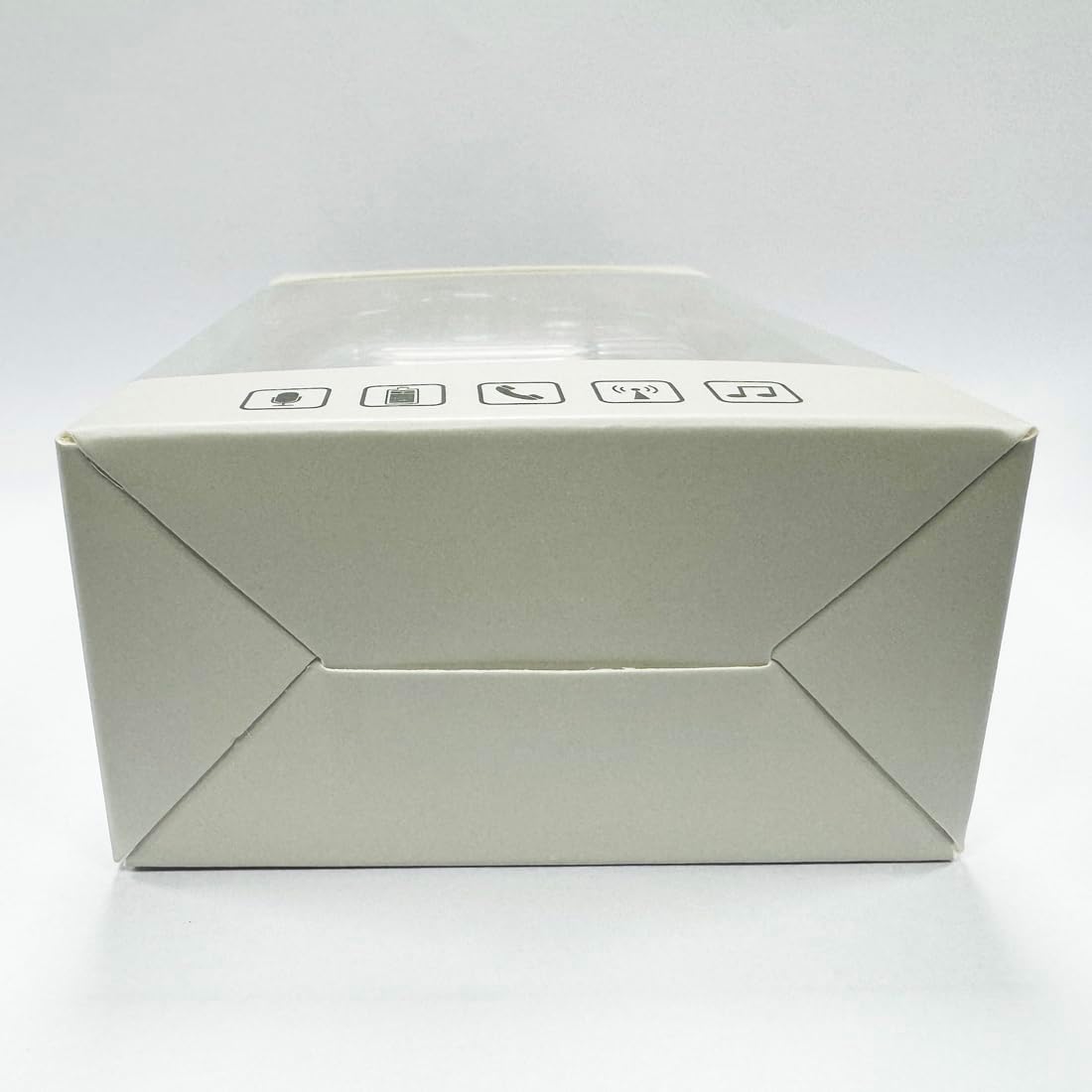
Imagen: Abajo view of the charging case, highlighting the USB-C charging port.
2. Instalación de la aplicación
To utilize the translation features, you must download the dedicated HISHELL translation app on your smartphone (iOS or Android). Scan the QR code provided in the APP Translation User Manual or search for "HISHELL Translator" in your device's app store.
3. Emparejamiento Bluetooth
- Asegúrate de que los auriculares estén cargados y extraídos del estuche de carga. Entrarán automáticamente en modo de emparejamiento.
- En su teléfono inteligente, vaya a la configuración de Bluetooth y active Bluetooth.
- Select "HISHELL BL02" (or similar name) from the list of available devices.
- Una vez conectado, se reproducirá un sonido de confirmación y los auriculares estarán listos para usar.
Instrucciones de funcionamiento
The HISHELL Language Translator Earbuds offer three primary translation modes, along with standard audio functions.
Modos de traducción

Image: Visual representation of the three distinct translation modes available with the earbuds.
- Modo táctil:
Two people each wear one earphone. Click or double-click the earphone to translate in real-time. This mode is suitable for acquaintances who are willing to wear your earphone.

Image: Two individuals using the translator earbuds in a conversational setting.
- Modo de altavoz:
One person wears the earphones, and the other person holds the mobile phone. The phone's speaker will output the translation. This mode is suitable for strangers or situations where it's inconvenient for the other person to wear an earphone.
- Modo de conversación libre:
Both users wear an earphone. The device translates in real-time, allowing for natural, continuous conversation without needing to press buttons. This mode facilitates smooth and uninterrupted communication.
Music and Call Functions
In addition to translation, the earbuds function as standard Bluetooth headphones:
- Reproducción de música: Once connected via Bluetooth, you can stream audio from your device. Use your phone's media controls for play/pause, skip tracks, and volume adjustment.
- Llamadas telefónicas: The earbuds support hands-free calling. Answer/end calls directly through the earbuds (refer to the APP Translation User Manual for specific touch controls). The binaural HD microphone ensures clear communication.
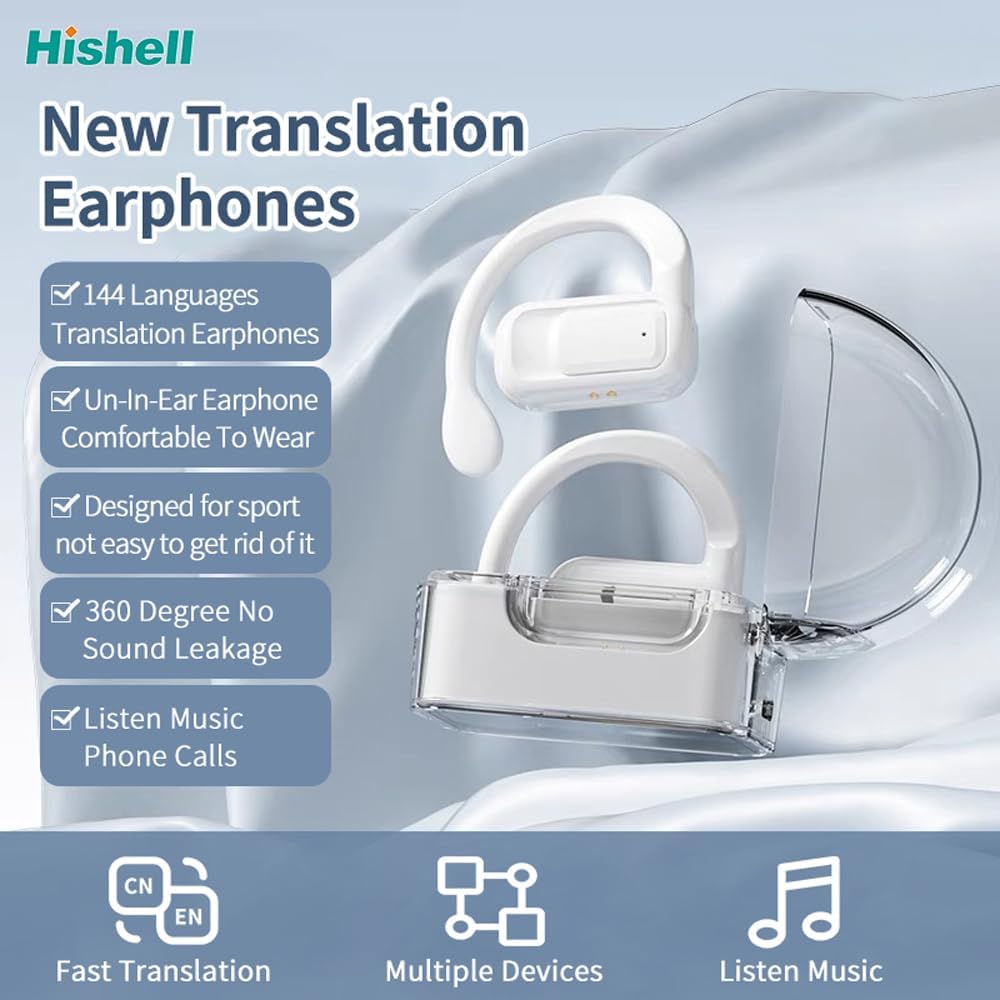

Imagen: Examples of individuals comfortably wearing the open-ear translator earbuds.
Mantenimiento
Limpieza
- Limpie los auriculares y el estuche de carga con un paño suave, seco y sin pelusa.
- No utilice limpiadores abrasivos, alcohol ni disolventes químicos.
- Evite que entre humedad en las aberturas.
Almacenamiento
Cuando no los uses, guarda los auriculares en su estuche de carga para protegerlos y mantenerlos cargados. Guárdalos en un lugar fresco y seco, alejados de la luz solar directa y de temperaturas extremas.
Solución de problemas
| Problema | Posible causa | Solución |
|---|---|---|
| Los auriculares no se emparejan | Batería baja; fuera de rango; no en modo de emparejamiento; problema de conexión anterior. | Ensure earbuds are charged. Place them closer to your device. Re-insert into case and remove to re-enter pairing mode. Forget device in Bluetooth settings and re-pair. |
| Translation not accurate or delayed | Poor internet connection; background noise; speaking too fast/unclearly; incorrect language selection. | Ensure stable internet connection. Speak clearly and at a moderate pace. Reduce background noise. Verify correct source and target languages in the app. |
| No hay sonido de los auriculares | Volumen demasiado bajo; no conectado; medios en pausa. | Increase volume on your device. Check Bluetooth connection. Ensure media is playing. |
| El estuche de carga no carga | Cable/adaptador defectuoso; puerto de carga sucio. | Prueba con otro cable USB-C y adaptador de corriente. Limpia el puerto de carga con cuidado con un hisopo de algodón seco. |
For further assistance, please refer to the APP Translation User Manual or contact customer support.
Presupuesto
| Característica | Detalle |
|---|---|
| Número de modelo | BL02 |
| Dimensiones del paquete | 5.16 x 3.15 x 1.69 pulgadas |
| Peso del artículo | 2.12 onzas |
| Baterías | 1 batería de polímero de litio (incluida) |
| Idiomas de traducción | 144 idiomas en línea |
| Translation Engines | Powered by 6 top translation engines |
| Micrófono | Binaural HD microphone |
| Duración de la batería (escucha) | Aproximadamente 3 horas |
| Tiempo de espera | Aproximadamente 240 horas |
| Puerto de carga | USB-C |

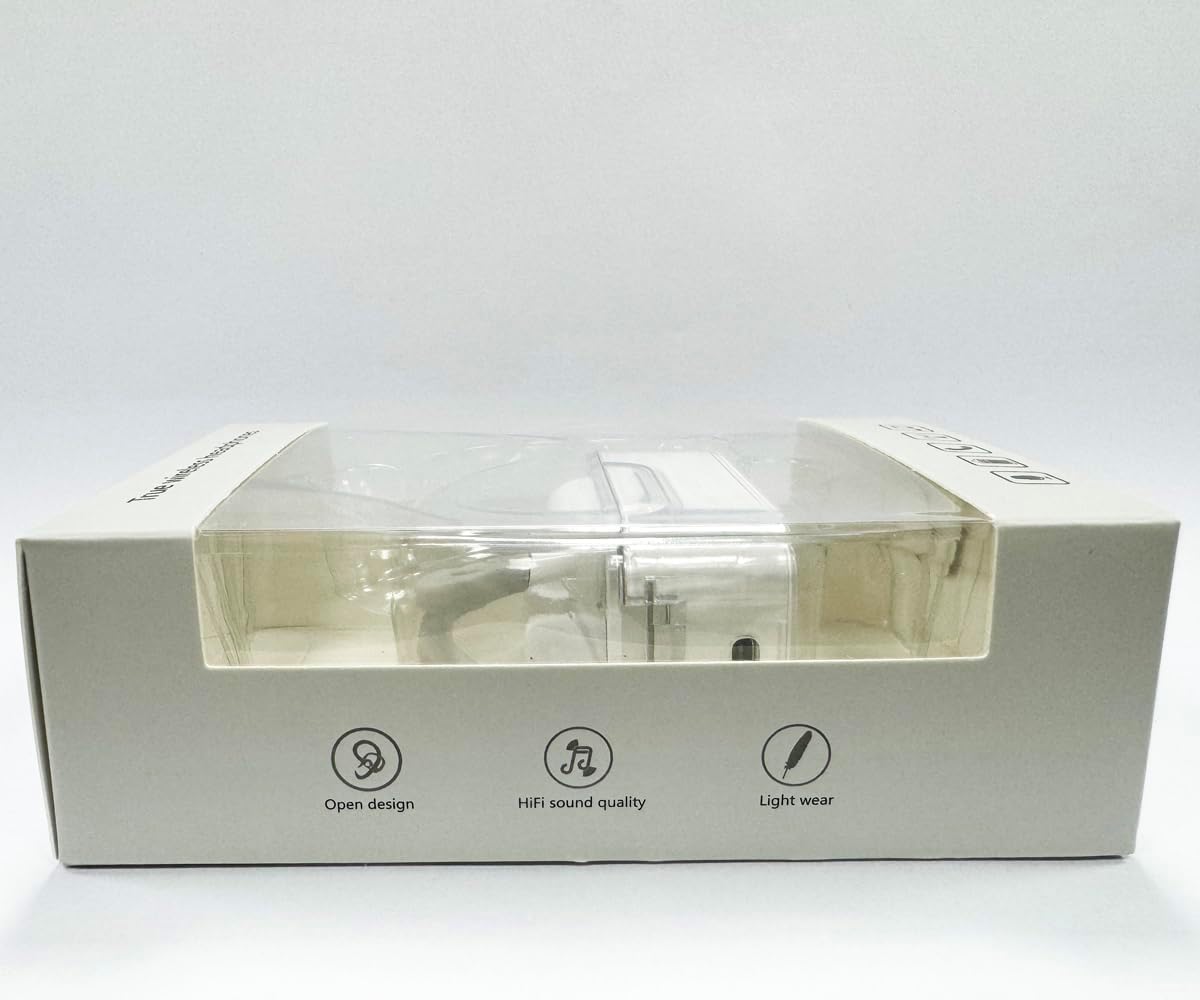

Imagen: Varias views of the HISHELL charging case, showing its dimensions and design.
Garantía y soporte
Información de garantía
HISHELL products typically come with a standard manufacturer's warranty. Please refer to the warranty card included in your product packaging or visit the official HISHELL webSitio para conocer los términos y condiciones de garantía detallados específicos de su región y fecha de compra.
Atención al cliente
If you encounter any issues or have questions not covered in this manual, please contact HISHELL customer support. You can usually find contact information (email, phone, or support portal) on the official HISHELL websitio o a través del minorista donde compró el producto.


