Introducción
Gracias por elegir el Negroview AirBuds 7 Wireless Earbuds. This manual provides essential information for setting up, operating, and maintaining your earbuds. Please read it carefully before use to ensure optimal performance and longevity of your device.
Contenido del paquete
Verifique que todos los artículos enumerados a continuación estén incluidos en su paquete:
- Negroview AirBuds 7 Earbuds (Left and Right)
- Estuche de carga
- Cable de carga USB
- Manual de usuario
Video: Unboxing y másview del Negroview AirBuds 7, showing the package contents including the earbuds, charging case, USB cable, and user manual.
Producto terminadoview
El negroview AirBuds 7 feature a compact design with a charging case that includes an LED display for battery status. The earbuds are designed for comfortable in-ear fit and deliver clear audio.
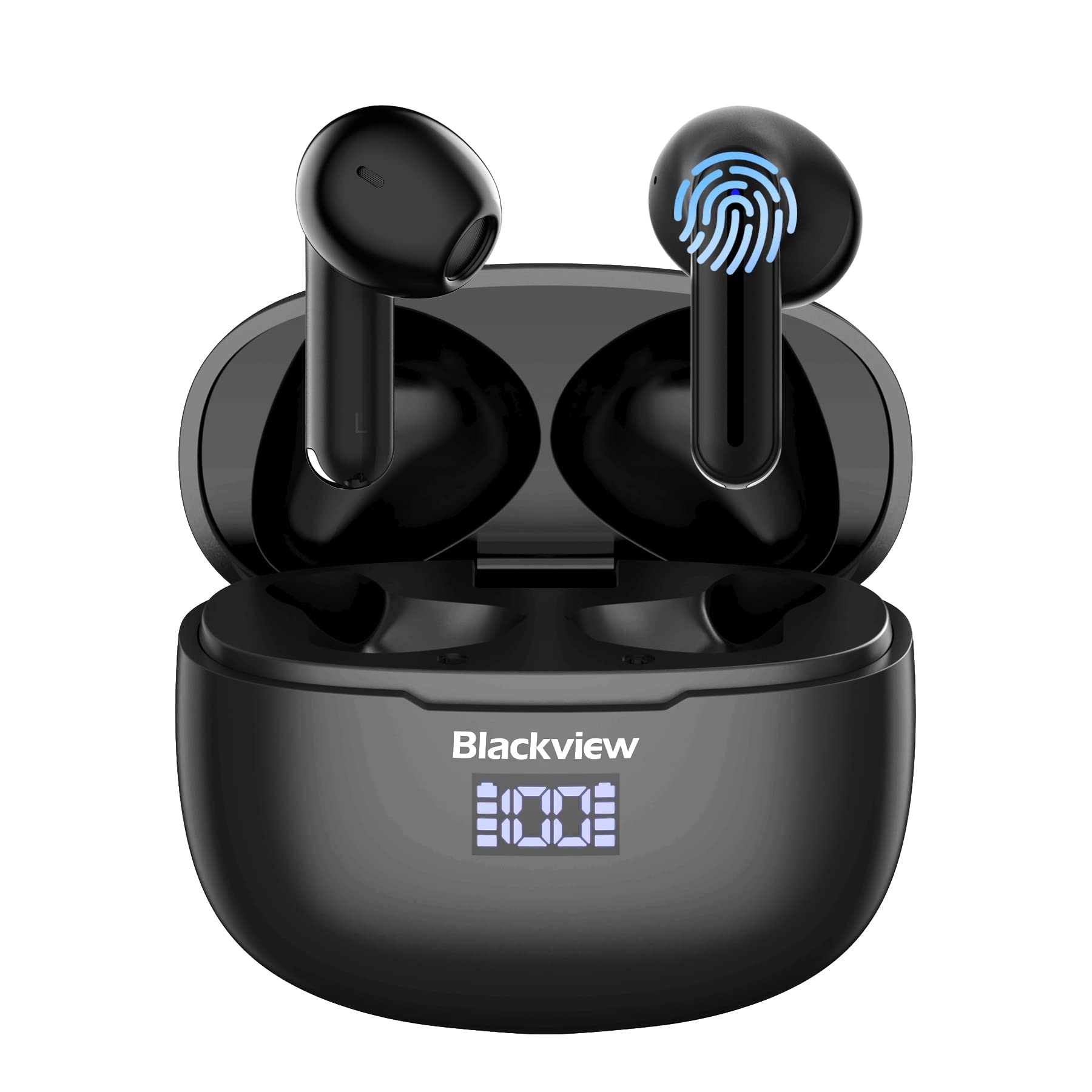
Imagen: Negroview AirBuds 7 wireless earbuds and their charging case, showcasing la pantalla de potencia digital.

Imagen: Close-up of the Blackview AirBuds 7 charging case, highlighting the digital LED power display for both the case and individual earbuds.
Configuración y emparejamiento
Follow these steps to connect your AirBuds 7 to your device:
- Cargar auriculares: Asegúrese de que los auriculares y el estuche de carga estén completamente cargados antes del primer uso.
- Activar el modo de emparejamiento: Abre el estuche de carga y retira ambos auriculares. Entrarán automáticamente en modo de emparejamiento.
- Habilitar Bluetooth: En su teléfono inteligente u otro dispositivo con Bluetooth habilitado, vaya a la configuración de Bluetooth.
- Busque y conéctese: Buscar available devices and select "AirBuds 7" from the list.
- Confirmación: Una vez conectado, escuchará un aviso de audio y los auriculares estarán listos para usar.
Después del emparejamiento inicial, los auriculares se conectarán automáticamente a su dispositivo cuando los retire del estuche de carga, siempre que Bluetooth esté habilitado en su dispositivo.

Imagen: A smartphone displaying its Bluetooth settings, showing a successful connection to 'AirBuds 7', with the charging case and earbuds nearby.
Cargando
The AirBuds 7 charging case features both USB-C and wireless charging capabilities. The LED display on the case indicates the battery level of both the case and the earbuds.
- Carga de auriculares: Vuelve a colocar los auriculares en el estuche de carga. Comenzarán a cargarse automáticamente.
- Case Charging (USB-C): Connect the provided USB charging cable to the USB-C port on the charging case and to a power source.
- Carga del estuche (inalámbrica): Coloque el estuche de carga sobre una plataforma de carga inalámbrica compatible.
A full charge for the earbuds provides up to 6 hours of music playback. The charging case provides an additional 4-5 charges, extending total playtime to approximately 30 hours. The charging time for the case is approximately 75 minutes.

Imagen: El negroview AirBuds 7 charging case being charged wirelessly on a pad, also showing the option for USB-C cable charging.
Instrucciones de funcionamiento
Controles táctiles inteligentes
The AirBuds 7 feature intuitive touch controls on each earbud. Refer to the diagram below for specific functions:

Imagen: A visual guide to the touch controls on the Blackview AirBuds 7, detailing actions for music playback, calls, and volume.
- Reproducir/Pausa: Double tap Left (L) or Right (R) earbud.
- Responder/colgar llamada: Double tap Left (L) or Right (R) earbud.
- Canción anterior: Triple tap Left (L) earbud.
- Siguiente canción: Triple tap Right (R) earbud.
- Aumenta el volumen: Single tap Right (R) earbud.
- Disminuir volumen: Single tap Left (L) earbud.
Resistencia al agua (IPX7)
El negroview AirBuds 7 are rated IPX7 waterproof, meaning they can withstand immersion in water up to 1 meter for 30 minutes. This protection makes them suitable for use during workouts or in light rain. However, the charging case is not waterproof. Avoid exposing the charging case to water.
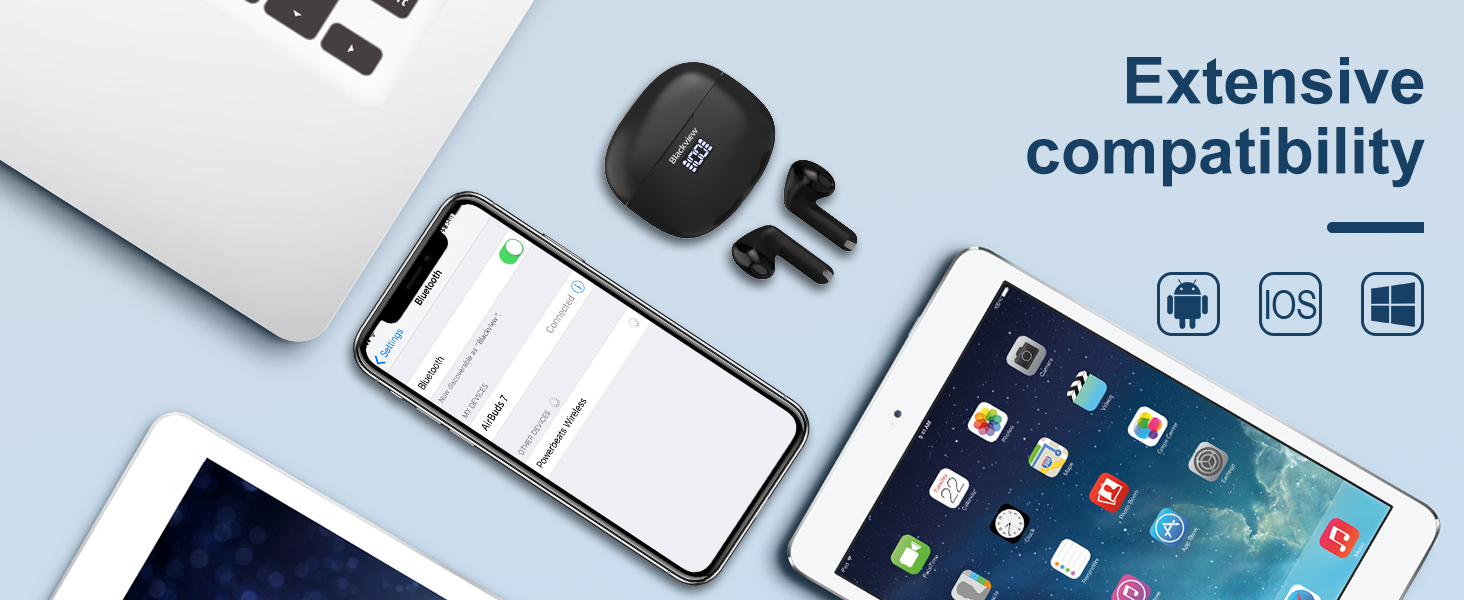
Imagen: A person being splashed with water, demonstrating the IPX7 waterproof capability of the AirBuds 7 earbuds, protecting them from sweat and raindrops.
Cancelación de ruido ambiental (ENC)
The AirBuds 7 incorporate Dual-Mic Environmental Noise Cancellation (ENC) technology and a Dialogue Noise Cancellation (DNS) algorithm. This system automatically activates during calls to reduce background noise, ensuring clearer conversations even in noisy environments like public transport or busy streets.
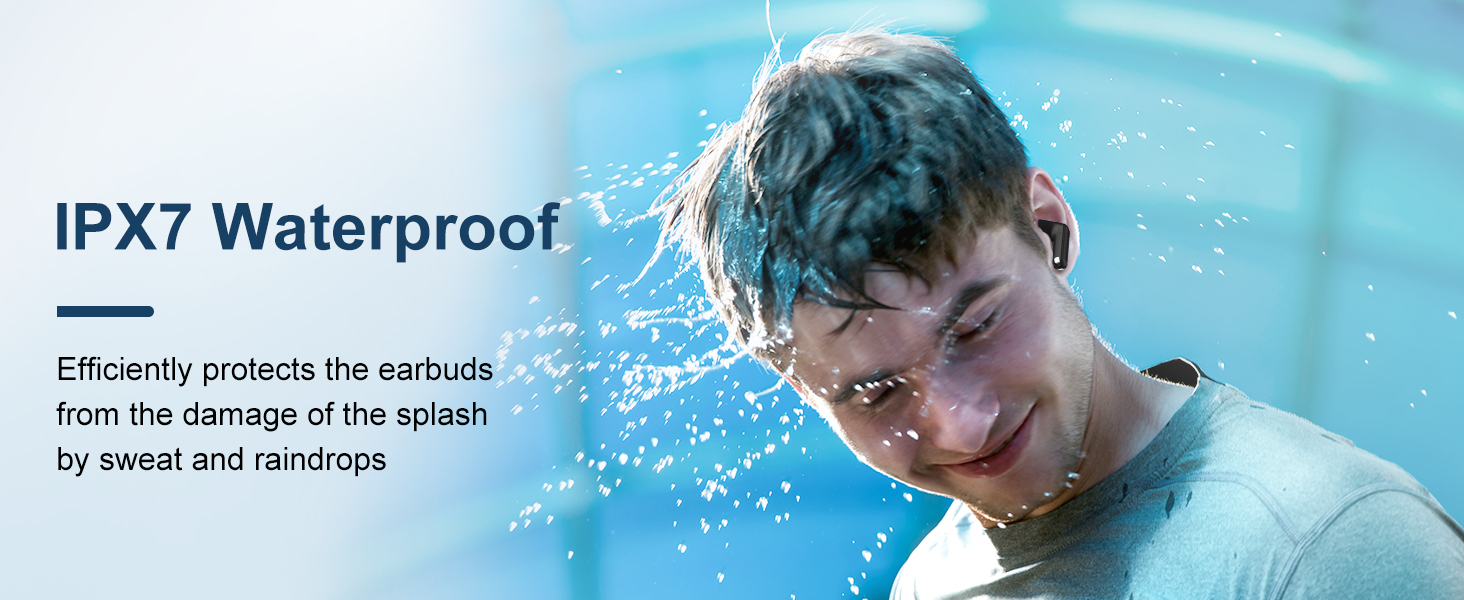
Imagen: A graph illustrating the effectiveness of environmental noise cancellation, showing how noise is suppressed while vocal clarity is maintained.
Mantenimiento
- Limpieza: Limpie regularmente los auriculares y el estuche de carga con un paño suave, seco y sin pelusa. No utilice productos químicos agresivos ni materiales abrasivos.
- Consejos para los oídos: Ensure ear tips are clean and free of earwax buildup for optimal sound quality and hygiene.
- Almacenamiento: Cuando no los utilice, guarde los auriculares en su estuche de carga para protegerlos y mantenerlos cargados.
- Evite condiciones extremas: Do not expose the earbuds or case to extreme temperatures, humidity, or direct sunlight for extended periods.
Solución de problemas
| Problema | Solución |
|---|---|
| Los auriculares no se emparejan | Ensure earbuds are charged. Turn off and on Bluetooth on your device. Forget "AirBuds 7" in Bluetooth settings and re-pair. |
| Solo funciona un auricular | Place both earbuds back in the case, close it, then open and remove them again. Check battery levels for both earbuds. |
| Volumen bajo o mala calidad de sonido | Clean earbud tips and speaker mesh. Adjust volume on your device. Ensure earbuds are properly seated in your ears. |
| El estuche de carga no carga | Check USB cable connection and power source. Ensure wireless charging pad is active and case is correctly placed. |
Presupuesto
| Característica | Detalle |
|---|---|
| Nombre del modelo | Airbuds 7 |
| Marca | Negroview |
| Tecnología de conectividad | Inalámbrico (Bluetooth 5.3) |
| Tipo de controlador de audio | Controlador dinámico |
| Tamaño del controlador de audio | 13 milímetros |
| Duración de la batería (auriculares) | Hasta 6 horas |
| Tiempo total de juego (con estuche) | Hasta 30 horas |
| Tiempo de carga (estuche) | 75 minutos |
| Nivel de resistencia al agua | IPX7 (solo auriculares) |
| Control de ruido | Cancelación de ruido adaptativa (ENC) |
| Micrófono | Incluido |
| Interfaz de carga | USB-C, carga inalámbrica |
| Material | Plástico, poliuretano (PU) |
| Peso del artículo | 5.3 onzas |
| Código Postal | 810175522289 |
Información de seguridad
- No desmonte ni modifique los auriculares ni el estuche de carga.
- Mantener fuera del alcance de los niños y las mascotas.
- Evite escuchar a volúmenes altos durante períodos prolongados para evitar daños auditivos.
- Do not use the earbuds in situations where you need to hear your surroundings, such as driving or cycling.
- Deseche el producto de manera responsable de acuerdo con las regulaciones locales.
Garantía y soporte
Negroview products come with a standard manufacturer's warranty. For detailed warranty information, technical support, or service inquiries, please refer to the warranty card included in your package or visit the official Blackview webSitio web. Conserve su comprobante de compra para reclamaciones de garantía.
Official Blackview Websitio: www.negroview.hk


