Introducción
Thank you for choosing the Edifier X1 Lite True Wireless Earbuds. This manual provides detailed instructions on how to set up, operate, and maintain your new earbuds, ensuring you get the best possible audio experience. The Edifier X1 Lite earbuds are designed for powerful sound, clear calls, and long-lasting comfort, featuring Bluetooth 5.4 connectivity and IP54 sweat resistance.

Imagen: Más alláview of Edifier X1 Lite features, including dynamic drivers, AI call noise cancellation, extended battery life, Bluetooth 5.4, low latency, and IP54 certification.
Información de seguridad
Lea atentamente todas las instrucciones de seguridad antes de usar este producto. Conserve este manual para futuras consultas.
- No exponga los auriculares ni el estuche de carga a temperaturas extremas, humedad o sustancias corrosivas.
- Evite dejar caer o someter el producto a fuertes impactos.
- No desmonte, repare ni modifique el producto usted mismo. Contacte con el personal de servicio técnico autorizado para obtener ayuda.
- Keep the product away from children and pets to prevent accidental ingestion of small parts.
- Utilice únicamente el cable de carga proporcionado o un equivalente certificado.
- Escuchar el volumen alto durante mucho tiempo puede causar daños auditivos. Ajuste el volumen a un nivel seguro.
Contenido del paquete
Verifique que todos los artículos estén presentes en su paquete:
- Audífonos inalámbricos Edifier X1 Lite (izquierdo y derecho)
- Estuche de carga
- Cable de carga USB
- Manual de usuario (este documento)
Producto terminadoview
Familiarize yourself with the components of your Edifier X1 Lite earbuds and charging case.

Image: Edifier X1 Lite Earbuds and Charging Case.

Image: Internal structure of the earbud, showcasing the 13mm dynamic driver for enhanced sound quality.
The earbuds feature a compact design, with each earbud weighing only 4g for comfortable wear. The charging case is designed to be portable and provides additional battery life.

Imagen: Explotada view of the earbud highlighting the 13mm dynamic driver and AI algorithm for voice pickup.
Configuración
1. Carga de los auriculares y el estuche
Antes del primer uso, cargue completamente los auriculares y el estuche de carga.
- Coloque ambos auriculares en el estuche de carga.
- Conecte el estuche de carga a una fuente de alimentación mediante el cable USB proporcionado.
- The indicator light on the case will show charging status. Once fully charged, the light will indicate completion.
A full charge provides up to 7 hours of playtime for the earbuds, with an additional 19 hours from the charging case, totaling 26 hours. A quick 15-minute charge can provide 1.5 hours of playtime.

Image: Battery life details for Edifier X1 Lite earbuds, showing 26 hours total playtime and fast charging capability.

Image: Visual representation of the extended battery life and fast charging feature.
2. Emparejamiento inicial
Los auriculares entrarán automáticamente en modo de emparejamiento cuando se saquen del estuche de carga por primera vez.
- Abra el estuche de carga y retire ambos auriculares.
- En su dispositivo (teléfono inteligente, computadora portátil, etc.), habilite Bluetooth.
- Buscar "EDIFIER X1 Lite" en la lista de dispositivos Bluetooth disponibles.
- Select "EDIFIER X1 Lite" to connect. You will hear a confirmation tone once connected.
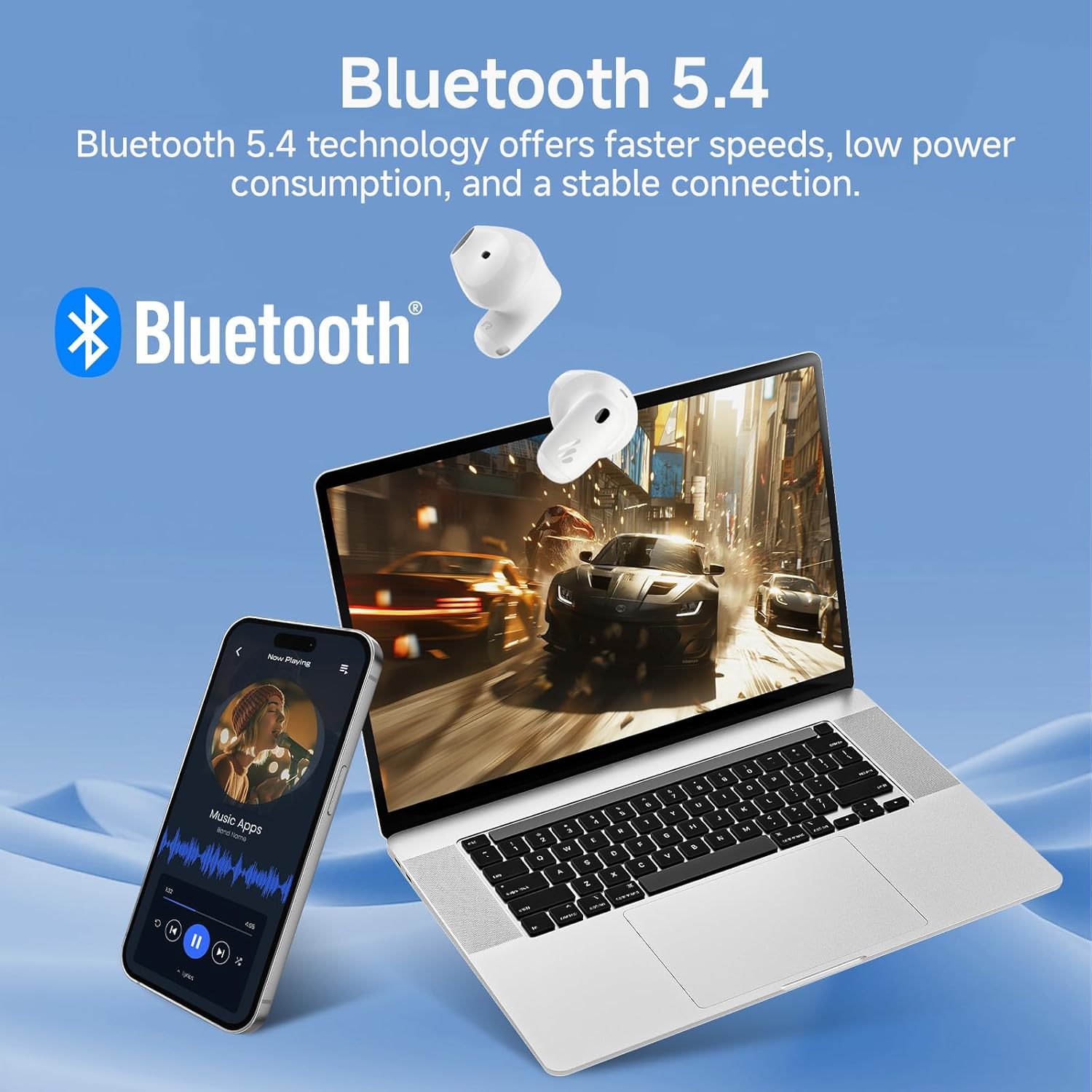
Image: Demonstrating Bluetooth 5.4 connectivity with various devices.
3. Connecting to a New Device
To connect to a new device or re-enter pairing mode:
- Vuelva a colocar ambos auriculares en el estuche de carga.
- Press and hold the function button on the charging case for approximately 3 seconds until the indicator light flashes rapidly. This indicates pairing mode.
- On your new device, search for and select "EDIFIER X1 Lite" to connect.
Operante
1. Controles táctiles
The Edifier X1 Lite earbuds feature intuitive touch controls. The touch sensitive area is located on the outer surface of each earbud.
| Acción | Auricular izquierdo | Auricular derecho |
|---|---|---|
| Reproducir/Pausa | Doble toque | Doble toque |
| Pista siguiente | N / A | Triple toque |
| Pista anterior | Triple toque | N / A |
| Responder/Finalizar llamada | Doble toque | Doble toque |
| Rechazar llamada | Mantener durante 2 segundos | Mantener durante 2 segundos |
| Activar Asistente de Voz | Mantener durante 2 segundos | Mantener durante 2 segundos |
| Modo de juego activado / desactivado | Grifo cuádruple | Grifo cuádruple |

Image: Visual guide to the touch controls on the earbuds.
2. Clear Calls with AI Algorithm
The Edifier X1 Lite earbuds utilize an AI algorithm voice pick-up technology to ensure clear communication, even in noisy environments. This technology intelligently filters out background noise, focusing on your voice.

Image: Demonstrating clear call quality enabled by AI noise reduction.
3. Low Latency Mode (Game Mode)
For an optimized gaming and video streaming experience, activate the ultra-low latency mode. This reduces audio delay to just 60ms, ensuring audio and video are perfectly synchronized.
- To activate/deactivate: Quadruple tap either earbud.

Image: Visualizing the ultra-low latency feature for gaming and video.
4. Aplicación EDIFIER ConneX
Enhance your experience by downloading the EDIFIER ConneX app. The app allows for customization of sound profiles, touch controls, and access to additional features.
- Scan the QR code or visit the provided link to download the app.
- Connect your earbuds to the app to unlock full customization options.

Image: EDIFIER ConneX app interface and QR code for download.
Download the EDIFIER ConneX App: https://foreign-app.edifier.com/index.php/edifier_provider/public/appDownload.html?appTag=EdifierConneX
Mantenimiento
Un mantenimiento adecuado garantiza la longevidad y el rendimiento óptimo de sus auriculares.
1. Limpieza
- Limpie suavemente los auriculares y el estuche de carga con un paño suave, seco y sin pelusa.
- No utilice limpiadores abrasivos, alcohol ni disolventes químicos.
- Asegúrese de que los contactos de carga estén limpios y libres de residuos.
2. Resistencia al agua y al sudor (IP54)
The Edifier X1 Lite earbuds are IP54 certified, meaning they are protected against dust ingress and splashing water from any direction. This makes them suitable for active use and light rain.
- No sumerja los auriculares en agua.
- Do not expose them to strong jets of water.
- Asegúrese de que los auriculares estén secos antes de volver a colocarlos en el estuche de carga para evitar daños.

Image: Demonstrating the IP54 sweat-resistant feature for active daily use.
3. Almacenamiento
- Guarde los auriculares en su estuche de carga cuando no los use para protegerlos y mantenerlos cargados.
- Conservar en un lugar fresco y seco, alejado de la luz solar directa.
Solución de problemas
Si encuentra algún problema, consulte los siguientes problemas y soluciones comunes:
| Problema | Posible solución |
|---|---|
| No hay sonido de los auriculares |
|
| Los auriculares no se emparejan |
|
| Un auricular no funciona |
|
| Mala calidad de llamada |
|
| Earbuds reconnect in case |
|
Presupuesto
| Característica | Detalle |
|---|---|
| Nombre del modelo | edifier-x1lite-p |
| Conectividad | Inalámbrico (Bluetooth 5.4) |
| Versión de Bluetooth | 5.4 |
| Tamaño del controlador de audio | Controlador dinámico de Φ13 mm |
| Respuesta de frecuencia | 20 Hz - 20,000 Hz |
| Duración de la batería (auriculares) | Hasta 7 horas |
| Duración de la batería (con estuche de carga) | Hasta 26 horas en total |
| Carga rápida | 15 minutos de carga para 1.5 horas de reproducción |
| Latencia de audio | 60ms (Low Latency Mode) |
| Tecnología de micrófono | AI Algorithm Voice Pick-up |
| Resistencia al agua | IP54 Certified (Sweat and Splash Resistant) |
| Peso del auricular | Aprox. 4 g por auricular |
| Dispositivos compatibles | Teléfonos inteligentes, computadoras portátiles, tabletas, consolas de juegos |
| Método de control | Touch Control, EDIFIER ConneX App |
| Fabricante | Edificador |
| País natal | Porcelana |
Garantía y soporte
Edifier products come with a limited warranty. For detailed warranty information, please refer to the warranty card included in your package or visit the official Edifier websitio.
Para obtener asistencia técnica, asistencia para la resolución de problemas o consultas de servicio, comuníquese con el servicio de atención al cliente de Edifier a través de su sitio web oficial. website or the EDIFIER ConneX app.
Edificador oficial Websitio: www.edificador.com


