Introducción
Thank you for choosing the Amazon Basics Pro Series 4-in-1 USB-C Hub. This compact and versatile hub is designed to expand the connectivity of your PC, MacBook, laptops, phones, monitors, and projectors, offering high-speed data transfer and seamless peripheral integration. This manual provides essential information for proper setup, operation, and maintenance of your device.
Producto terminadoview
The Amazon Basics Pro Series 4-in-1 USB-C Hub features a durable aluminum alloy and ABS housing, ensuring both portability and resilience. It includes a built-in 150mm USB-C cable for convenient connection to your host device.

Imagen: Más alláview of the 4-in-1 versatile hub, highlighting its port configuration.
Características principales:
- Conexión de host USB-C: Provides a versatile bridge between your laptop and peripherals.
- Dos puertos USB-C: Both support USB 3.2 Gen 2 standard for data transfer speeds up to 10 Gbps.
- Two USB-A Ports: Para conectar dispositivos USB estándar.
- Transferencia de datos de alta velocidad: Enables rapid transfer of large files.
- Conecta y reproduce: No se necesitan controladores para la instalación.
- Construcción duradera: Aluminum alloy and ABS housing with a flexible TPE cable.
Configuración
The Amazon Basics Pro Series 4-in-1 USB-C Hub is designed for immediate use with its plug-and-play functionality. No software drivers are required for installation.
- Conecte el concentrador: Insert the built-in USB-C cable of the hub into an available USB-C port on your host device (PC, MacBook, laptop, phone, etc.).
- Reconocimiento de dispositivo: Your operating system will automatically detect and configure the hub. This process usually takes a few seconds.
- Conectar periféricos: Once the hub is recognized, you can connect your USB-C and USB-A peripherals (e.g., external drives, keyboards, mice) to the corresponding ports on the hub.

Image: The USB-C hub connected to a laptop, demonstrating peripheral connections.
Instrucciones de funcionamiento
The hub facilitates high-speed data transfer and expands connectivity for various devices.
Transferencia de datos:
- Connect USB 3.2 Gen 2 compatible devices to the USB-C ports for data transfer speeds up to 10 Gbps.
- Connect USB-A devices to the USB-A ports for standard data transfer.
- Ensure your host device's USB-C port supports the required data transfer speeds to achieve optimal performance.

Image: The hub emphasizing its ultra-fast 10Gbps data transfer capability.
Compatibilidad universal:
The hub is compatible with a wide range of devices, including:
- PC
- MacBook
- Computadoras portátiles
- Teléfonos
- Monitores
- Proyectores
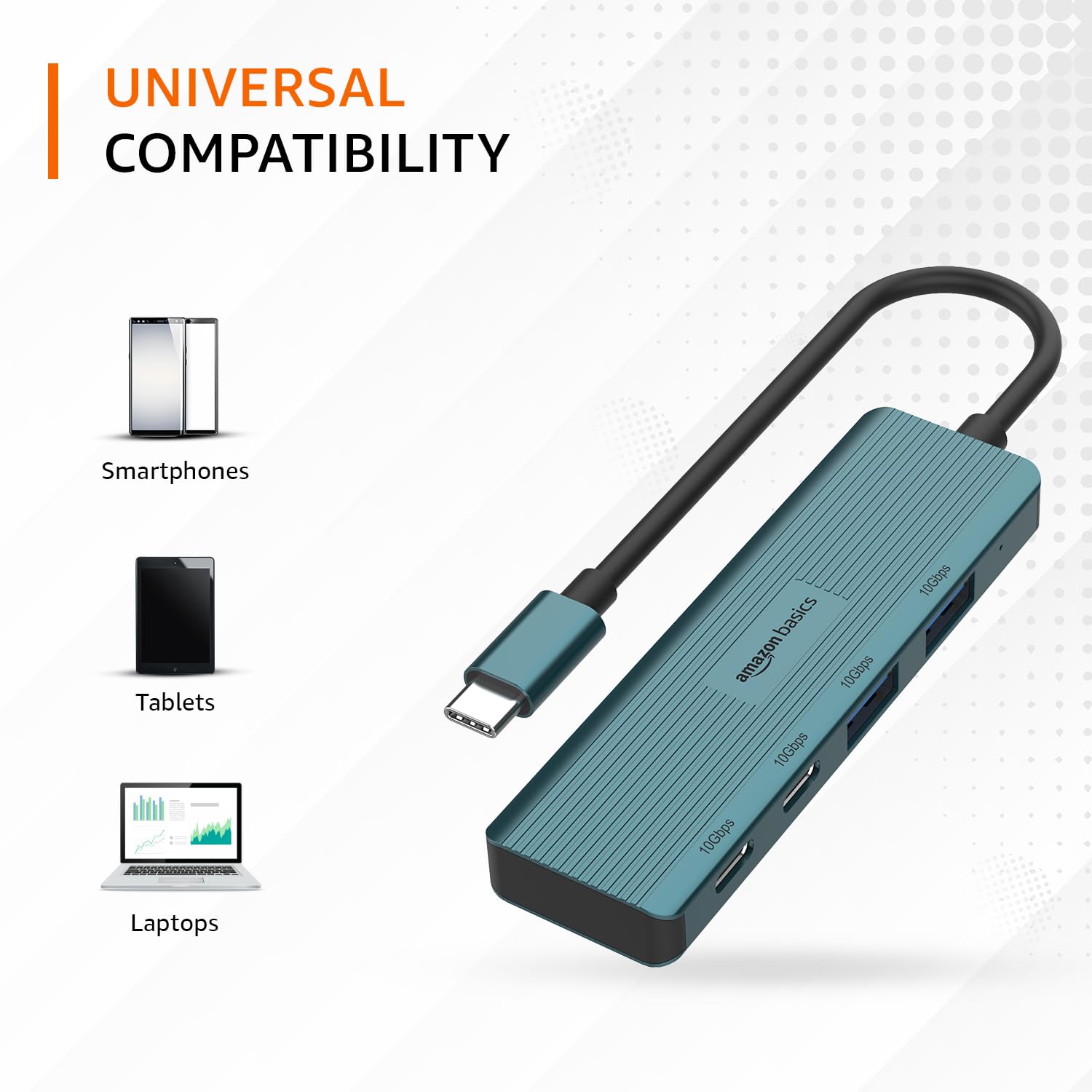
Image: The hub illustrating its compatibility with various devices like smartphones, tablets, and laptops.
Mantenimiento
To ensure the longevity and optimal performance of your USB-C hub, follow these maintenance guidelines:
- Limpieza: Utilice un paño suave y seco para limpiar el exterior del cubo. Evite usar limpiadores líquidos o disolventes, ya que pueden dañar el acabado o los componentes internos.
- Almacenamiento: Cuando no esté en uso, guarde el concentrador en un lugar fresco y seco, alejado de la luz solar directa y de temperaturas extremas.
- Manejo: Avoid dropping the hub or subjecting it to strong impacts. Do not bend the integrated cable excessively.
- Ventilación: Ensure the hub has adequate ventilation during operation to prevent overheating, especially during prolonged high-speed data transfers.
Solución de problemas
If you encounter issues with your Amazon Basics Pro Series 4-in-1 USB-C Hub, refer to the following common troubleshooting steps:
- Dispositivo no reconocido:
- Ensure the hub's USB-C cable is fully inserted into your host device's USB-C port.
- Intente conectar el concentrador a un puerto USB-C diferente en su dispositivo host.
- Restart your host device (computer, laptop, phone).
- Verify that the connected peripheral devices are functioning correctly when connected directly to your host device (if applicable).
- Velocidades lentas de transferencia de datos:
- Confirm that both your host device's USB-C port and the connected peripheral support USB 3.2 Gen 2 (10 Gbps) for optimal speeds.
- Avoid connecting multiple high-bandwidth devices simultaneously if you experience performance degradation.
- Ensure the cables used for connecting peripherals are of high quality and support the desired data transfer speeds.
- Conexión intermitente:
- Check for loose connections at both the hub and the host device.
- Ensure the hub is not being subjected to physical stress or excessive cable bending.
- If using with a power-intensive device, ensure your host device can supply sufficient power, as this hub is not externally powered.
Presupuesto
| Marca | Conceptos básicos de Amazon |
| Modelo | 4-in-1 Hub USB-C |
| Interfaz de host | USB-C |
| Puertos de salida | 2 x USB-C (USB 3.2 Gen 2), 2 x USB-A (USB 3.2 Gen 2) |
| Velocidad de transferencia de datos | Hasta 10 Gbps (USB 3.2 Gen 2) |
| Longitud del cable | 150mm (built-in) |
| Material | Aluminum Alloy, ABS Housing, TPE Cable |
| Color | Turquesa |
| Peso del artículo | 20 gramos |
| Dispositivos compatibles | PC, MacBook, Laptops, Phones, Monitors, Projectors |
| Sistema operativo | MAC OS (and generally compatible with Windows, Linux, Android) |

Image: Physical dimensions of the USB-C hub.
Garantía y soporte
For warranty information and customer support regarding your Amazon Basics Pro Series 4-in-1 USB-C Hub, please refer to the Amazon Basics official webSitio web o contacte directamente con el servicio de atención al cliente de Amazon. Conserve su recibo de compra para reclamaciones de garantía.


