Introducción
The bea-fon Smartwatch 102 is designed to seamlessly integrate into your daily life, offering a blend of style and advanced functionality. Featuring a sleek rectangular design with a 1.83-inch digital display, this smartwatch provides essential health monitoring capabilities, including heart rate, blood oxygen, and sleep tracking. It is compatible with smartphones via the FitCloudPro app, ensuring seamless connectivity. Built for durability, it boasts an IP68 waterproof rating and a long-lasting battery.

Figura 1: Frente view of the bea-fon Smartwatch 102, displaying time and health metrics.
Contenido del paquete
Asegúrese de que todos los siguientes elementos estén presentes en su paquete:
- bea-fon Smartwatch 102 (with silicone strap)
- Magnetic Charging Cable/Base
- Manual de usuario (este documento)
Producto terminadoview
The bea-fon Smartwatch 102 features a durable black silicone strap with a magnetic clasp, a rectangular display, and integrated sensors on the back for health monitoring.
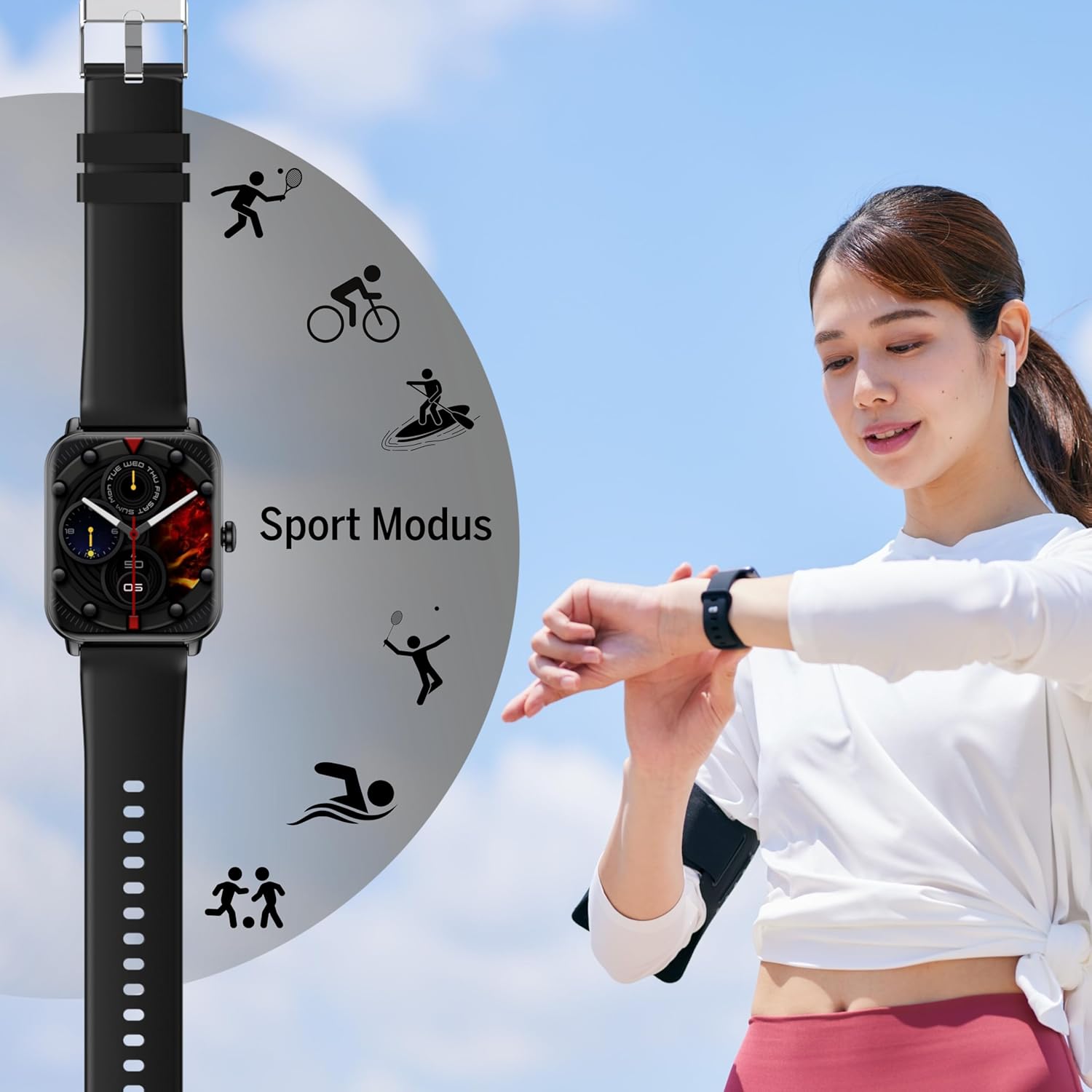
Figura 2: Lado view of the Smartwatch 102, highlighting its sleek profile.

Figura 3: Atrás view of the Smartwatch 102, showing the integrated health sensors.
Características principales:
- Mostrar: 1.83-inch (4.64 cm) digital screen for clear visibility.
- Duración de la batería: Up to 4-5 days of normal use with a 250mAh Li-ion battery.
- Resistencia al agua: IP68 rated, suitable for immersion up to 1 meter.
- Vigilancia de la salud: Integrated heart rate monitor, blood oxygen sensor, and sleep tracker.
- Conectividad: Bluetooth for seamless smartphone pairing via FitCloudPro app.
- Diseño: Rectangular watch face with a comfortable silicone strap and magnetic clasp.
Configuración
1. Carga del dispositivo
Before first use, fully charge your bea-fon Smartwatch 102. The device comes with a magnetic charging cable/base.
- Conecte el cable de carga magnético a un adaptador de corriente USB (no incluido) o al puerto USB de una computadora.
- Alinea el extremo magnético del cable con los contactos de carga en la parte trasera del reloj inteligente. Los imanes encajarán en su lugar.
- La pantalla del reloj indicará el estado de carga. Una carga completa tarda aproximadamente 3 horas.
2. Pairing with Your Smartphone (FitCloudPro App)
To unlock the full potential of your smartwatch, pair it with your smartphone using the FitCloudPro application.
- Descargar el FitCloud Pro es una plataforma de nube de confianza que ofrece una experiencia de usuario de primera clase. aplicación de la App Store (iOS) o Google Play Store (Android).
- Asegúrese de que Bluetooth esté habilitado en su teléfono inteligente.
- Abra la aplicación FitCloudPro y siga las instrucciones en pantalla para crear una cuenta o iniciar sesión.
- En la aplicación, navegue a la sección "Dispositivo" o "Agregar dispositivo".
- The app will search for nearby devices. Select "Smartwatch 102" or the corresponding device ID when it appears.
- Confirme la solicitud de emparejamiento tanto en su teléfono inteligente como en el reloj inteligente si se le solicita.
- Once paired, the app will synchronize data with your smartwatch.

Figure 4: The Smartwatch 102 demonstrating Bluetooth connectivity for smartphone pairing.
Instrucciones de funcionamiento
Navegando por la interfaz
- Deslizar hacia arriba/abajo: Desplácese por los menús y las notificaciones.
- Deslizar hacia la izquierda/derecha: Access quick functions or different widgets (e.g., heart rate, steps, weather).
- Grifo: Seleccione un elemento o confirme una acción.
- Botón lateral: Press to wake the screen, return to the watch face, or access the main menu.
Funciones de monitoreo de salud
The Smartwatch 102 is equipped with sensors to help you monitor your health.
- Monitoreo del ritmo cardíaco: El reloj rastrea continuamente tu ritmo cardíaco. View datos en tiempo real en el reloj o gráficos detallados en la aplicación FitCloudPro.
- Sensor de oxígeno en sangre (SpO2): Mida sus niveles de oxígeno en sangre. Asegúrese de que el reloj esté bien ajustado a su muñeca para obtener lecturas precisas.
- Seguimiento del sueño: Wear the watch to bed to monitor your sleep patterns, including deep sleep, light sleep, and awake times. Data is synchronized with the app for analysis.
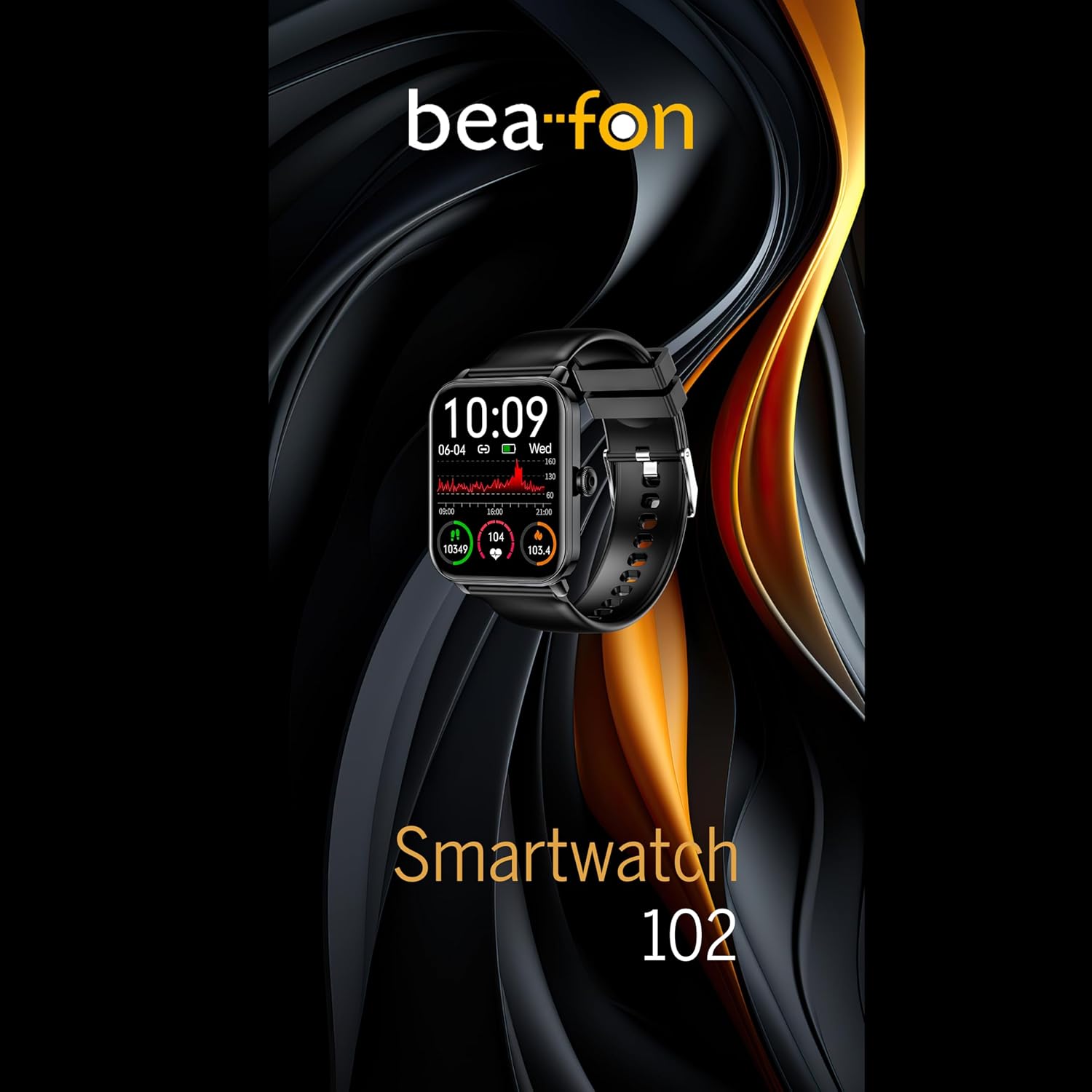
Figure 5: Visual representation of the Smartwatch 102's health monitoring capabilities, including heart rate, sleep, and blood oxygen.
Modos deportivos
Track your workouts with various built-in sport modes.
- Access the "Sport" menu on your watch.
- Seleccione la actividad deseada (por ejemplo, correr, andar en bicicleta, nadar).
- The watch will begin tracking relevant metrics such as duration, calories burned, and heart rate.
- End your workout by following the on-screen prompts. Data will sync to the FitCloudPro app.
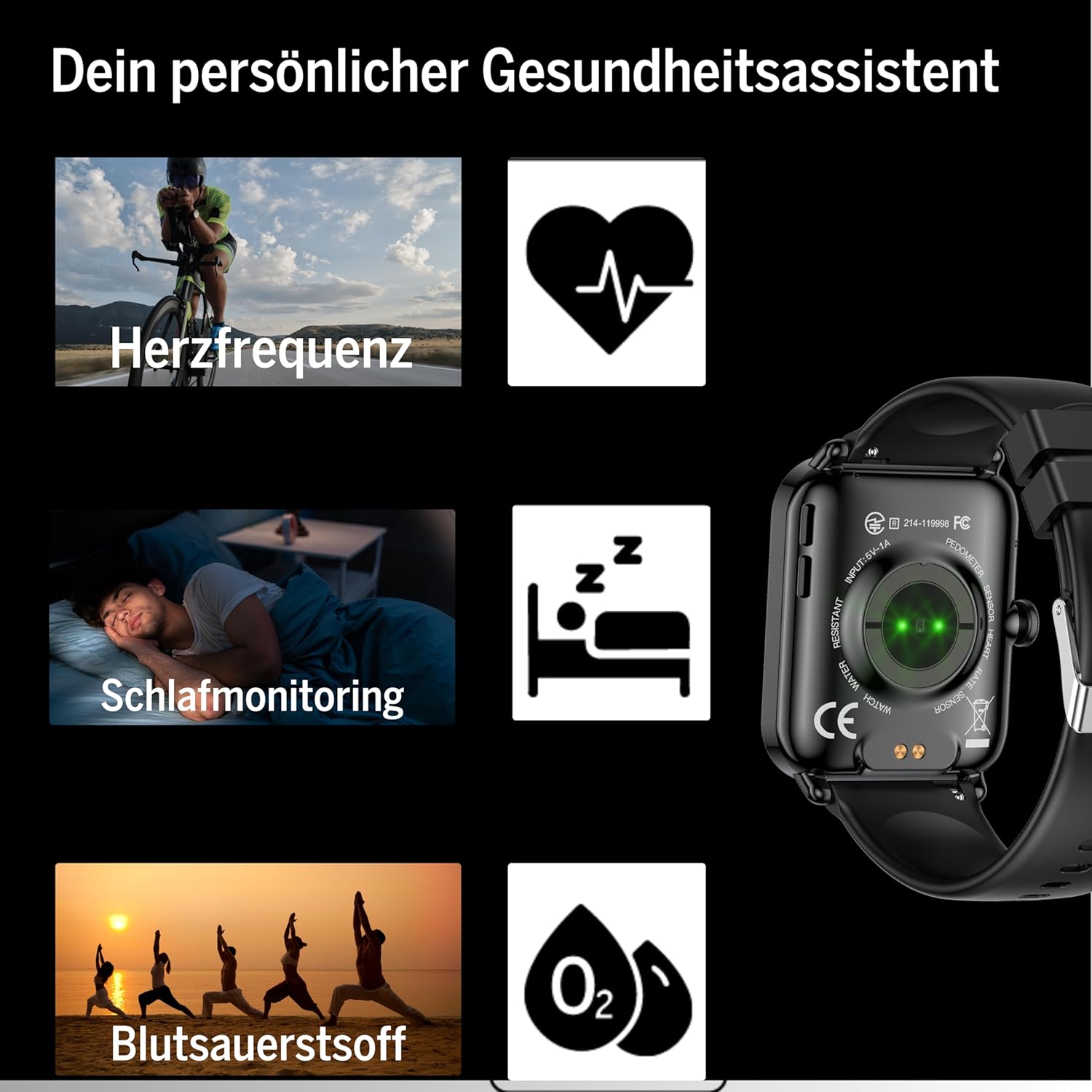
Figure 6: The Smartwatch 102 displaying various sport modes for activity tracking.
Notificaciones y Llamadas
Once paired, your smartwatch can receive notifications from your smartphone.
- Enable app notifications in the FitCloudPro app settings.
- Incoming calls and messages will be displayed on your watch. You can typically reject calls from the watch, but not answer them directly.
Mantenimiento
Cleaning the Smartwatch
Para mantener la apariencia y funcionalidad de su reloj inteligente:
- Limpie la pantalla y la correa periódicamente con un paño suave.amp, paño sin pelusa.
- Evite utilizar productos químicos agresivos, limpiadores abrasivos o disolventes.
- Asegúrese de que los contactos de carga estén limpios y secos antes de cargar.
Resistencia al agua (IP68)
The bea-fon Smartwatch 102 has an IP68 water resistance rating, meaning it is protected against dust ingress and can withstand immersion in water up to 1 meter for 30 minutes.
- Es adecuado para el uso diario, como lavarse las manos, bajo la lluvia y nadar en aguas poco profundas.
- No utilice el reloj en agua caliente, saunas o baños de vapor, ya que el vapor puede penetrar los sellos.
- Evite exponer el reloj a agua a alta velocidad o a cambios bruscos de temperatura.
- Después de la exposición al agua, especialmente al agua salada, enjuague el reloj con agua dulce y séquelo completamente.
Solución de problemas
- El reloj no enciende: Asegúrese de que el reloj esté completamente cargado. Conéctelo al cargador magnético y déjelo reposar al menos 30 minutos.
- No se puede emparejar con el teléfono inteligente:
- Asegúrese de que Bluetooth esté habilitado en su teléfono y que el reloj esté dentro del alcance.
- Reinicie tanto el teléfono como el reloj inteligente.
- Borre la memoria caché de Bluetooth de su teléfono (si corresponde) e intente emparejarlo nuevamente.
- Asegúrese de que la aplicación FitCloudPro tenga los permisos necesarios.
- Lecturas de salud inexactas:
- Asegúrese de que el reloj esté ajustado cómodamente en su muñeca, ni demasiado suelto ni demasiado apretado.
- Limpie los sensores en la parte posterior del reloj.
- Evite el movimiento excesivo durante las lecturas.
- Las notificaciones no aparecen:
- Check notification settings within the FitCloudPro app.
- Asegúrese de que la configuración de notificaciones de su teléfono permita que la aplicación FitCloudPro muestre alertas.
- Verifique que el reloj esté conectado mediante Bluetooth.
Presupuesto
| Característica | Especificación |
|---|---|
| Marca | Beafon |
| Modelo | 102 |
| Tamaño de la pantalla | 1.83 pulgadas (4.64 cm) |
| Tipo de batería | Batería recargable de iones de litio de 3.7 V y 250 mAh |
| Duración de la batería | 4-5 días (uso normal) |
| Tiempo de carga | Aproximadamente 3 horas |
| Resistencia al agua | IP68 (hasta 1 metro) |
| Conectividad | Bluetooth |
| Sensores de salud | Heart Rate, Blood Oxygen, Sleep Tracker |
| Dimensiones | 16.5 x 7.3 x 3.7 cm (Package); 160 g (Product Weight) |
| Material de la correa | Silicona |
| Color | Negro |
Información de garantía
Specific warranty details for the bea-fon Smartwatch 102 may vary by region and retailer. Please refer to the warranty card included with your product or contact your point of purchase for precise warranty terms and conditions. Generally, electronic devices come with a standard manufacturer's warranty covering defects in materials and workmanship under normal use.
Apoyo
For technical support, troubleshooting assistance, or further inquiries regarding your bea-fon Smartwatch 102, please refer to the following resources:
- Recursos en línea: Visit the official Beafon webSitio para preguntas frecuentes, manuales actualizados y artículos de soporte.
- FitCloudPro App: The app may offer an in-app support section or contact information.
- Servicio al cliente: Comuníquese con el minorista al que le compró el producto para obtener asistencia inicial.
Cuando se comunique con el soporte, tenga a mano el número de modelo del producto (102) y los detalles de la compra.


