1. Introducción
This manual provides instructions for the Belkin Everyday Keyboard Case with Cradle, designed to enhance the functionality and protection of your iPad 10th Generation 10.9". This accessory integrates a backlit Bluetooth keyboard, a multi-gesture trackpad, and a protective case with magnetic Apple Pencil storage, transforming your iPad into a versatile workstation.
2. Producto terminadoview
Características principales
- Backlit Bluetooth Keyboard: Enhances productivity in low-light conditions.
- Controles multigestuales: Large, click-anywhere trackpad supports gestures for scrolling, navigating, and zooming.
- Magnetic Apple Pencil Storage: Integrated design ensures secure storage without obstructing the iPad's magnetic charging area.
- Teclas multimedia: Dedicated keys for quick access to common functions.
- Estuche protector: Premium faux leather exterior and soft anti-slip interior protect your device.
Contenido del paquete
- 1 x Belkin Everyday Keyboard Case with Cradle for iPad 10th Generation 10.9"
- 1 x USB-C Charging Cable (for keyboard)
3. Configuración
3.1 Check iPad Compatibility
Ensure your iPad is compatible with this keyboard case. This product is designed for the iPad 10th Generation 10.9".

Image: Compatible iPad models. This case is specifically for iPad 10th Gen (A2696/A2757).
To find your iPad model number:
- Opción 1: Look on the back of your iPad for the model number.
- Opción 2: Open Settings > General > About. Tap the part number to reveal the model number.
3.2 Attaching the iPad
The case features a magnetic snap-on attachment for easy and secure installation of your iPad.
- Align your iPad with the protective cradle portion of the case.
- The iPad will magnetically snap into place, securing it within the case.

Image: Magnetic snap-on attachment for the iPad.
3.3 Emparejamiento Bluetooth
The keyboard connects to your iPad via Bluetooth. It needs to be paired independently.
- Ensure the keyboard is charged (see section 3.4).
- Turn on the keyboard (if applicable, usually by opening the case or a dedicated power button).
- En tu iPad, ve a Configuración > Bluetooth.
- Look for "Belkin Keyboard" or a similar name in the list of available devices and tap to connect.
- Siga las instrucciones en pantalla para completar el proceso de emparejamiento.
3.4 Carga del teclado
The keyboard has an internal rechargeable battery and must be charged separately from your iPad.
- Localice el puerto de carga USB-C en el teclado.
- Connect the provided USB-C cable to the keyboard and a compatible USB power adapter (not included).
- La luz indicadora de carga mostrará el estado de carga.

Image: The keyboard features a 450mAh battery for long-lasting power.
4. Instrucciones de funcionamiento
4.1 Uso del teclado
The keyboard provides a tactile typing experience with several useful features.
- Teclas retroiluminadas: Press the dedicated backlight key (often represented by a sun icon) to cycle through brightness levels or turn the backlight off to conserve battery.
- Teclas multimedia: Use the dedicated function keys for quick access to media playback controls, volume adjustment, and other system functions.

Image: Backlit Bluetooth Keyboard and Multimedia Keys in use.
4.2 Uso del panel táctil
The large, click-anywhere trackpad supports multi-gesture controls for intuitive navigation on your iPad.
- Desplazamiento: Utilice dos dedos para desplazarse hacia arriba o hacia abajo.
- Navegando: Deslice tres dedos para cambiar entre aplicaciones abiertas.
- Zoom: Pellizque con dos dedos para acercar o alejar el contenido.
- Haciendo clic: Press down on any part of the trackpad for a click action.

Image: Multi-Gesture Controls on Touchpad.
4.3 Stand Functionality
The integrated cradle and kickstand allow for adjustable viewángulos de ing.
- Open the case and position the iPad in the cradle.
- Adjust the kickstand at the back of the keyboard portion to achieve your desired viewángulo de ing.
4.4 Apple Pencil Storage
The case is designed with compatibility for Apple Pencil storage.
- Place your Apple Pencil on the designated magnetic strip on the side of the iPad.
- The case ensures the Apple Pencil remains securely attached and accessible.
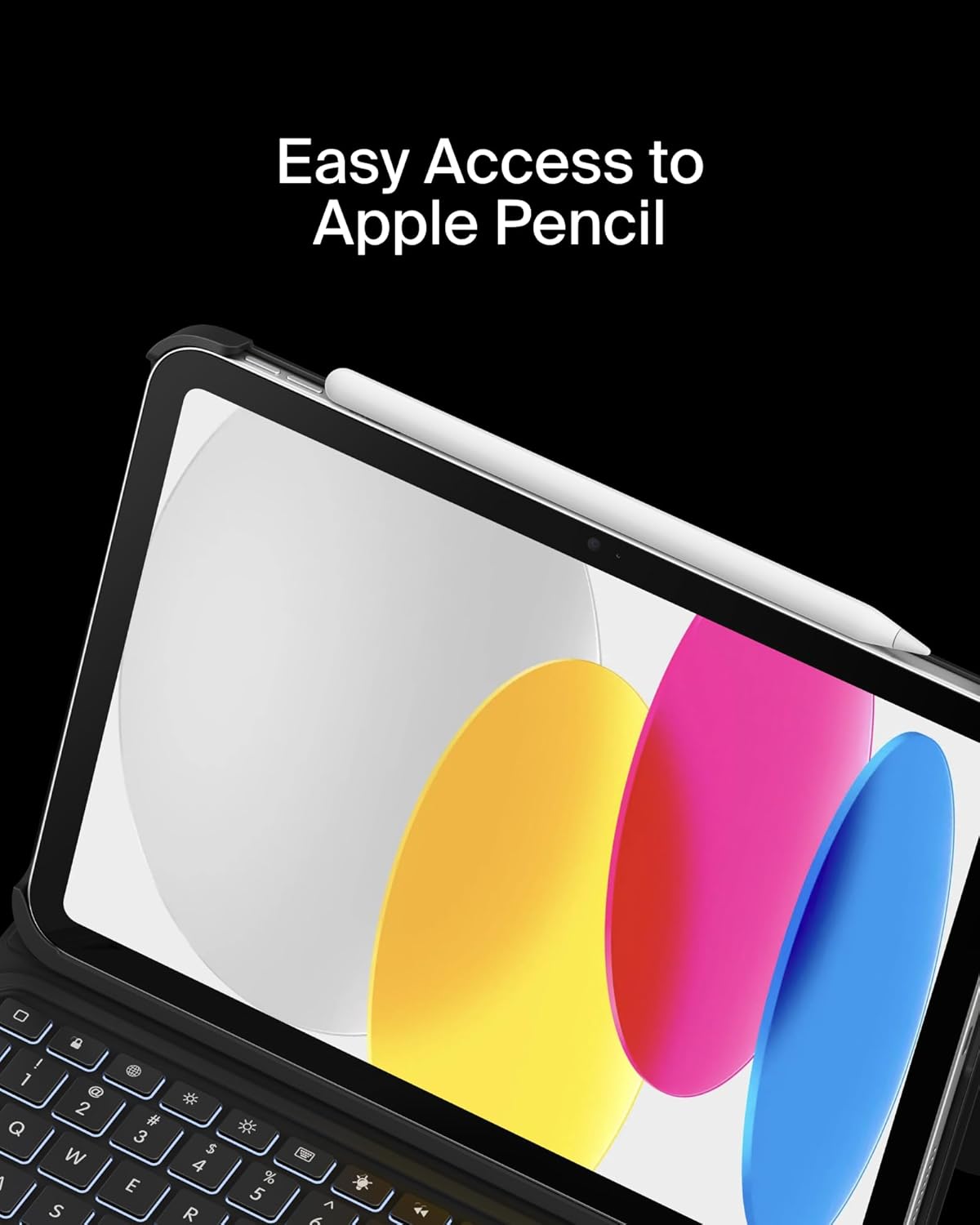
Image: Easy Access to Apple Pencil.
5. Mantenimiento
5.1 Limpieza
Para mantener la apariencia y funcionalidad de la funda del teclado:
- Limpie el exterior con un paño suave y seco.amp paño. Evite los productos químicos agresivos.
- For the keyboard keys and trackpad, use a soft, dry cloth or a gentle brush to remove dust and debris.
5.2 Cuidado de la batería
El teclado está equipado con una batería de litio de 450 mAh.
- Cargue completamente el teclado antes del primer uso.
- Recharge the keyboard when the battery indicator shows low power.
- Para una vida útil óptima de la batería, evite descargarla por completo con frecuencia.
- If not in use for an extended period, charge the keyboard every few months to prevent deep discharge.
6. Solución de problemas
6.1 El teclado no responde
- Comprobar la batería: Asegúrese de que el teclado esté suficientemente cargado.
- Volver a emparejar Bluetooth: Go to iPad Settings > Bluetooth, forget the device, and re-pair the keyboard.
- Reiniciar dispositivos: Reinicie tanto el iPad como el teclado.
6.2 El panel táctil no funciona
- Comprobar la conexión Bluetooth: Ensure the keyboard is properly paired via Bluetooth.
- Limpiar el trackpad: Asegúrese de que la superficie del panel táctil esté limpia y libre de obstrucciones.
- iPad Settings: Verify trackpad settings in iPadOS are enabled and configured as desired.
6.3 La luz de fondo no funciona
- Comprobar la batería: Backlight consumes power; ensure the keyboard has enough charge.
- Ajuste de brillo: Use the dedicated backlight key to increase brightness.
7. Especificaciones
| Marca | Belkin |
| Número de modelo | BBZ001tt-V3 |
| Dispositivos compatibles | iPad 10th Generation 10.9" |
| Tecnología de conectividad | Bluetooth |
| Descripción del teclado | Multimedia |
| Características especiales | Apple Pencil Storage, Backlit, Multimedia Keys, Trackpad |
| Color | Negro |
| Soporte de color de retroiluminación de teclado | Un solo color |
| Estilo | Case w/ Cradle |
| Material | Faux Leather (Exterior), Soft Non-Slip Material (Interior) |
| Peso del artículo | 1.6 libras |
| Dimensiones del producto (LxAnxAl) | 10.9 x 7.7 x 0.9 pulgadas |
| Fuente de poder | Funciona con pilas |
| Batería | 450mAh lithium battery (standby time: 365 days) |

Image: Slim, Portable Design with approximate dimensions and weight.
8. Garantía y soporte
8.1 Garantía limitada
This Belkin Everyday Keyboard Case with Cradle comes with a Garantía limitada de 2 añosEsta garantía cubre defectos de materiales y mano de obra en condiciones normales de uso.

Image: Belkin Product Protection - 2 Year Coverage.
8.2 Atención al cliente
Para asistencia técnica, reclamos de garantía o más información, visite el soporte oficial de Belkin. websitio o póngase en contacto con su servicio de atención al cliente.
Soporte de Belkin: www.belkin.com/support/


