1. Introducción
This user manual provides essential information for the safe and efficient operation of your TCL 50T6C 50-inch QLED 4K HDR Fire TV. Please read this manual thoroughly before using your television and retain it for future reference.
2. Información de seguridad
Always follow basic safety precautions when using this product to reduce the risk of fire, electric shock, and injury. Keep the television away from moisture, direct sunlight, and heat sources. Ensure proper ventilation and do not block ventilation openings. Use only attachments/accessories specified by the manufacturer. Disconnect the power cord during lightning storms or when unused for long periods.
3. ¿Qué hay en la caja?
Verifique que todos los componentes estén presentes:
- Cable de alimentación
- Mando a distancia
- Pararse
- Manual de usuario (este documento)
4. Producto terminadoview y dimensiones
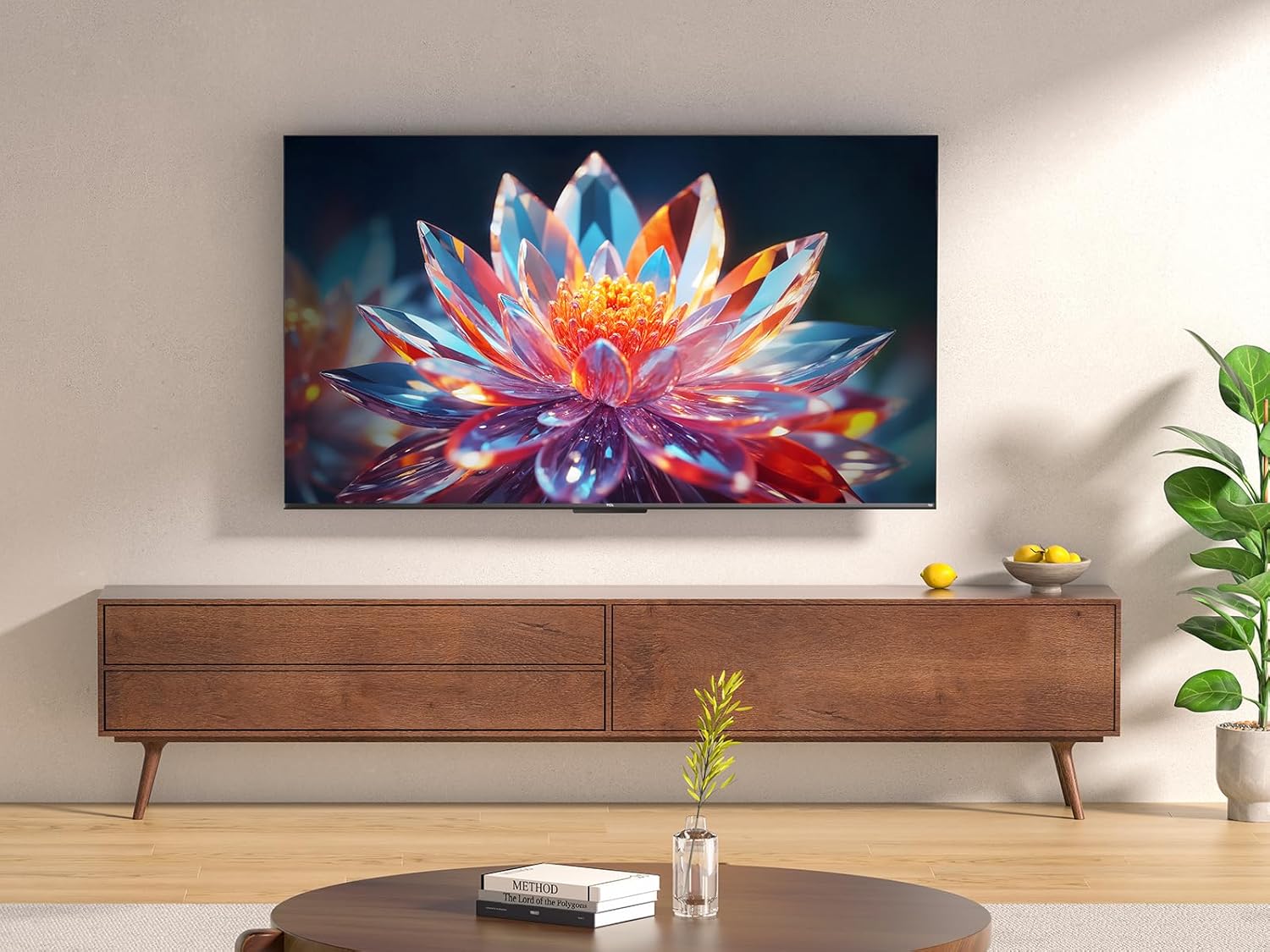
The TCL 50T6C is a 50-inch QLED 4K HDR Fire TV designed for an immersive viewing experience. Below are the key dimensions of the television.

5. Configuración
5.1 Instalación del soporte
Para instalar el soporte del televisor:
- Coloque con cuidado el televisor boca abajo sobre una superficie suave y plana para evitar dañar la pantalla.
- Alinee las patas del soporte con las ranuras correspondientes en la parte inferior del televisor.
- Fije las patas del soporte con los tornillos incluidos. Asegúrese de que estén bien apretados.
5.2 Montaje en pared
For wall mounting, use a VESA-compatible mount (200x200mm for this model). Consult a professional for wall mounting to ensure safety and proper installation. Refer to the wall mount's instructions for specific details.
5.3 Conexión de dispositivos
Su televisor TCL 50T6C ofrece varias opciones de conectividad:
- HDMI: Connect up to three HDMI devices (e.g., Blu-ray player, game console, soundbar) for high-definition audio and video.
- USB: Conecte una unidad USB para reproducir medios.
- Cable/Satélite: Connect your antenna or satellite cable for broadcast TV.
- Ethernet: Conecte un cable Ethernet para una conexión a Internet por cable.
- Wifi: Conéctese de forma inalámbrica a su red doméstica.
- Bluetooth: Connect compatible Bluetooth devices such as headphones or speakers.
5.4 Encendido y configuración inicial
- Conecte el cable de alimentación al televisor y a una toma de corriente.
- Presione el botón de encendido del televisor o del control remoto para encenderlo.
- Follow the on-screen instructions to complete the initial Fire TV setup, including network connection, language selection, and Amazon account login.
6. Uso de su televisor
6.1 control remoto
The included remote control provides full functionality for navigating your Fire TV and controlling your television.

6.2 Interfaz de Fire TV
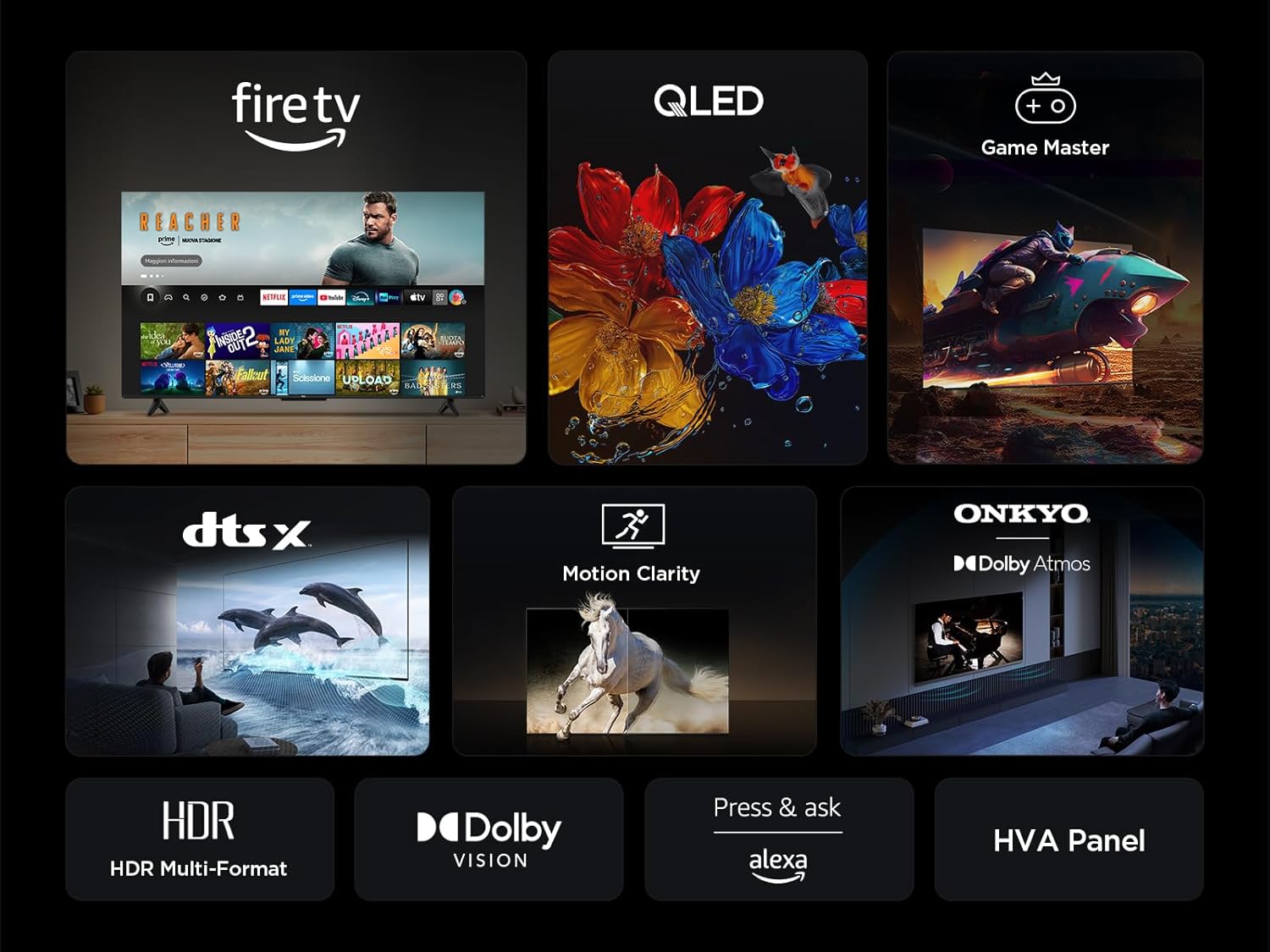
Your TV features an integrated Fire TV experience, providing access to a wide range of streaming content, live TV, and apps from a single home screen.

6.3 Tecnología de pantalla QLED
Experience vibrant and accurate colors with QLED technology. This TV utilizes Quantum Dot technology to produce over a billion shades of color, offering a realistic and wide color gamut with striking contrast.

6.4 HDR Multi-Format Support
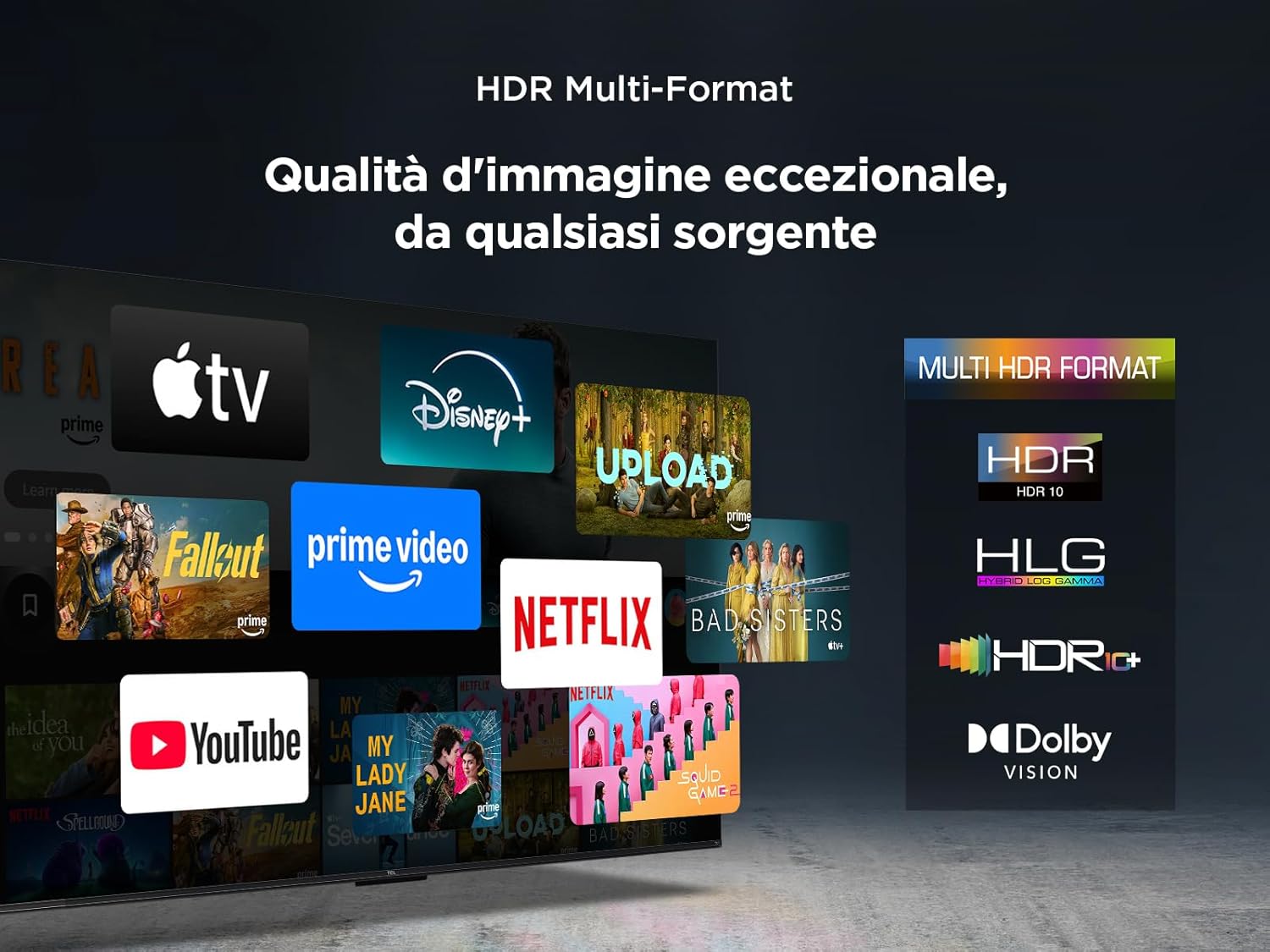
The TV supports multiple HDR formats, including HDR10, HLG, HDR10+, and Dolby Vision, ensuring exceptional image quality from various sources. This allows you to view content in the best possible format.
6.5 Audio Features (Dolby Atmos & DTS:X)
Immerse yourself in a captivating audio experience with Dolby Atmos and DTS:X technologies. These features provide rich, clear, and powerful sound, enhancing your viewplacer inmenso

6.6 Claridad del movimiento
Motion Clarity (MEMC) technology ensures smooth and harmonious images, reducing blur and judder in fast-moving scenes, ideal for sports and action films.

6.7 Características de juego
For gamers, the TCL 50T6C offers an optimized gaming experience with features like HDMI 2.1, ALLM (Auto Low Latency Mode), and VRR (Variable Refresh Rate) for smoother gameplay and reduced input lag.

6.8 Control de voz de Alexa
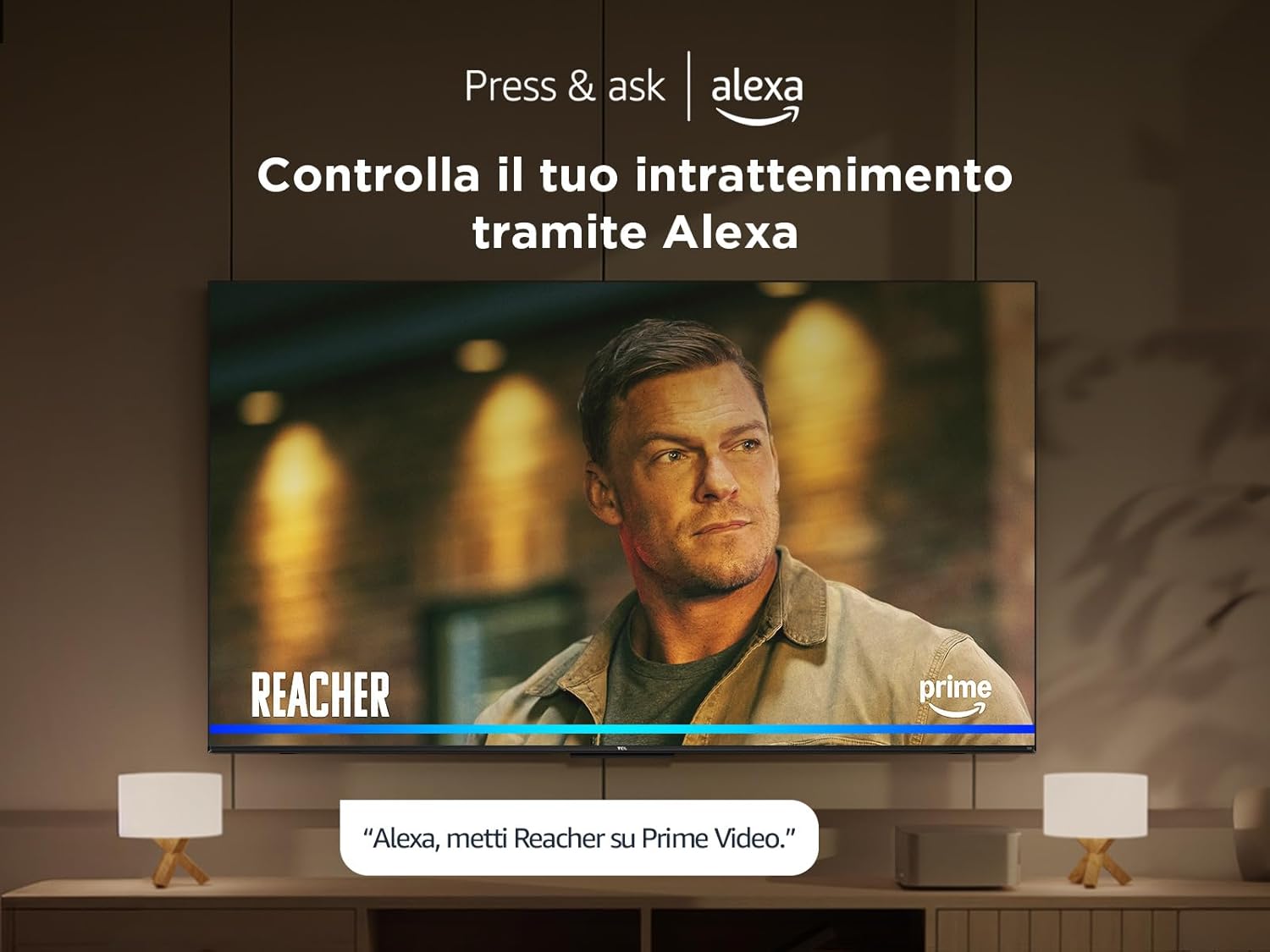
Control your TV and smart home devices using your voice with integrated Alexa. Simply press the microphone button on your remote and speak your command.
7. Mantenimiento
Para garantizar la longevidad y el rendimiento de su televisor:
- Limpieza de la pantalla: Limpie suavemente la pantalla con un paño suave que no deje pelusa. Para manchas difíciles, use un limpiador de pantallas específico para televisores, aplicándolo directamente sobre el paño, no sobre la pantalla.
- Limpieza del marco: Utilice un paño suave y seco para limpiar el marco y el soporte del televisor.
- Evite los productos químicos agresivos: No utilice alcohol, benceno, disolventes u otras sustancias volátiles, ya que pueden dañar el televisor.
- Ventilación: Asegúrese de que las aberturas de ventilación en la parte posterior del televisor no estén bloqueadas para evitar el sobrecalentamiento.
8. Solución de problemas
Si tiene problemas con su televisor, pruebe las siguientes soluciones:
- Sin energía: Compruebe que el cable de alimentación esté bien conectado y que la toma de corriente funcione. Pruebe con otra toma.
- Sin imagen/sonido: Asegúrese de que la fuente de entrada seleccionada sea la correcta. Compruebe todas las conexiones de cable (HDMI, antena).
- El control remoto no funciona: Reemplace las baterías. Asegúrese de que no haya obstrucciones entre el control remoto y el televisor.
- Mala calidad de imagen: Revisa las conexiones de antena/cable. Ajusta la configuración de imagen en el menú del televisor. Para ver contenido en streaming, verifica la velocidad de tu conexión a internet.
- Problemas de conexión a Internet: Reinicia el router y el módem. Vuelve a conectarte a la red Wi-Fi o prueba una conexión Ethernet por cable.
If problems persist, consult the online support resources or contact customer service.
9. Especificaciones técnicas
| Característica | Especificación |
|---|---|
| Fabricante | TCL |
| Número de modelo | 50T6C |
| Tamaño de pantalla | 50 pulgadas |
| Tecnología de pantalla | LED Q |
| Resolución | 4K |
| Frecuencia de actualización | 60 Hz |
| Características especiales | 60 Hz VRR & MEMC, Dolby Audio, Fire OS Alexa, Quantum Dot |
| Tecnología de conectividad | Bluetooth, Ethernet, HDMI, USB, Wi-Fi |
| Relación de aspecto | 16:9 |
| Dimensiones del producto (WxDxH) | 111.1 x 25.7 x 68.4 cm |
| Peso | 10.6 kilogramos |
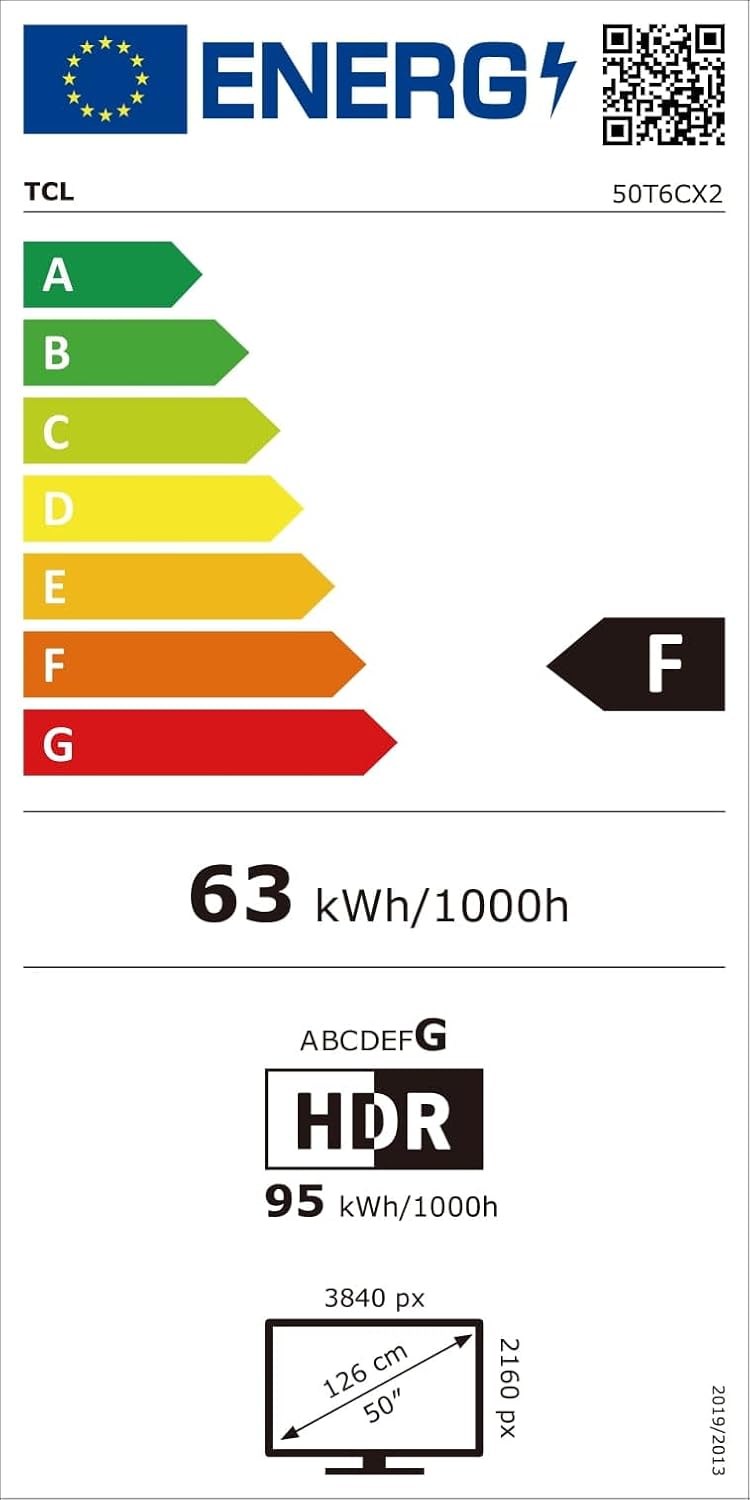
9.1 Eficiencia energética
10. Garantía y soporte
Para obtener información sobre la garantía y asistencia al cliente, consulte la tarjeta de garantía incluida con su producto o visite el soporte oficial de TCL. webSitio. Conserve su recibo de compra como comprobante de compra.


