1. Introducción
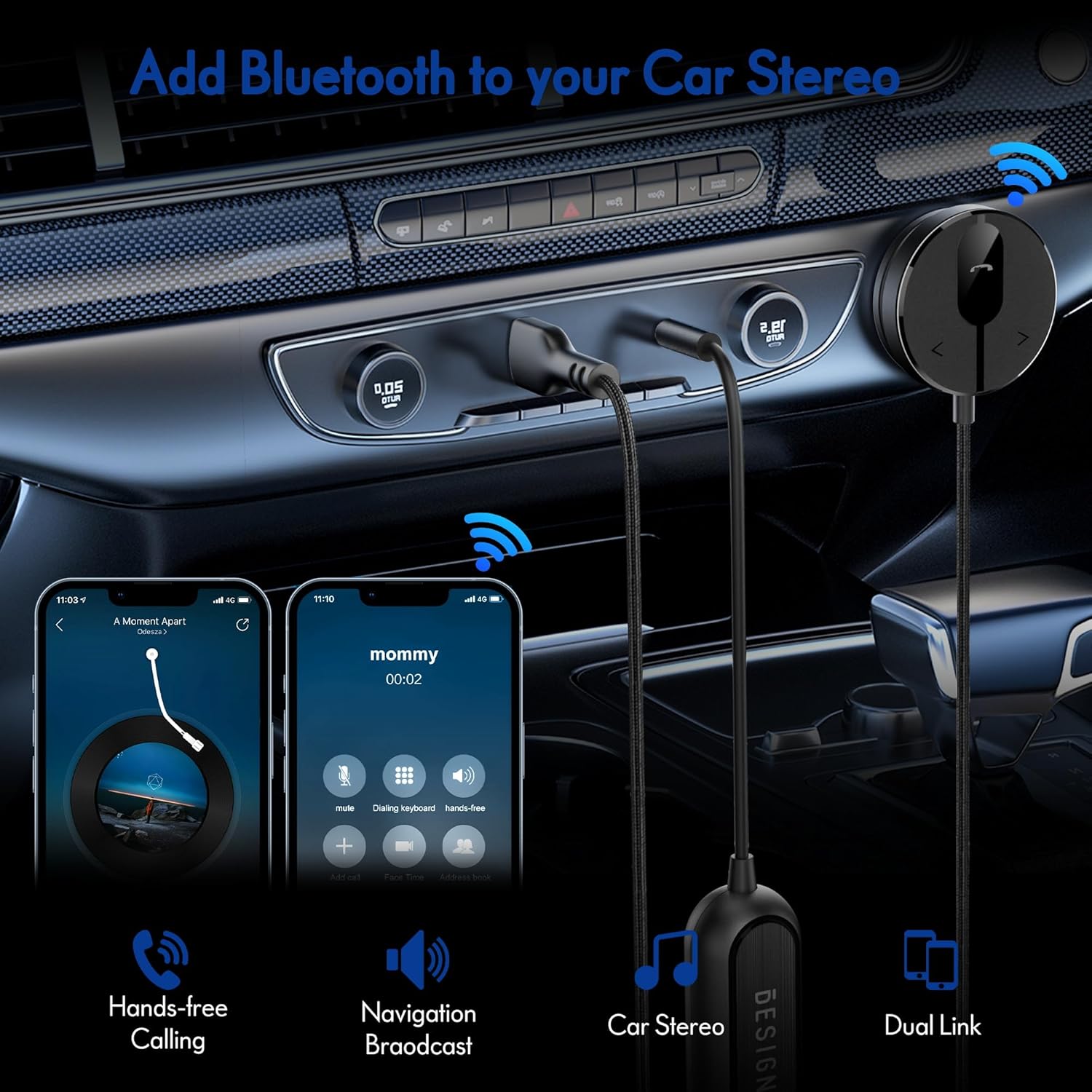
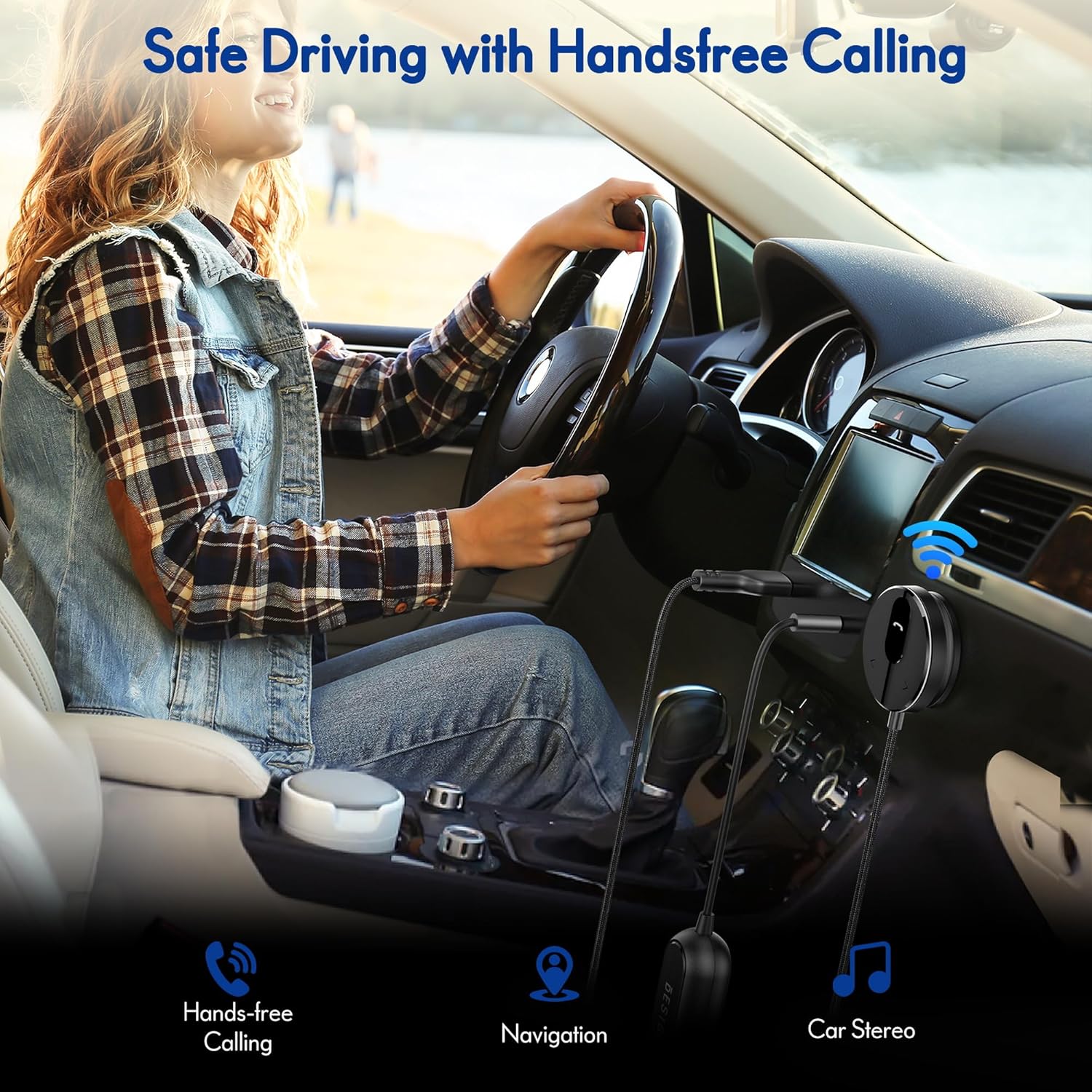
The BESIGN BK01 Bluetooth Car Kit is designed to enhance your driving experience by adding Bluetooth 5.3 connectivity to your car's audio system. This device allows for wireless music streaming, hands-free calling, and navigation broadcast through your car speakers, utilizing your vehicle's 3.5mm Aux input and USB power port. It includes a ground loop noise isolator to ensure clear audio quality.
2. Producto terminadoview
Familiarize yourself with the components of your BESIGN BK01 Bluetooth Car Kit.

El kit incluye:
- Bluetooth Receiver Unit: Main control unit with Multi-Function Button (MFB), LED indicator, microphone, and track control buttons.
- Magnetic Mounting Disc: For secure placement of the receiver unit.
- Ground Loop Noise Isolator: Reduces buzzing noise in the audio.
- 3.5mm Auxiliary Out Cable: Connects to your car's Aux input.
- Puerto de alimentación USB: Connects to a USB power source in your car.
Estado del indicador LED
| Indicador LED | Estado |
|---|---|
| Flashing Red And Blue | Modo de emparejamiento |
| Azul sólido | Conectado |
3. Especificaciones
- Número de modelo: BK01
- Versión de Bluetooth: 5.3
- Tecnología de conectividad: Bluetooth
- Fuente de energía: Car Cigarette USB power supply
- Características especiales: Automatic On/Off, Built-In Microphone, Hands-Free Calls, Noise Cancellation
- Peso del artículo: 3.84 onzas
- Dimensiones del paquete: 4.13 x 3.11 x 1.77 pulgadas
4. Instrucciones de configuración
Follow these steps to install and connect your BESIGN BK01 Bluetooth Car Kit.
- Conectar la alimentación y el audio:
- Plug the USB power port of the BK01 into a USB power source in your car (e.g., a car charger or a built-in USB port).
- Connect the 3.5mm Aux cable from the BK01 to your car's 3.5mm Aux input port.
- If experiencing buzzing noise, connect the included ground loop noise isolator between the BK01's 3.5mm Aux cable and your car's Aux input.
- Monte el receptor:
- Choose a convenient location on your dashboard or console for the magnetic mounting disc. Ensure the surface is clean and dry.
- Peel off the adhesive backing from the magnetic mounting disc and firmly press it onto the chosen surface.
- Attach the Bluetooth receiver unit to the magnetic disc.
- Encendido y emparejamiento:
- Once connected to power, the BK01 will automatically power on. The LED indicator will flash red and blue, indicating it is in pairing mode.
- On your smartphone or other Bluetooth device, go to the Bluetooth settings and search for available devices.
- Select "BK01" from the list to pair. If prompted for a PIN, enter "0000".
- Una vez emparejado exitosamente, el indicador LED se volverá azul fijo.
- Conexión automática: The BK01 is designed to automatically power on and connect to the last paired device when your car starts (ensure your phone's Bluetooth is active). If it doesn't connect automatically, a short press on the Multi-Function Button (MFB) can initiate reconnection.

5. Instrucciones de funcionamiento
5.1. Reproducción de música
- Reproducir/Pausa: Presione el botón multifunción (MFB) una vez.
- Pista siguiente: Press the ">" button once.
- Pista anterior: Press the "<" button once.
5.2. Llamadas manos libres
- Responder llamada: Presione el botón multifunción (MFB) una vez.
- Finalizar llamada: Press the Multi-Function Button (MFB) once during a call.
- Rechazar llamada: Mantenga presionado el botón multifunción (MFB) durante 2 segundos.
- Volver a marcar el último número: Double-press the Multi-Function Button (MFB).
5.3. Activación del asistente de voz
Press and hold the ">" button to activate your smartphone's voice assistant (e.g., Siri for iPhone, Google Assistant for Android).
5.4. Dual Phone Connection
The BK01 supports connecting to two phones simultaneously. It will manage calls from both devices and mute music if a call comes in on the other phone.
6. Solución de problemas
- Buzzing Noise (Ground Loop Noise): If you experience a buzzing or humming noise, especially when music is paused, connect the included ground loop noise isolator. This device is specifically designed to eliminate such electrical interference.
- No Power/No Connection:
- Ensure the USB power port is securely plugged into a working power source.
- Verify your car's USB port or cigarette lighter adapter is providing power.
- Check that your phone's Bluetooth is enabled and within range.
- If the device does not auto-connect, press the MFB button to manually initiate connection.
- Mala calidad de sonido:
- Ensure the 3.5mm Aux cable is fully inserted into both the BK01 and your car's Aux input.
- Adjust the volume on both your phone and car stereo.
- If using the ground loop noise isolator, ensure it is correctly connected.
- Microphone Volume Low During Calls: This can sometimes occur with Bluetooth devices. Ensure the microphone on the BK01 receiver unit is not obstructed and is positioned optimally. Adjust call volume on your phone.

7. Mantenimiento
- Mantenga el dispositivo limpio frotándolo con un paño suave y seco.
- Evite exponer el dispositivo a temperaturas extremas, luz solar directa o humedad.
- No intente desmontar o reparar el dispositivo usted mismo, ya que esto anulará cualquier posible garantía.
8. Información de seguridad
- No utilice el dispositivo de forma que le distraiga de la conducción. Priorice siempre la seguridad vial.
- Mantenga el dispositivo y sus componentes fuera del alcance de los niños.
- Do not dispose of batteries (if applicable) in fire.
9. Garantía y soporte
For warranty information or technical support, please refer to the product packaging or contact BESIGN customer service directly through their official websitio o el minorista donde se compró el producto.


