1. Introducción
The Edifier X1 Lite True Wireless Earbuds are designed to provide a high-quality audio experience with advanced features for daily use. These earbuds feature Φ13mm dynamic drivers for rich sound, Bluetooth 5.4 for stable connectivity, and AI voice pick-up technology for clear calls. With a lightweight design and IP54 sweat resistance, they are suitable for various activities.

Figure 1.1: Edifier X1 Lite True Wireless Earbuds and Charging Case. The earbuds are shown nestled in their compact pink charging case, ready for use or storage.
Características principales:
- Potente calidad de sonido: Equipped with Φ13mm dynamic drivers for deep bass and clear audio.
- Borrar llamadas: AI algorithm voice pick-up technology reduces background noise for enhanced call clarity.
- Tiempo de juego extendido: Up to 26 hours of total playtime (7 hours per charge + 19 hours from charging case).
- Carga rápida: 15-minute charge provides 1.5 hours of playback.
- Bluetooth 5.4: Garantiza una conexión inalámbrica estable y eficiente.
- Baja latencia: 60ms low-latency design for optimized gaming and video streaming.
- Diseño duradero: IP54 certified for sweat and dust resistance, ideal for active lifestyles.
- Ligero: Cada auricular pesa aproximadamente 4 g para un uso cómodo.
- Experiencia personalizable: Personalize settings via the EDIFIER ConneX app.

Figure 1.2: Internal Structure of the Earbud. This diagram illustrates the Φ13mm dynamic driver, responsible for delivering wide soundstage, excellent bass, and detailed highs and mids.
2. Configuración
2.1 Carga inicial
Antes del primer uso, cargue completamente los auriculares y el estuche de carga.
- Coloque ambos auriculares en el estuche de carga.
- Conecte el estuche de carga a una fuente de alimentación mediante un cable USB-C (no incluido).
- La luz indicadora del estuche de carga mostrará el estado de carga. Una carga completa suele tardar aproximadamente 1.5 horas (tanto el estuche como los auriculares).

Figure 2.1: Battery Life and Fast Charging. The image highlights the 7 hours of playtime on a single charge, 19 additional hours with the charging case, and the fast charge feature providing 1.5 hours of playback from a 15-minute charge.
2.2 Emparejamiento Bluetooth
To connect your Edifier X1 Lite earbuds to a device:
- Asegúrese de que los auriculares estén en el estuche de carga y que la tapa del estuche esté abierta.
- En su dispositivo (teléfono inteligente, tableta, computadora), habilite Bluetooth.
- Buscar "EDIFIER X1 Lite" en la lista de dispositivos Bluetooth disponibles.
- Select "EDIFIER X1 Lite" to pair. Once connected, you will hear a confirmation tone.
- Para usos posteriores, los auriculares se conectarán automáticamente al último dispositivo emparejado cuando se saquen del estuche.
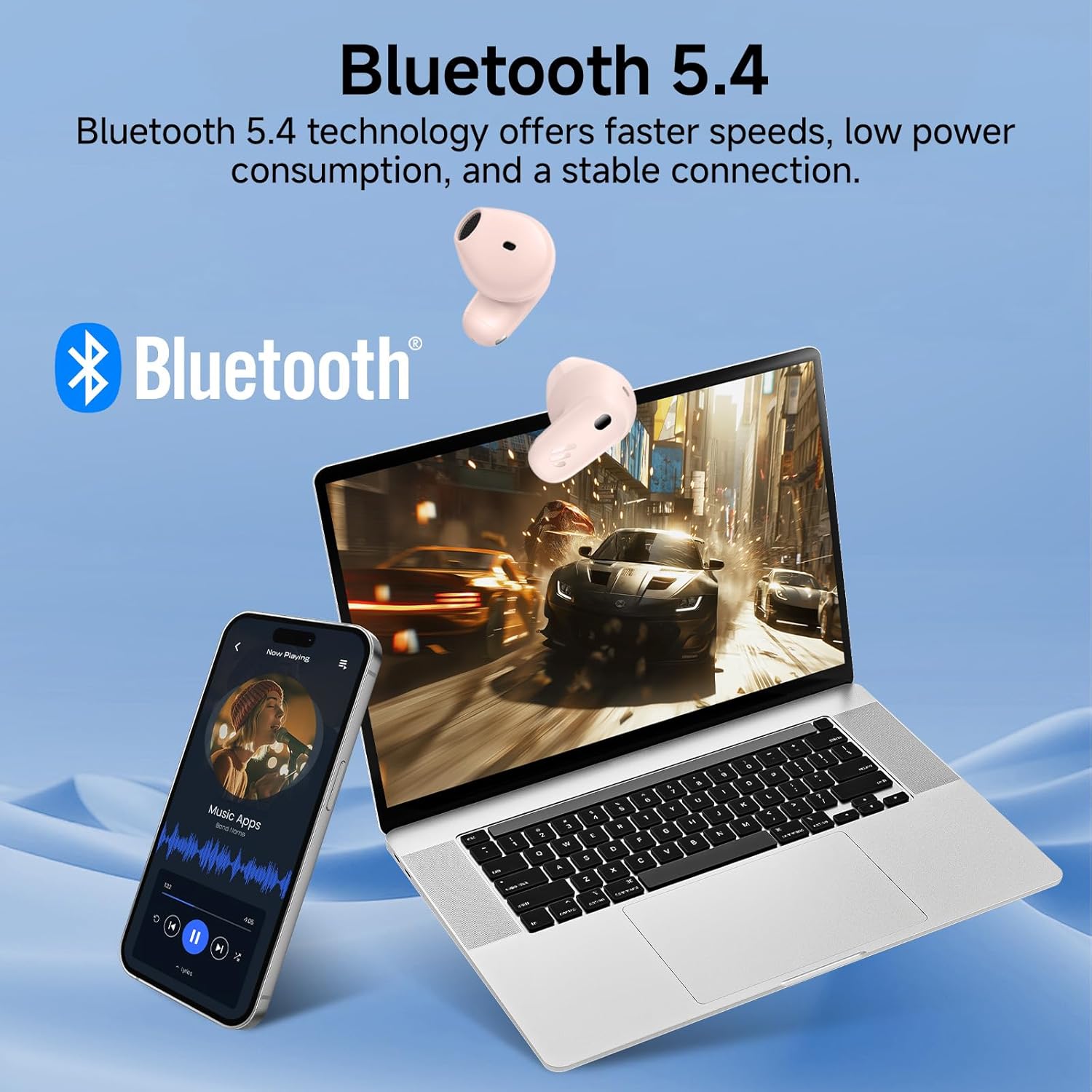
Figure 2.2: Bluetooth 5.4 Connectivity. This image demonstrates the earbuds' seamless connection to multiple devices, showcasing the stable and low-power consumption benefits of Bluetooth 5.4 technology.
2.3 Aplicación EDIFIER ConneX
Enhance your listening experience by downloading the EDIFIER ConneX app from your device's app store. The app allows for:
- Personalización de controles táctiles.
- Ajuste de la configuración del ecualizador.
- Comprobación del estado de la batería.
- Actualizaciones de firmware.
3. Instrucciones de funcionamiento
3.1 Controles táctiles
The Edifier X1 Lite earbuds feature intuitive touch controls. The default functions are:
| Acción | Función (auricular izquierdo/derecho) |
|---|---|
| Doble toque | Reproducir/Pausar, Responder/Finalizar llamada |
| Triple toque (derecha) | Pista siguiente |
| Triple toque (izquierda) | Pista anterior |
| Pulsación larga (2s) | Rechazar llamada |
| Toque cuádruple | Game Mode On/Off (Low Latency) |
Note: Touch controls can be customized via the EDIFIER ConneX app.
3.2 Gestión de llamadas
The earbuds utilize AI voice pick-up technology for clear communication during calls.
- Responder / finalizar llamadas: Toque dos veces cualquiera de los auriculares.
- Rechazar llamadas: Mantenga presionado cualquiera de los auriculares durante 2 segundos.

Figure 3.1: Clear Call Experience. This image shows a user engaged in a call, emphasizing the AI algorithm's ability to capture voice and reduce background noise for superior call clarity.
3.3 Modo de baja latencia (modo de juego)
Activate the 60ms low-latency mode for an optimized gaming and video streaming experience.
- Activación: Quadruple tap either earbud.
- Desactivación: Quadruple tap either earbud again.
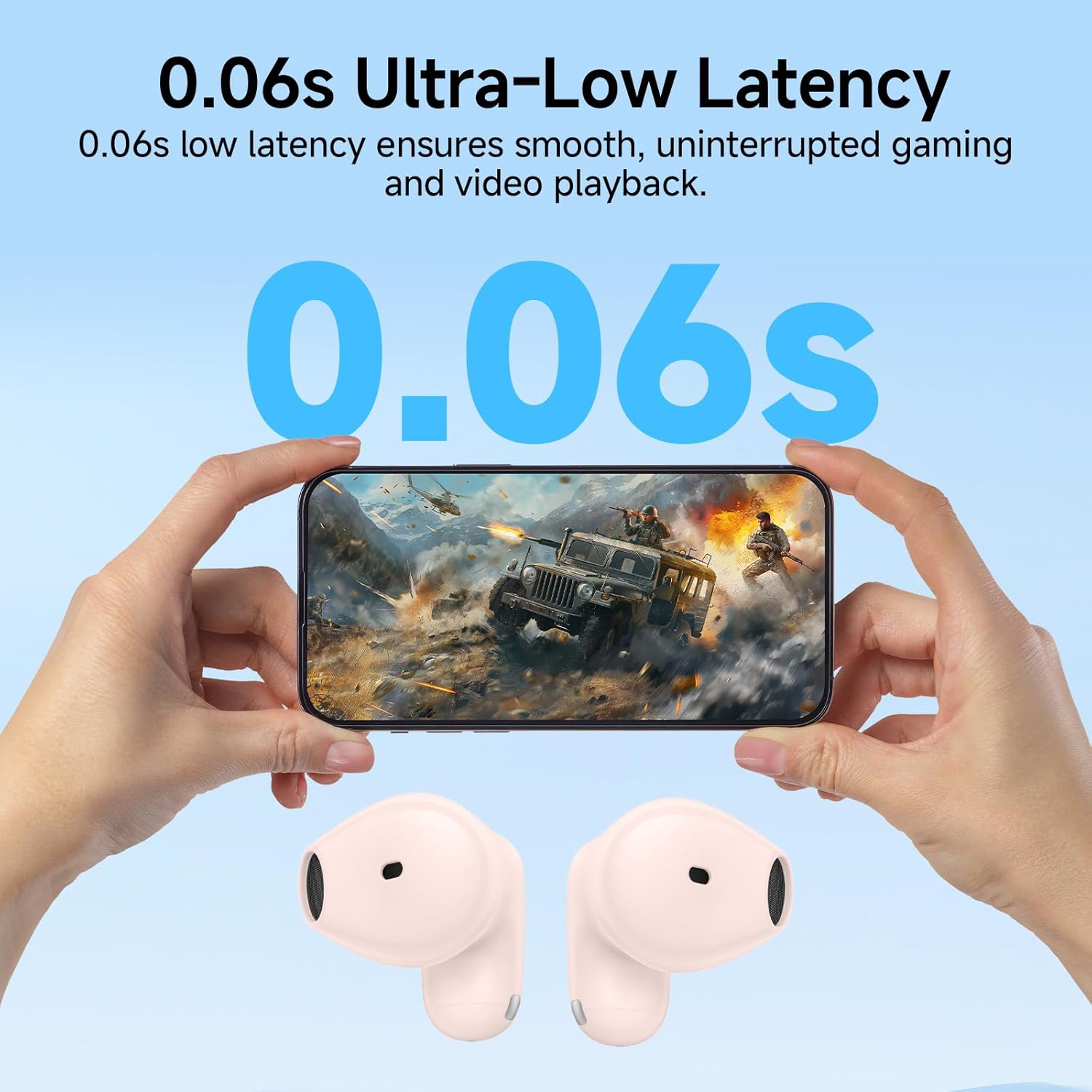
Figure 3.2: Ultra-Low Latency for Gaming. The image depicts the earbuds' 0.06s low latency feature, ensuring smooth and uninterrupted gaming and video playback.
4. Mantenimiento
4.1 Limpieza
Para garantizar un rendimiento e higiene óptimos, limpie periódicamente los auriculares y el estuche de carga.
- Utilice un paño suave, seco y sin pelusa para limpiar los auriculares y el estuche de carga.
- Para suciedad difícil, ligeramente dampLimpie el paño con agua o un limpiador suave no abrasivo.
- No utilice productos químicos agresivos, alcohol ni materiales abrasivos.
- Asegúrese de que los contactos de carga de los auriculares y del estuche estén limpios y secos.
4.2 Almacenamiento
Cuando no los uses, guarda los auriculares en su estuche de carga para protegerlos y mantenerlos cargados. Guárdalos en un lugar fresco y seco, alejados de la luz solar directa y de temperaturas extremas.
4.3 IP54 Sweat Resistance
The Edifier X1 Lite earbuds are IP54 certified, meaning they are protected against dust ingress and splashing water from any direction.
- This rating makes them suitable for workouts and light rain.
- No submerge the earbuds in water or expose them to strong jets of water.
- Asegúrese de que los auriculares estén secos antes de volver a colocarlos en el estuche de carga para evitar daños.

Figure 4.1: IP54 Certification. This image shows the earbuds being used during physical activity, emphasizing their sweat and dust resistance for active daily use.
5. Solución de problemas
If you encounter issues with your Edifier X1 Lite earbuds, please refer to the following common solutions:
| Problema | Posible solución |
|---|---|
| Los auriculares no se emparejan |
|
| Sin sonido de un auricular |
|
| El estuche de carga no carga |
|
| Mala calidad de llamada |
|
For more detailed troubleshooting or specific reset procedures, please refer to the complete user manual provided with your product or visit the official Edifier support websitio.
6. Especificaciones
| Característica | Detalle |
|---|---|
| Nombre del modelo | x1lite |
| Tecnología de conectividad | Inalámbrico (Bluetooth 5.4) |
| Colocación de orejas | En el oído |
| Factor de forma | Verdaderamente inalámbrico |
| Color | Rosa |
| Peso del artículo (auricular) | Aprox. 4 g por auricular |
| Peso total del artículo | 0.09 kilogramos (3.2 onzas) |
| Tiempo de reproducción (auriculares) | Hasta 7 horas |
| Tiempo total de juego (con estuche) | Hasta 26 horas |
| Carga rápida | 15 minutos de carga para 1.5 horas de reproducción |
| Baja latencia | 60ms (Modo de juego) |
| Resistencia al agua | IP54 (Sweat and Dust Resistant) |
| Componentes incluidos | Manual de usuario |
| Código Postal | 875674008061 |
| Fabricante | Edificador |
7. Garantía y soporte
7.1 Información de garantía
Warranty details for the Edifier X1 Lite True Wireless Earbuds are typically provided with the product packaging or can be found on the official Edifier webSitio web. Conserve su comprobante de compra para reclamaciones de garantía.
7.2 Atención al cliente
For further assistance, technical support, or inquiries regarding your Edifier X1 Lite earbuds, please visit the official Edifier support page or contact their customer service.
Edifier Oficial Websitio: www.edificador.com