1. Introducción
This manual provides detailed instructions for the safe and efficient use of your SmallRig LP-E6NH 4-Slot Charger, SmallRig 145W USB-C Charger, and SmallRig 240W USB C to C Cable. Please read this manual thoroughly before operation and retain it for future reference.

Figura 1: Sobreview of the SmallRig LP-E6NH 4-Slot Charger, 145W USB-C Charger, and 240W USB C to C Cable.
2. Información de seguridad
Para garantizar un funcionamiento seguro y evitar daños, tenga en cuenta las siguientes precauciones:
- No exponga los dispositivos al agua, humedad o temperaturas extremas.
- Use only compatible batteries and cables as specified.
- Evite dejar caer o someter los dispositivos a impactos fuertes.
- No intente desmontar ni modificar los dispositivos. Encargue cualquier reparación a personal cualificado.
- Asegúrese de que haya una ventilación adecuada durante la carga para evitar el sobrecalentamiento.
- Mantener fuera del alcance de los niños.
3. Producto terminadoview
3.1 SmallRig LP-E6NH 4-Slot Charger
This charger is designed to simultaneously charge up to four LP-E6NH batteries. It features a 60W USB-C input for efficient power delivery and includes built-in safety protections.
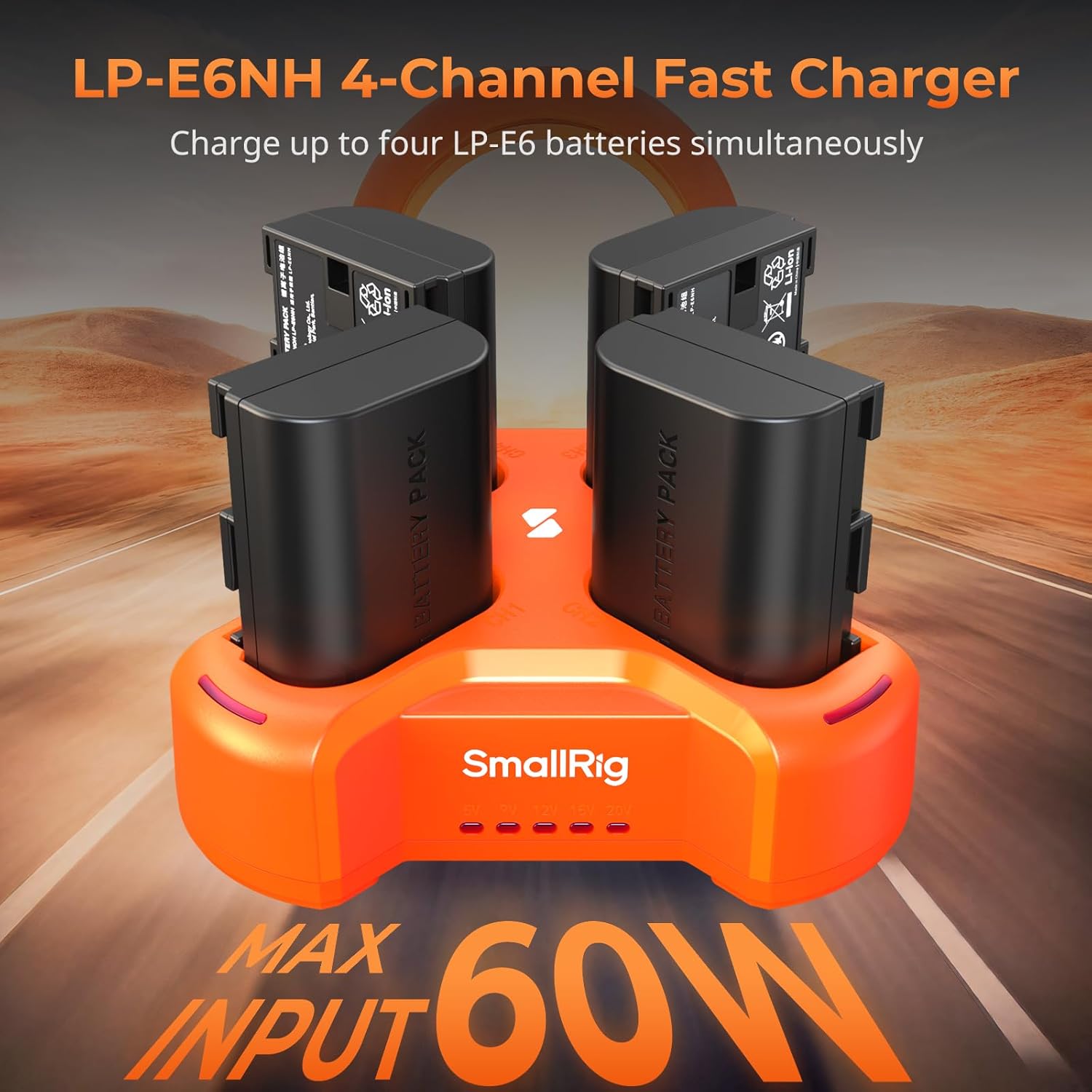
Figure 2: SmallRig LP-E6NH 4-Channel Fast Charger with batteries.
Características principales:
- 4-Channel Charging: Charges four LP-E6NH batteries concurrently.
- Carga rápida: Achieves full charge for 2040mAh batteries in approximately 4.5 hours with a 60W USB-C input.
- Protección de seguridad: Equipped with short-circuit and overcurrent protection for each port.
- Diseño compacto: Lightweight and portable for travel and daily use.

Figure 3: The compact and lightweight design of the 4-slot charger.
Indicadores LED: The charger features smart LED indicators to display charging status and voltagy la información.

Figure 4: Smart LED Indicators on the 4-slot charger.
3.2 SmallRig 145W USB-C Charger
This powerful GaN charger provides a total output of 145W across four USB-C ports, supporting PD3.1 fast charging for a wide range of devices.

Figure 5: Multi-device charging capability of the 145W charger.
Configuración del puerto:
- USB-C1/C2: Up to 140W maximum output each.
- USB-C3/C4: Up to 45W maximum output each.
- Salida total: 145W.

Figure 6: Port specifications of the 145W USB-C Charger.
This charger is suitable for high-power devices such as V mount batteries, rechargeable camera batteries, NP-F batteries, smartphones, and laptops, significantly reducing charging downtime.
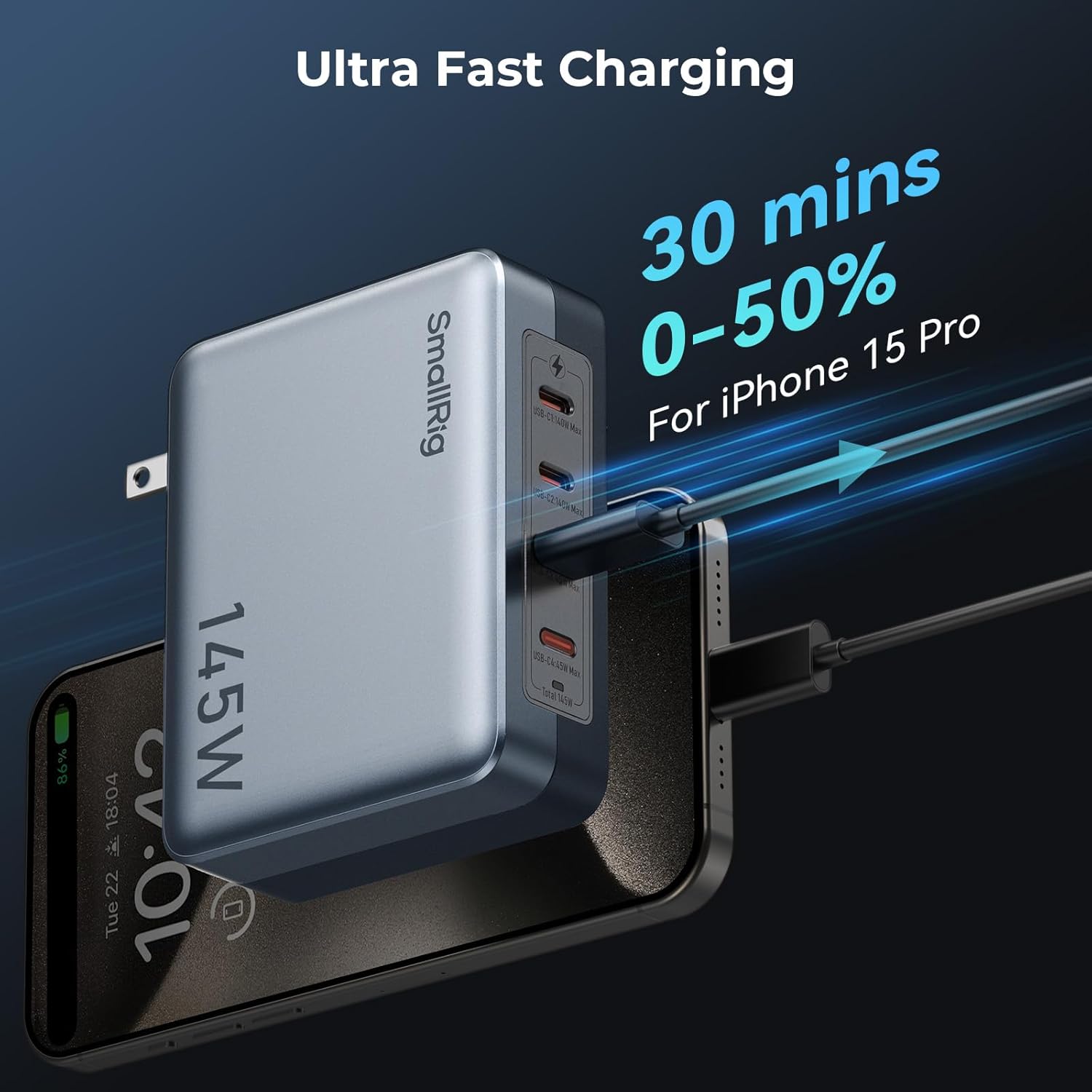
Figura 7: Example of rapid charging with the 145W USB-C Charger.
3.3 SmallRig 240W USB C to C Cable
This high-performance USB-C to USB-C cable supports the PD 3.1 protocol, enabling ultra-fast charging for compatible devices.

Figure 8: SmallRig 240W USB C to C Cable.
Características:
- Suministro de energía de 240 W: Supports high-power charging for devices like laptops and smartphones.
- Durabilidad: Constructed with metal connectors and braided wire for enhanced longevity.
- Nota: This cable does not support screen mirroring.
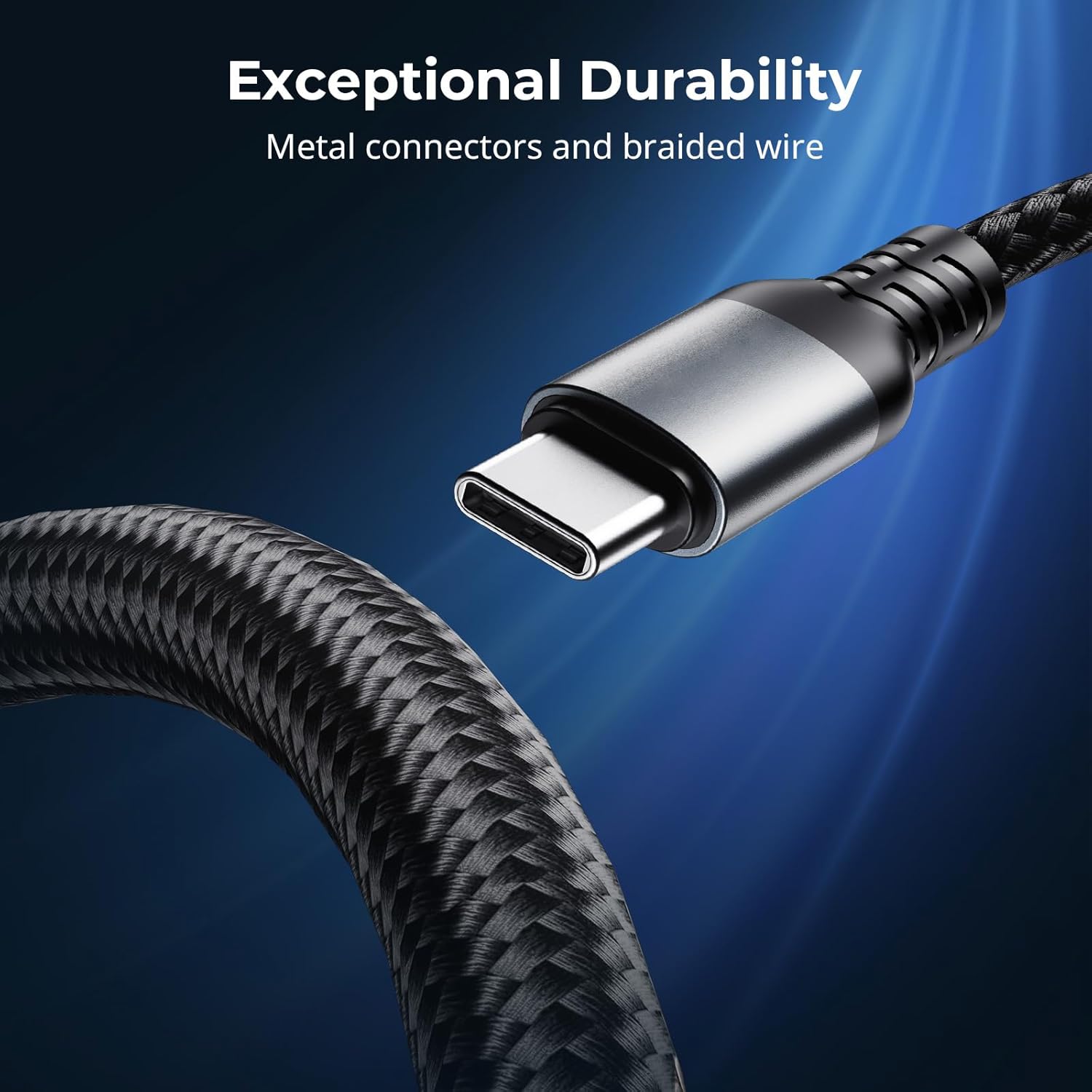
Figure 9: Exceptional durability of the 240W USB C to C Cable.
4. Configuración
4.1 Setting up the LP-E6NH 4-Slot Charger
- Connect the SmallRig LP-E6NH 4-Slot Charger to a power source using a USB-C cable. For optimal performance, use a USB-C adapter with a power output of 60W or above.
- If using a USB-A adapter, ensure it supports the QC 12V protocol; otherwise, the charger may not function correctly.
- Insert up to four compatible LP-E6NH batteries into the designated slots. Ensure the batteries are correctly oriented.
- The LED indicators will illuminate to show the charging status of each battery.
4.2 Setting up the 145W USB-C Charger
- Plug the SmallRig 145W USB-C Charger into a standard wall outlet.
- Connect your devices (e.g., laptops, smartphones, camera batteries) to any of the four USB-C ports using appropriate USB-C cables.
- For devices requiring high power, utilize USB-C1 or USB-C2 ports for up to 140W output.
- For other devices, USB-C3 or USB-C4 ports provide up to 45W output.
4.3 Using the 240W USB C to C Cable
- Connect one end of the 240W USB C to C Cable to a compatible power source (e.g., the SmallRig 145W USB-C Charger or another PD 3.1 compliant charger).
- Connect the other end of the cable to your device (e.g., laptop, smartphone) that supports USB-C power delivery.
- Ensure both the power source and the device support the required power delivery for optimal charging speed.
5. Instrucciones de funcionamiento
5.1 Charging with the LP-E6NH 4-Slot Charger
Once batteries are inserted and the charger is connected to power, the charging process begins automatically. The LED indicators provide real-time feedback:
- Rojo sólido: Carga en curso.
- Verde sólido: Carga completa.
- Rojo intermitente: Error (e.g., incompatible battery, short circuit). Remove the battery and reinsert. If the issue persists, discontinue use.
El voltage indicators (5V / 9V / 12V / 20V) will light up to show the input voltage being supplied to the charger.
5.2 Charging with the 145W USB-C Charger
The 145W USB-C Charger automatically detects the connected device's power requirements and delivers the optimal charging current. No manual configuration is required.
- Connect your device to any available USB-C port.
- For maximum efficiency, distribute high-power devices across USB-C1/C2 and lower-power devices across USB-C3/C4.
- The charger's internal management system will balance power delivery across all active ports.
6. Mantenimiento
- Limpieza: Use a soft, dry cloth to clean the surfaces of the charger and cable. Do not use liquid cleaners or solvents.
- Almacenamiento: Guarde los dispositivos en un lugar fresco y seco, alejado de la luz solar directa y de temperaturas extremas cuando no estén en uso.
- Cuidado de cables: Avoid sharp bends or kinks in the 240W USB C to C Cable to prevent internal damage. Do not pull the cable by the cord; always grasp the connector.
- Inspección: Periodically inspect the chargers and cable for any signs of damage, such as frayed wires, cracked casings, or bent connectors. Discontinue use if damage is found.
7. Solución de problemas
| Problema | Posible causa | Solución |
|---|---|---|
| LP-E6NH Charger not charging batteries. |
|
|
| 145W Charger not providing power. |
|
|
| Velocidad de carga lenta. |
|
|
| 240W Cable not supporting screen mirroring. |
|
|
8. Especificaciones
8.1 SmallRig LP-E6NH 4-Slot Charger
- Aporte: USB-C, 60W (recommended)
- Baterías compatibles: LP-E6NH
- Tiempo de carga: Approx. 4.5 hours for 4x 2040mAh batteries (with 60W input)
- Protección: Short-circuit, Overcurrent
8.2 SmallRig 145W USB-C Charger
- Potencia total de salida: 145 W
- Puertos: 4 x USB-C
- USB-C1 / C2 Output: Max 140W each (PD3.1)
- USB-C3 / C4 Output: Max 45W each (PD3.1)
- Tecnología: Nitrógeno galáctico
8.3 SmallRig 240W USB C to C Cable
- La entrega de energía: Up to 240W (PD 3.1 protocol)
- Conectores: USB-C a USB-C
- Material: Metal connectors, braided wire
- Salida de vídeo: No soportado
9. Información de garantía
Los productos SmallRig suelen tener una garantía limitada. Consulte la tarjeta de garantía incluida con su producto o visite el sitio web oficial de SmallRig. webSitio para conocer los términos y condiciones detallados de la garantía. Conserve su comprobante de compra para reclamaciones de garantía.
10. Atención al cliente
For technical support, troubleshooting assistance, or product inquiries, please contact SmallRig customer service through their official websitio o la información de contacto proporcionada en el embalaje del producto.
SmallRig Oficial Websitio: www.smallrig.com


