1. Introducción
This manual provides essential information for the safe and effective operation of your GROVIEW Native 1080P Bluetooth Projector. Please read it thoroughly before use and retain it for future reference. This projector is designed to deliver a high-quality visual experience for home theater, gaming, and presentations.
2. Información de seguridad
- Fuente de alimentación: Utilice únicamente el adaptador de corriente especificado. Asegúrese de que el voltage coincide con su fuente de alimentación local.
- Ventilación: No bloquee las aberturas de ventilación. Asegúrese de que haya suficiente flujo de aire alrededor del proyector para evitar el sobrecalentamiento.
- Calor: El proyector lamp generates heat. Avoid touching the lens or vents during operation.
- Humedad: No exponga el proyector a la lluvia, a la humedad ni lo sumerja en agua.
- Limpieza: Desconecte la alimentación antes de limpiar. Utilice un paño suave y seco. No utilice limpiadores líquidos ni en aerosol.
- Colocación: Coloque el proyector sobre una superficie estable y plana. Evite exponerlo a la luz solar directa o cerca de fuentes de calor.
- Protección ocular: No mire directamente a la lente del proyector cuando la lamp está encendido, ya que la luz brillante puede causar fatiga visual o daños en los ojos.
3. Contenido del paquete
Verifique que todos los artículos estén presentes en su paquete:
- GRUPOVIEW Miniproyector
- Manual de usuario
- Mando a distancia
- Cable HDMI
- Kit de limpieza
4. Producto terminadoview
4.1 Componentes del proyector
Familiarize yourself with the main parts of your projector.

4.2 Puertos de entrada/salida
The projector features various ports for connecting external devices.

- Puerto HDMI: Connects to devices such as laptops, gaming consoles (PS5, Xbox), TV sticks, and Blu-ray players.
- Puertos USB (USB1, USB2): Para conectar unidades USB para reproducir medios files.
- Salida de audio (3.5 mm): Se conecta a altavoces externos o auriculares.
- Entrada de energía: Conecta el adaptador de corriente.
5. Configuración
5.1 Colocación inicial
Place the projector on a stable surface. Ensure the projector lens is facing the projection surface (wall or screen). For optimal image quality, position the projector perpendicular to the screen.
5.2 Conexión de alimentación
- Conecte el adaptador de corriente al puerto de entrada de alimentación del proyector.
- Conecte el adaptador de corriente a una toma de corriente.
- La luz indicadora de encendido del proyector se iluminará.
6. Instrucciones de funcionamiento
6.1 Encendido y apagado
- Encendido: Presione el botón de encendido del proyector o del control remoto. El proyector se encenderá y la lamp se encenderá.
- Apagado: Press the power button again. Confirm shutdown if prompted. Allow the fan to run briefly to cool down the lamp before completely disconnecting power.
6.2 Navegación por menús
Use the arrow buttons on the projector or remote control to navigate through the on-screen menu. The 'OK' or 'Enter' button confirms selections, and the 'Back' or 'Exit' button returns to the previous menu.
7. Conectividad
7.1 Conexión HDMI
Connect your HDMI-enabled device (e.g., laptop, game console, streaming stick) to the projector's HDMI port using the provided HDMI cable. Select the corresponding HDMI input source from the projector's input menu.
7.2 Reproducción de medios USB
Insert a USB flash drive into one of the projector's USB ports. Navigate to the media player function in the projector's menu to browse and play supported video, audio, or image files.
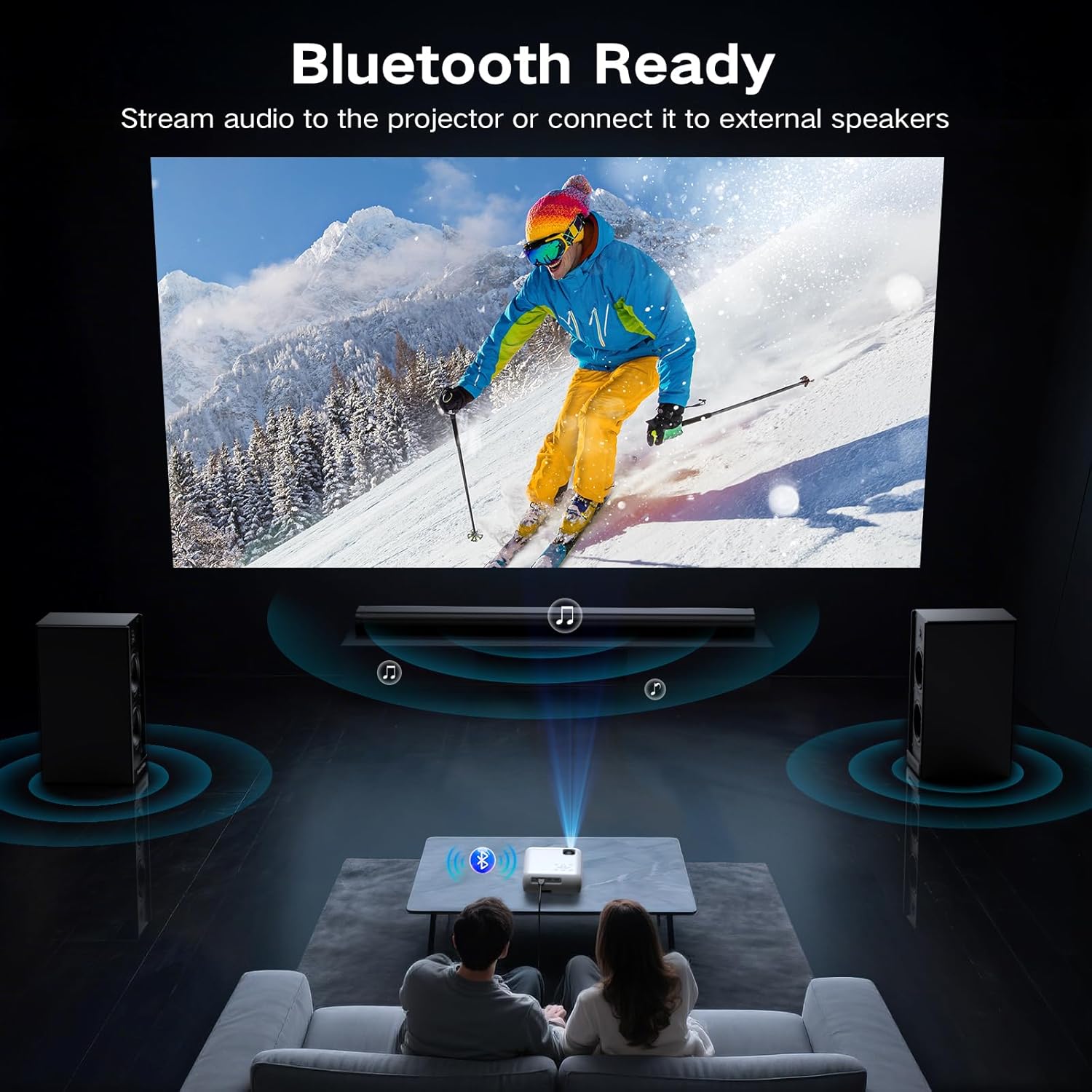
7.3 Conexión Bluetooth (Audio)
The projector supports Bluetooth 5.0 for connecting to external Bluetooth speakers or headphones. This allows for enhanced audio output.

- Habilite Bluetooth en su dispositivo de audio externo y configúrelo en modo de emparejamiento.
- En el proyector, navegue hasta el menú de configuración de Bluetooth.
- Seleccione su dispositivo de audio de la lista de dispositivos disponibles para emparejar.
7.4 Conexión de teléfono inteligente
To connect a smartphone, an additional adapter (not included) is required:
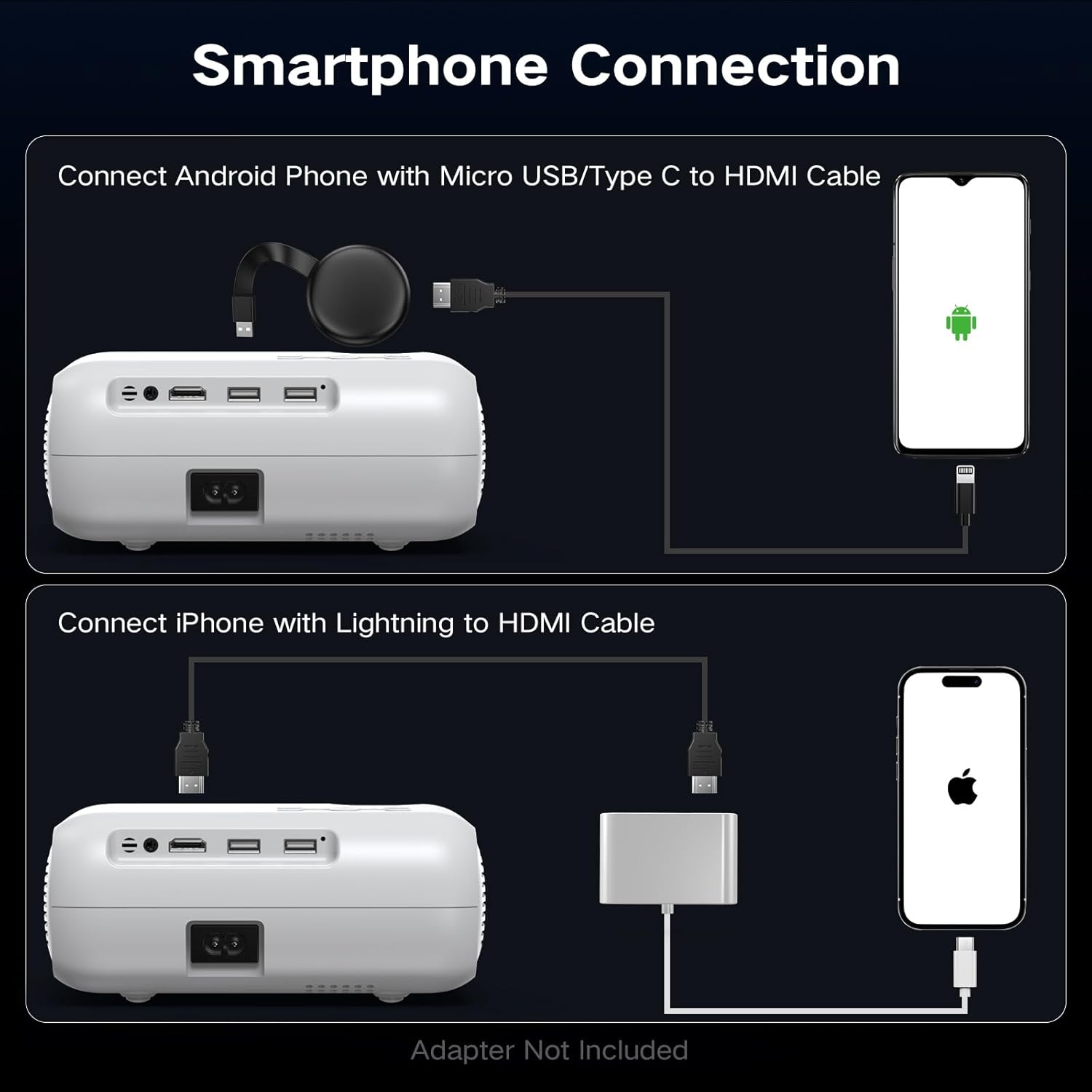
- Para teléfonos Android: Utilice un cable Micro USB/Tipo C a HDMI.
- Para iPhones: Use a Lightning to HDMI cable.
Connect the adapter to your phone and then to the projector's HDMI port. Select the HDMI input source.
8 Ajuste de imagen
8.1 Ajuste de enfoque
Rotate the focus ring on the projector lens until the projected image appears sharp and clear. This is a manual adjustment.
8.2 Digital Vertical Keystone Correction
The projector features digital vertical keystone correction to adjust image distortion when the projector is not perfectly perpendicular to the screen. This helps achieve a rectangular image.
Access the keystone settings in the projector's menu and use the arrow buttons to adjust the vertical angle until the image is properly aligned.
8.3 Función de zoom
The projector includes a digital zoom function, allowing you to reduce the size of the projected image without moving the projector. Access this feature in the display settings menu.
9. Configuración de audio
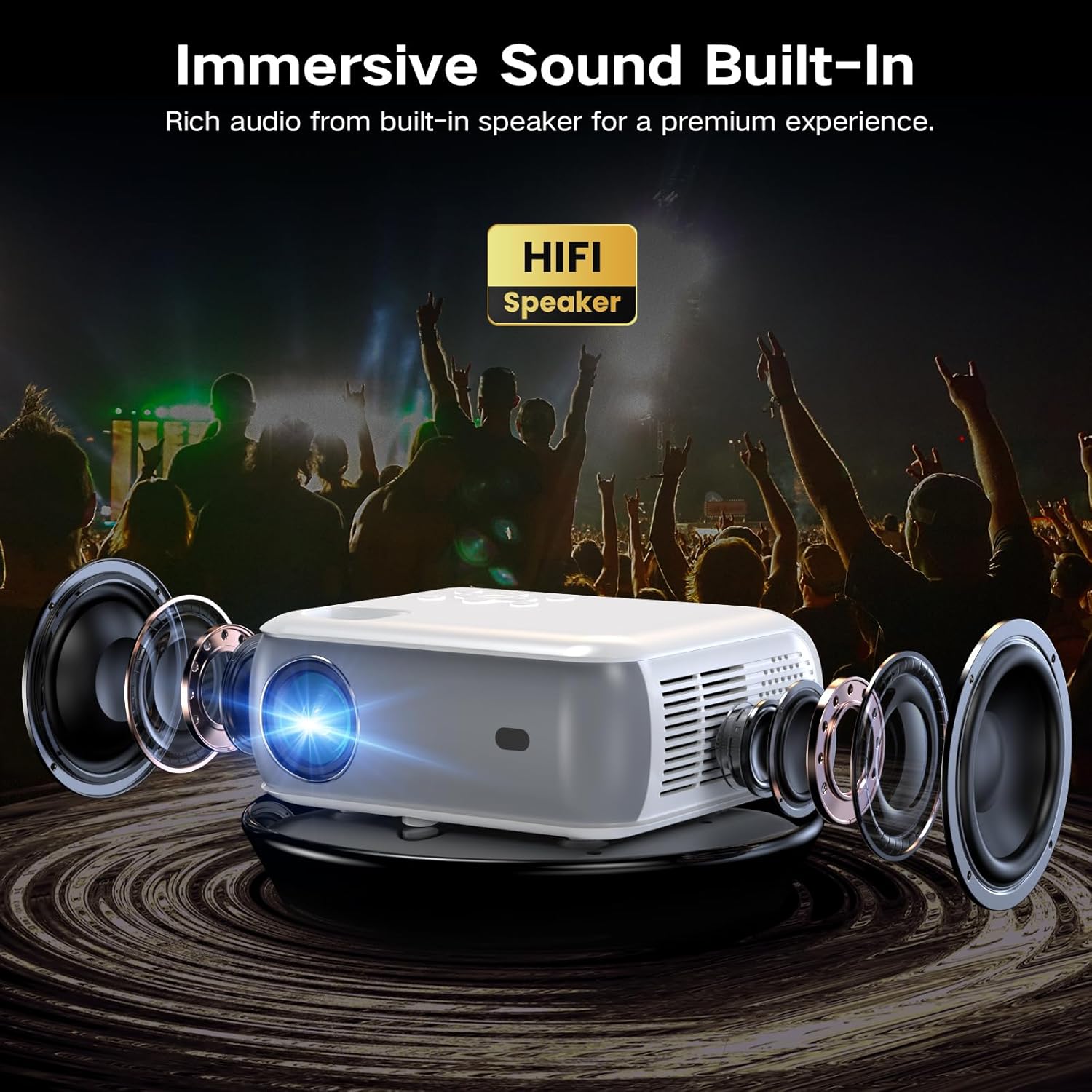
The projector has built-in HiFi stereo speakers for direct audio output. You can adjust the volume using the remote control or the projector's control panel. For a more immersive experience, connect external speakers via the 3.5mm audio out port or Bluetooth (see Section 7.3).
10. Mantenimiento
10.1 Limpieza de la lente
Use a soft, lint-free cloth specifically designed for optical lenses. Gently wipe the lens in a circular motion. Avoid using abrasive materials or harsh chemicals.
10.2 Limpieza del cuerpo del proyector
Limpie el exterior del proyector con un paño suave y seco. Para manchas difíciles, utilice un paño ligeramente seco.amp Se puede usar un paño y luego un paño seco. Asegúrese de que no entre líquido en las rejillas de ventilación.
10.3 Limpieza del filtro de aire (si corresponde)
Refer to the specific model's design for air filter maintenance. If an accessible air filter is present, clean it regularly to ensure proper ventilation and prevent dust buildup.
10.4 Almacenamiento
Cuando no lo utilice durante un período prolongado, guarde el proyector en un lugar fresco, seco y sin polvo. Utilice el embalaje original o una funda protectora para evitar daños.
11. Solución de problemas
| Problema | Posible causa | Solución |
|---|---|---|
| No se proyecta ninguna imagen | Power not connected; Incorrect input source; Device not connected properly | Check power cable; Select correct HDMI/USB input; Ensure source device is on and connected. |
| La imagen es borrosa | Enfoque no ajustado; Proyector demasiado lejos/cerca; Lente sucia | Adjust the focus ring; Reposition projector; Clean the lens. |
| La imagen está distorsionada (forma trapezoidal) | Projector not perpendicular to screen; Keystone not adjusted | Adjust Digital Vertical Keystone Correction in settings. Try to position the projector as straight as possible. |
| Sin sonido | Volumen demasiado bajo; Silenciado; Salida de audio incorrecta seleccionada; Bluetooth no emparejado | Aumentar el volumen; Activar silencio; Verificar la configuración de audio; Volver a emparejar el dispositivo Bluetooth. |
| El ruido del ventilador es fuerte | Funcionamiento normal; Rejillas de ventilación bloqueadas | Ensure proper ventilation; Fan noise is typical for projectors. |
| El control remoto no funciona | Baterías bajas o agotadas; Obstrucción entre el control remoto y el proyector | Reemplace las baterías; asegúrese de que haya una línea de visión clara hacia el receptor IR. |
12. Especificaciones
| Característica | Especificación |
|---|---|
| Marca | Groview |
| Modelo | Proyector Bluetooth nativo 1080P |
| Resolución de pantalla | 1920 x 1080 (1080P nativo) |
| Brillo | Lúmenes 400 ANSI |
| Tecnología de conectividad | HDMI, USB, Bluetooth 5.0 |
| Características especiales | Digital Keystone Correction, Two-way Bluetooth, Zoom |
| Usos recomendados | Cine en casa, juegos, negocios, educación |
| Dimensiones del producto | 7.13 x 6.33 x 3.15 pulgadas |
| Peso del artículo | 1.9 libras |
| Altavoz incorporado | Yes (HiFi Stereo) |
| Tamaño máximo de pantalla | Hasta 200 pulgadas |
13. Garantía y soporte
The GROVIEW Native 1080P Bluetooth Projector comes with a 2-year customer service and replacement policy. For any technical assistance, warranty claims, or support inquiries, please contact GROVIEW customer service through the retailer where the product was purchased or visit the official GROVIEW websitio para información de contacto.
Conserve su comprobante de compra para validar la garantía.


