1. Producto terminadoview
The BUGANI Luster Bluetooth Speaker is a portable wireless stereo speaker designed for high-quality audio output with dynamic colorful lighting. It features Bluetooth 5.3 connectivity, IPX6 waterproofing, and extended playtime, making it suitable for various indoor and outdoor environments.

Image: The BUGANI Luster Bluetooth Speaker, showcasing its design and the vibrant light effects, surrounded by water splashes to highlight its waterproof capabilities.
2. ¿Qué hay en la caja?
- BUGANI Luster Bluetooth Speaker
- Cable de carga USB-C
- Cable de entrada auxiliar
- Guía de inicio rápido
- Cordón desmontable
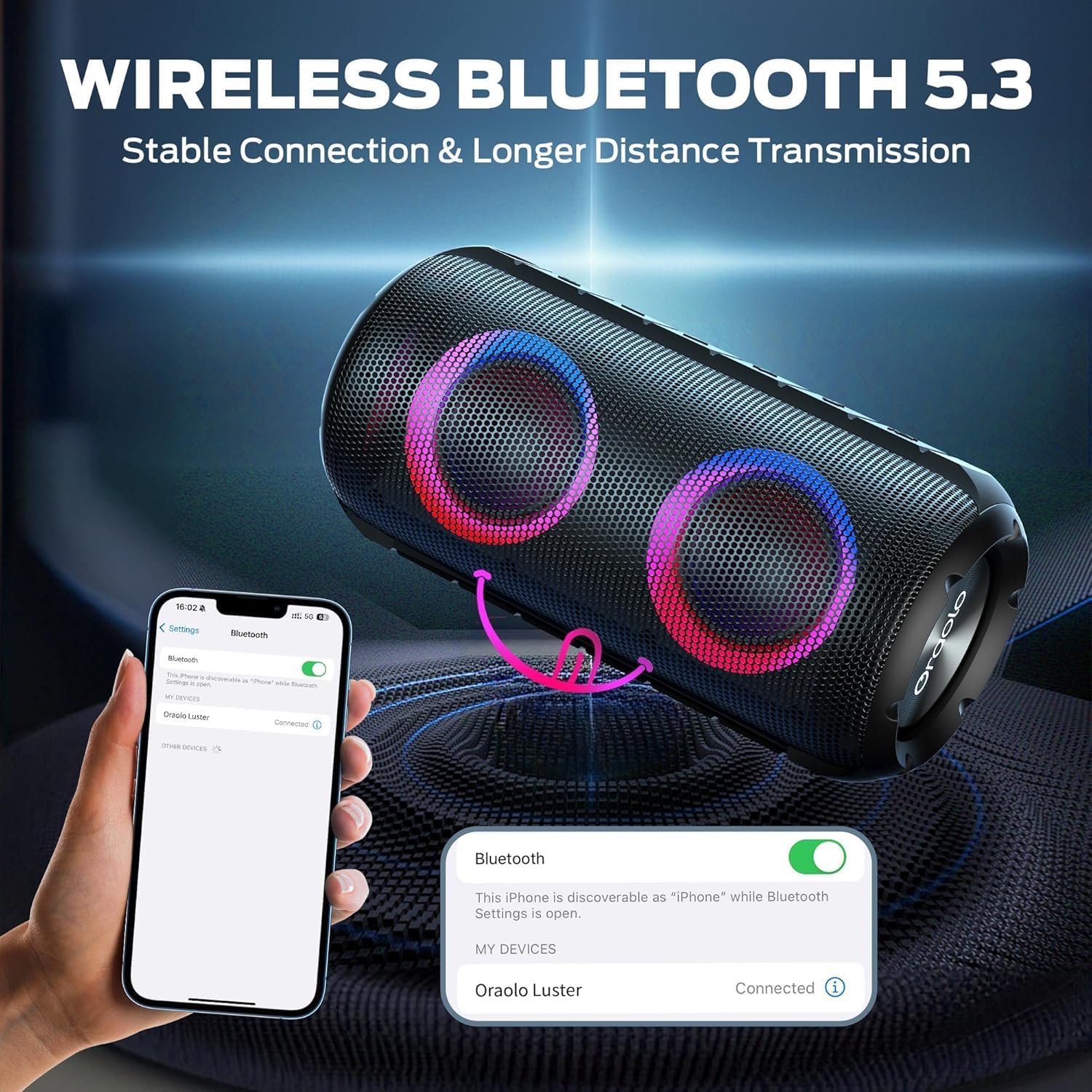
Image: The BUGANI Luster Bluetooth Speaker with its detachable lanyard, illustrating its portability and ease of carrying.
3. Configuración
3.1 Carga inicial
Before first use, fully charge the speaker. Connect the provided USB-C cable to the speaker's charging port and the other end to a USB power adapter (not included) or a computer's USB port. The charging indicator light will show the charging status.
3.2 Encendido y apagado
- Encendido: Mantenga presionado el botón de encendido (⏻) for 2-3 seconds until you hear an audible prompt and the lights illuminate.
- Apagado: Mantenga presionado el botón de encendido (⏻) for 2-3 seconds until you hear an audible prompt and the lights turn off.
3.3 Emparejamiento Bluetooth
- Asegúrese de que el altavoz esté encendido y en modo de emparejamiento Bluetooth (indicado por una luz azul intermitente).
- En tu dispositivo (teléfono inteligente, tableta, etc.), activa el Bluetooth y busca dispositivos disponibles.
- Select "BUGANI Luster" from the list of devices.
- Once connected, you will hear a confirmation sound, and the Bluetooth indicator light will become solid blue.
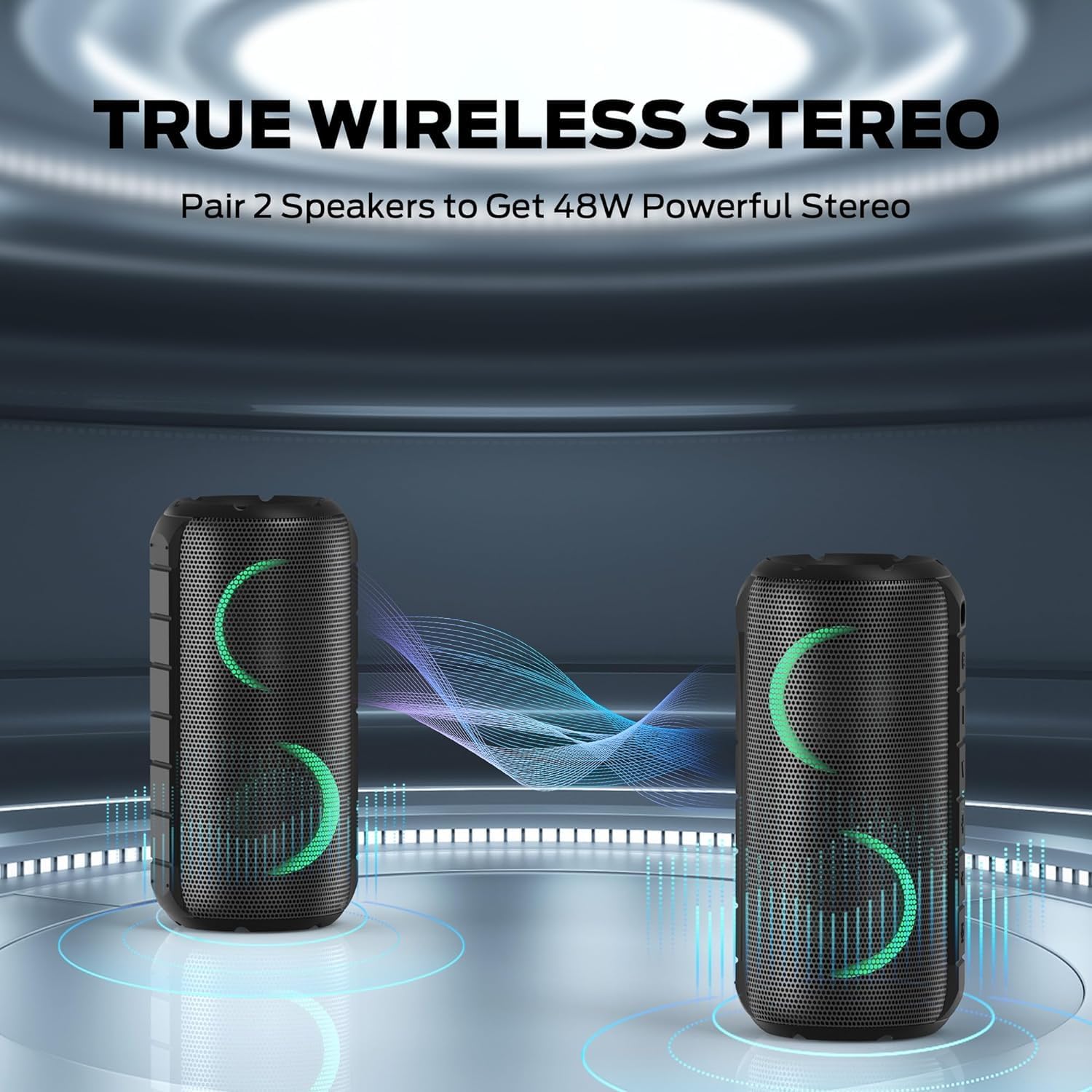
Image: A smartphone displaying its Bluetooth settings, showing a successful connection to the "Oraolo Luster" (BUGANI Luster) speaker, demonstrating the ease of Bluetooth 5.3 pairing.
3.4 Emparejamiento estéreo inalámbrico verdadero (TWS)
To achieve a more immersive stereo sound, you can pair two BUGANI Luster speakers together.
- Asegúrese de que ambos altavoces estén encendidos y no conectados a ningún dispositivo Bluetooth.
- On one speaker (this will be the primary speaker), press the TWS button (often indicated by two interlocking circles or a dedicated TWS icon). The speaker will enter TWS pairing mode.
- The primary speaker will automatically search for the secondary speaker. Once connected, you will hear a confirmation sound, and the lights on both speakers will synchronize.
- Ahora, conecta tu dispositivo al altavoz principal por Bluetooth, como se describe en la sección 3.3. El audio se reproducirá en estéreo por ambos altavoces.

Image: Two BUGANI Luster speakers positioned to illustrate their True Wireless Stereo (TWS) pairing capability, creating a wider soundstage.
3.5 Conexión de entrada auxiliar
For non-Bluetooth devices, use the provided 3.5mm AUX-in cable.
- Conecte un extremo del cable de entrada AUX de 3.5 mm al puerto de entrada AUX del altavoz.
- Conecte el otro extremo al conector de salida de audio de su dispositivo.
- El altavoz cambiará automáticamente al modo de entrada AUX.
4. Instrucciones de funcionamiento
4.1 Funciones de los botones

Imagen: Un primer plano view of the BUGANI Luster speaker's top panel, clearly showing the control buttons for various functions.
| Botón | Función (pulsación corta) | Función (pulsación larga) |
|---|---|---|
| ⏻ (Fuerza) | N / A | Encendido/apagado |
| + (Sube el volumen) | Subir volumen | Pista siguiente |
| - (Bajar volumen) | Bajar volumen | Pista anterior |
| ▶‖ (Reproducir/Pausa) | Reproducir pausar; Responder/finalizar llamada | Rechazar llamada; Activar asistente de voz |
| 💡 (Light Mode) | Cycle through Light Modes | Encender/apagar las luces |
| TWS (TWS Pairing) | N / A | Ingrese al modo de emparejamiento de TWS |
4.2 Colorful Light Show
The speaker features a dynamic RGB light system with 7 colors and 5 light modes. Press the Light Mode button (💡) to cycle through the available modes. Long press the button to turn the lights on or off.

Image: The BUGANI Luster speaker showcasing its vibrant and dynamic colorful light patterns, which enhance the listening experience.
4.3 Llamadas manos libres
Cuando se conecta a través de Bluetooth, el micrófono incorporado del altavoz permite realizar llamadas con manos libres.
- Responder/Finalizar llamada: Presione brevemente el botón Reproducir/Pausa (▶‖).
- Rechazar llamada: Mantenga presionado el botón Reproducir/Pausa (▶‖).
4.4 Activación del asistente de voz
Mantenga presionado el botón Reproducir/Pausa (▶‖) to activate your phone's voice assistant (e.g., Siri, Google Assistant).
5. Mantenimiento
5.1 Limpieza
Limpie el altavoz con un paño suave, damp Paño. No utilice limpiadores abrasivos, alcohol ni disolventes químicos, ya que pueden dañar la superficie o los componentes internos.
5.2 Cuidado a prueba de agua (IPX6)
The speaker has an IPX6 waterproof rating, meaning it is protected against powerful water jets. It is suitable for use in rainy conditions or near water bodies like pools and beaches. However, it is no designed for submersion in water. Ensure the charging port cover is securely closed before exposing the speaker to water.
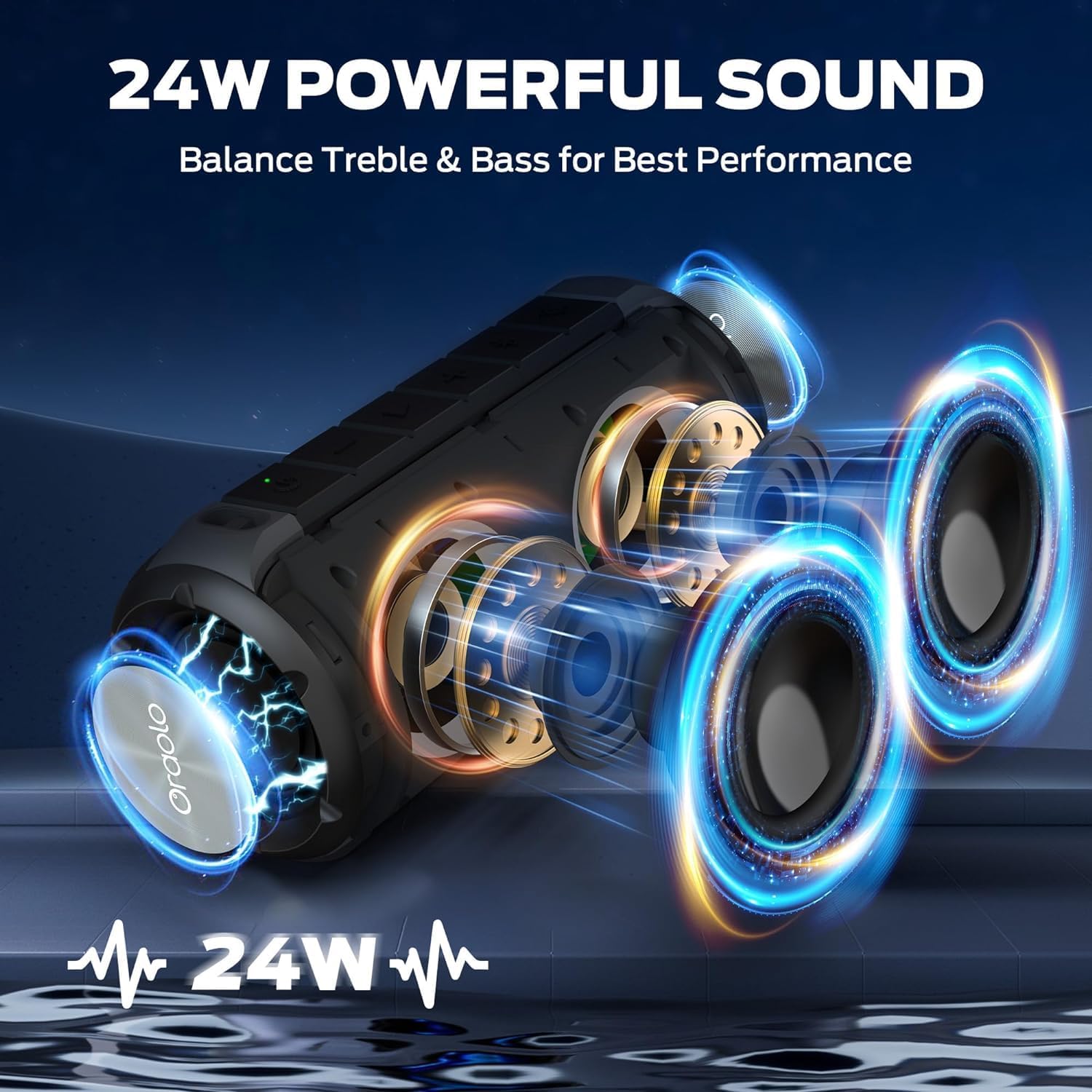
Image: The BUGANI Luster speaker resting on a wet rock with water droplets, visually confirming its IPX6 waterproof rating for outdoor use.
5.3 Almacenamiento
Guarde el altavoz en un lugar fresco y seco, alejado de la luz solar directa y de temperaturas extremas. Si lo va a guardar durante un periodo prolongado, cargue la batería aproximadamente al 50 % cada pocos meses para mantenerla en buen estado.
6. Solución de problemas
6.1 Sin energía
- Asegúrese de que el altavoz esté completamente cargado.
- Mantenga presionado el botón de encendido durante 2-3 segundos.
6.2 Sin sonido
- Verifique el nivel de volumen tanto en el altavoz como en el dispositivo conectado.
- Ensure the speaker is correctly paired via Bluetooth or the AUX-in cable is securely connected.
- Si usa Bluetooth, intente desconectar y volver a emparejar el dispositivo.
6.3 Problemas de emparejamiento de Bluetooth
- Ensure the speaker is within the effective range (up to 33 feet/10 meters) of your device.
- Borre el historial de emparejamiento de Bluetooth en su dispositivo e intente emparejarlo nuevamente.
- Apague y encienda tanto el altavoz como el dispositivo.
- Asegúrese de que no haya otros dispositivos Bluetooth interfiriendo.
6.4 El emparejamiento de TWS falla
- Asegúrese de que ambos altavoces estén completamente cargados y no estén conectados a ningún otro dispositivo Bluetooth.
- Coloque los altavoces cerca uno del otro durante el proceso de emparejamiento TWS.
- Follow the TWS pairing steps precisely as described in section 3.4.
7. Especificaciones
| Característica | Detalle |
|---|---|
| Marca | BUGANI |
| Nombre del modelo | M166 |
| Tipo de altavoz | Altavoz estéreo portátil |
| Potencia máxima de salida del altavoz | 24 vatios |
| Tecnología de conectividad | Bluetooth 5.3, Auxiliary (3.5mm AUX-in) |
| Clasificación de impermeabilidad | IPX6 |
| Recreo | Hasta 24 horas (al 50% del volumen, luces apagadas) |
| Dimensiones del producto | 4" de profundidad x 8" de ancho x 4" de alto |
| Peso del artículo | 1.34 libras (0.61 kilogramos) |
| Baterías | Se requiere 1 batería AA (incluida) |
8. Garantía y soporte
BUGANI products are manufactured to high-quality standards. For specific warranty information and support, please refer to the warranty card included with your product or visit the official BUGANI webSitio. Conserve su recibo de compra como comprobante para reclamaciones de garantía.
For technical assistance or customer service inquiries, please contact BUGANI customer support through their official channels.


