1. Introducción
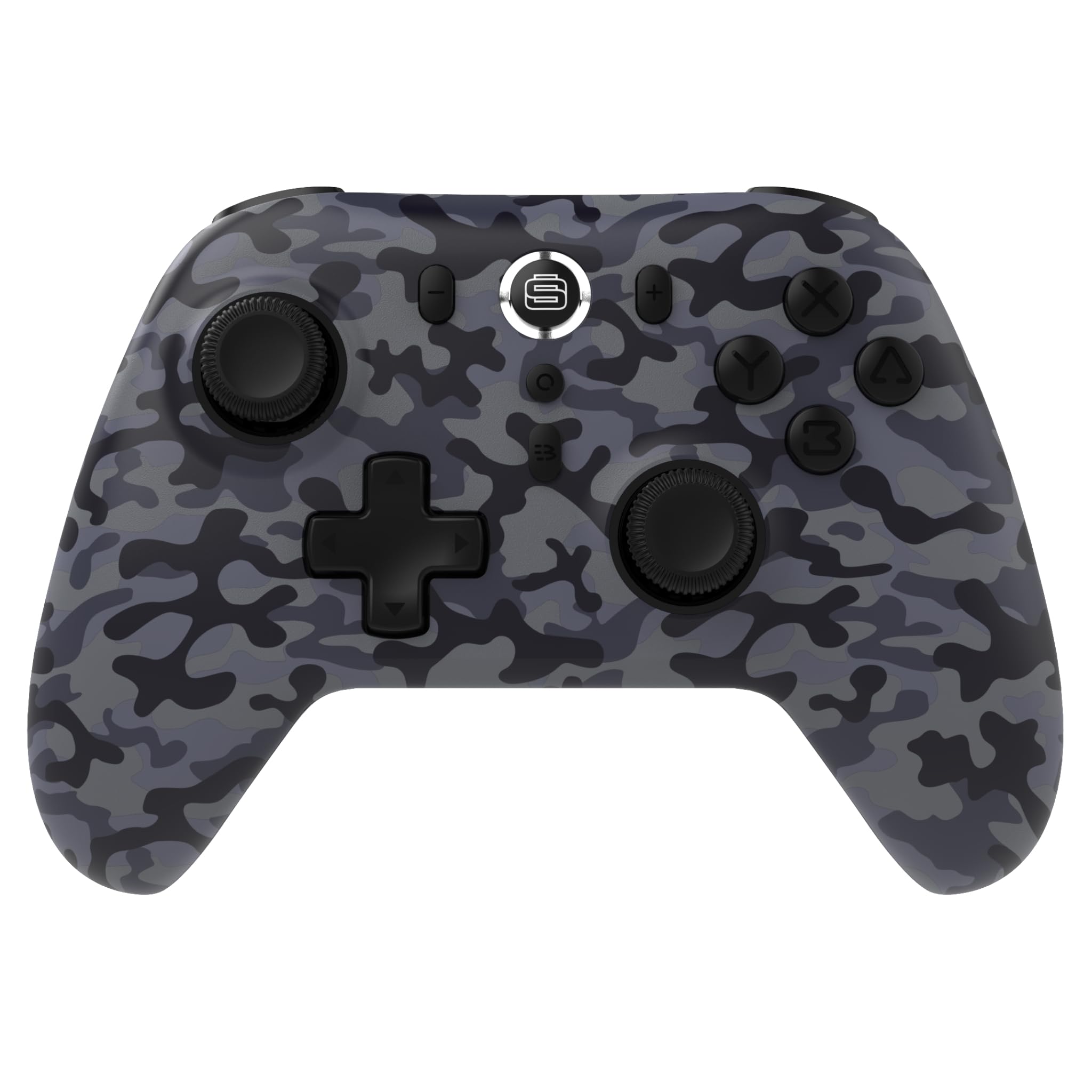
Thank you for choosing the Surge Wireless Pro Controller. This multi-platform Bluetooth controller is designed to enhance your gaming experience across various devices, including Nintendo Switch/Switch 2, Windows PC, Android, and iOS. Featuring Hall Effect sticks and triggers, adjustable turbo functionality, and customizable vibration feedback, this controller offers precision and comfort. Please read this manual thoroughly before use to ensure optimal performance and longevity of your device.
2. Características del producto
- Compatibilidad multiplataforma: Compatible with Nintendo Switch/Switch 2 (Note: No C Button/Audio Port), Windows PC, Steam Deck, Android, and iOS devices.
- Hall Effect Thumb Sticks & Triggers: Delivers precision control and prevents stick drift, ensuring accurate input.
- Turbo Functionality: Offers 3 adjustable turbo levels for rapid-fire control in compatible games.
- Retroalimentación de vibración: Choose from 4 vibration levels for tailored haptic feedback, enhancing immersion.
- Controles de movimiento: Supports motion controls for compatible games on supported platforms.
- Console Wake Up: Ability to wake your Nintendo Switch console from sleep mode instantly (Nintendo Switch Only).
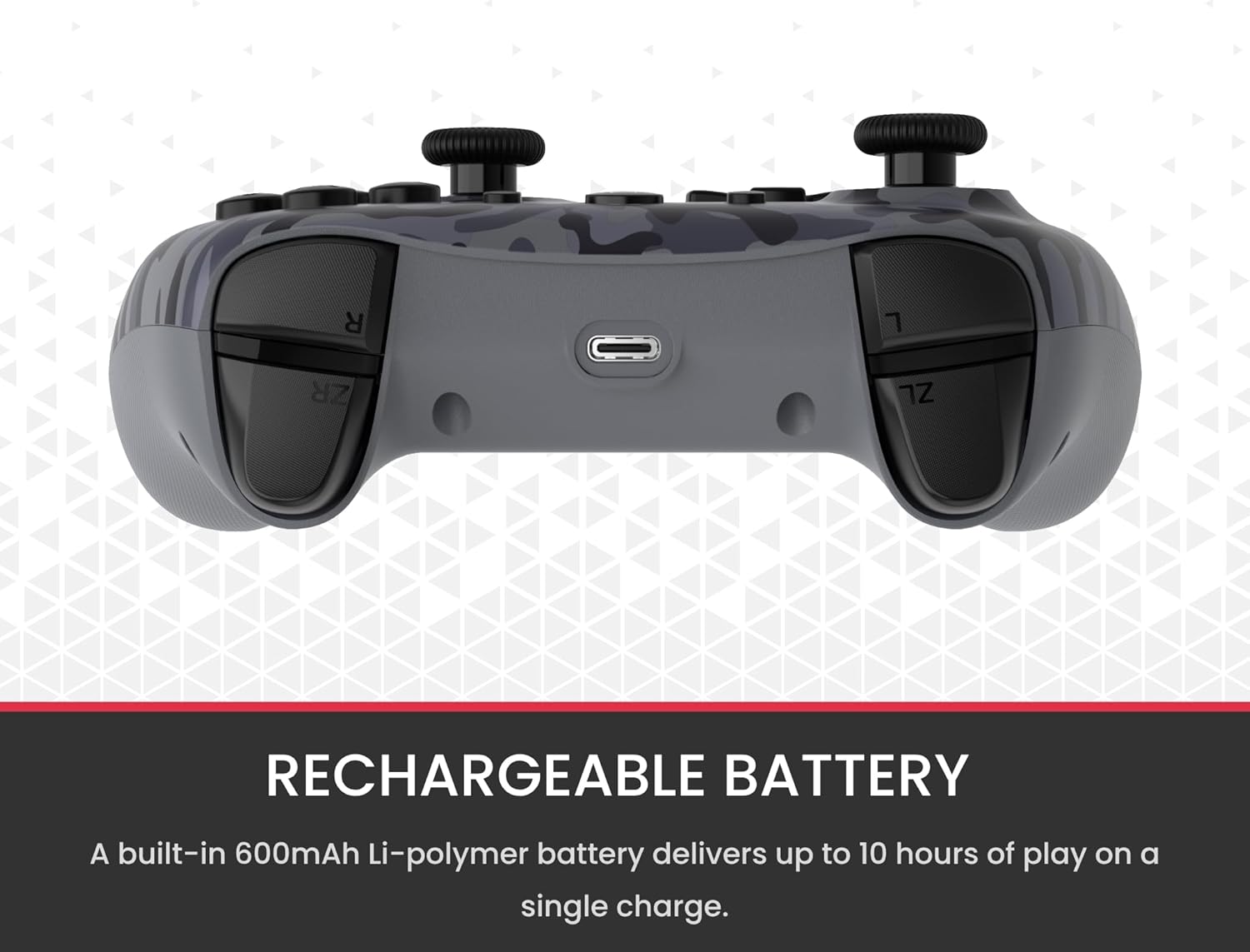
- Batería recargable: A built-in 600mAh Li-polymer battery provides up to 10 hours of gameplay on a single charge.
- Cable de carga USB‑C: Includes a 1-meter USB-C cable for convenient recharging.

3. Contenido del paquete
Asegúrese de que todos los artículos estén presentes en su paquete:
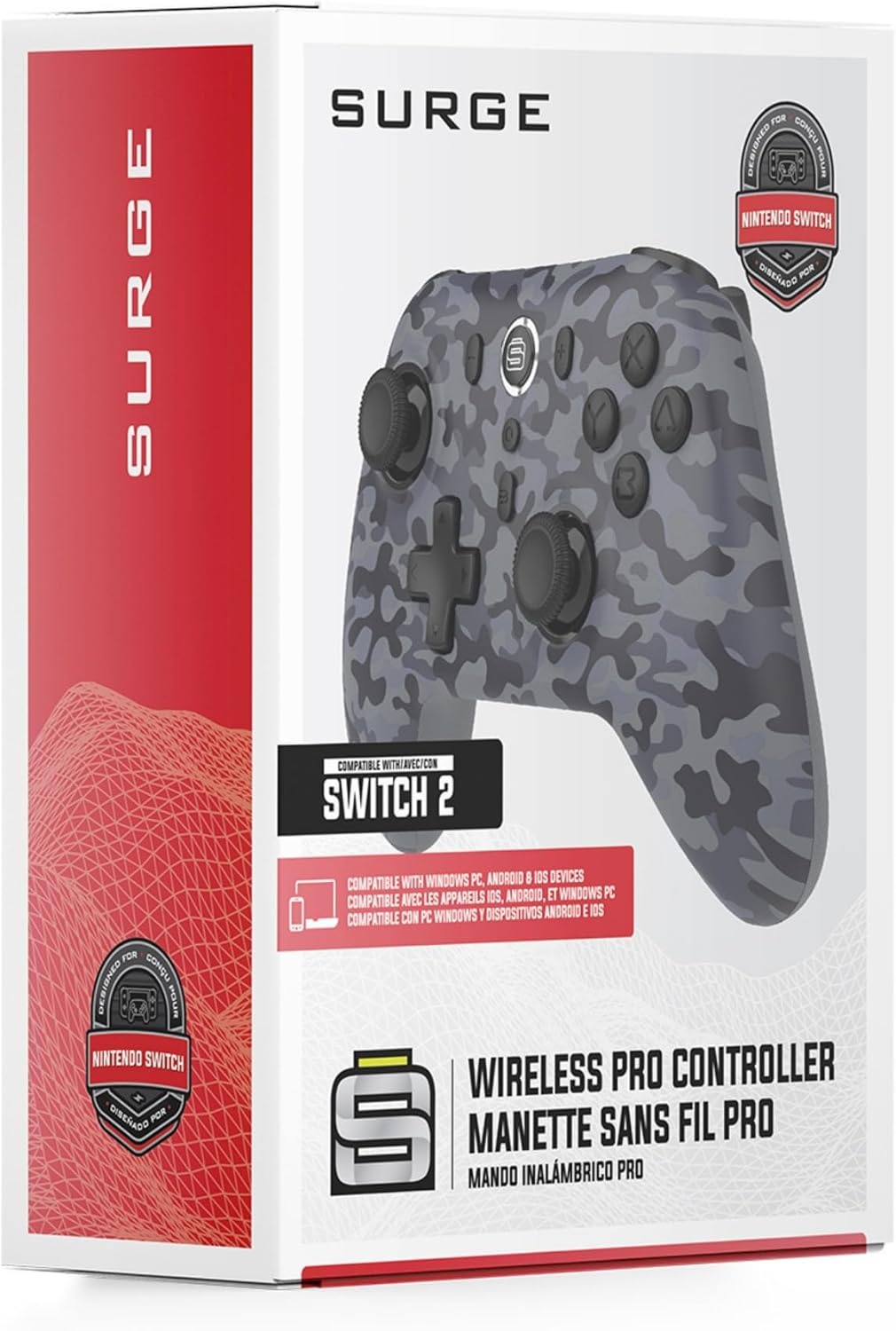
- 1 x Surge Wireless Pro Controller (Model: SG60096)
- 1 x cable de carga USB-C (1 metro)
- 1 x Manual de usuario
4. Configuración y emparejamiento
4.1. Carga del controlador
Before first use, fully charge the controller using the provided USB-C cable. Connect the USB-C end to the controller's charging port and the USB-A end to a power source (e.g., console, PC, USB wall adapter). The LED indicators on the controller will show charging status.
4.2. Pairing with Nintendo Switch/Switch 2
- En el menú HOME, selecciona Controladores, entonces Cambiar agarre/orden.
- En el controlador, mantenga presionado el botón Botón de emparejamiento (normalmente un botón pequeño en el borde superior o en la parte posterior) durante unos segundos hasta que los LED del reproductor comiencen a parpadear.
- Una vez emparejados, los LED del reproductor correspondientes al número de controlador permanecerán encendidos.
- To wake the console from sleep mode, press the Botón de inicio en el controlador.
4.3. Pairing with Windows PC
- Asegúrese de que su PC tenga Bluetooth habilitado.
- En el controlador, mantenga presionado el botón Botón de emparejamiento hasta que los LED parpadeen rápidamente.
- En su PC, vaya a Configuración de Bluetooth y otros dispositivos, entonces Agregar Bluetooth u otro dispositivo.
- Seleccionar Bluetooth y elige el