Introducción
This instruction manual provides detailed guidance for setting up and operating your LOUTOC Universal TV Remote Control, Model SRP9232D. This remote is designed to control a wide range of electronic devices, including televisions, DVD/Blu-ray players, soundbars, and streaming media players. Please read this manual thoroughly to ensure proper use and to maximize your remote control's functionality.
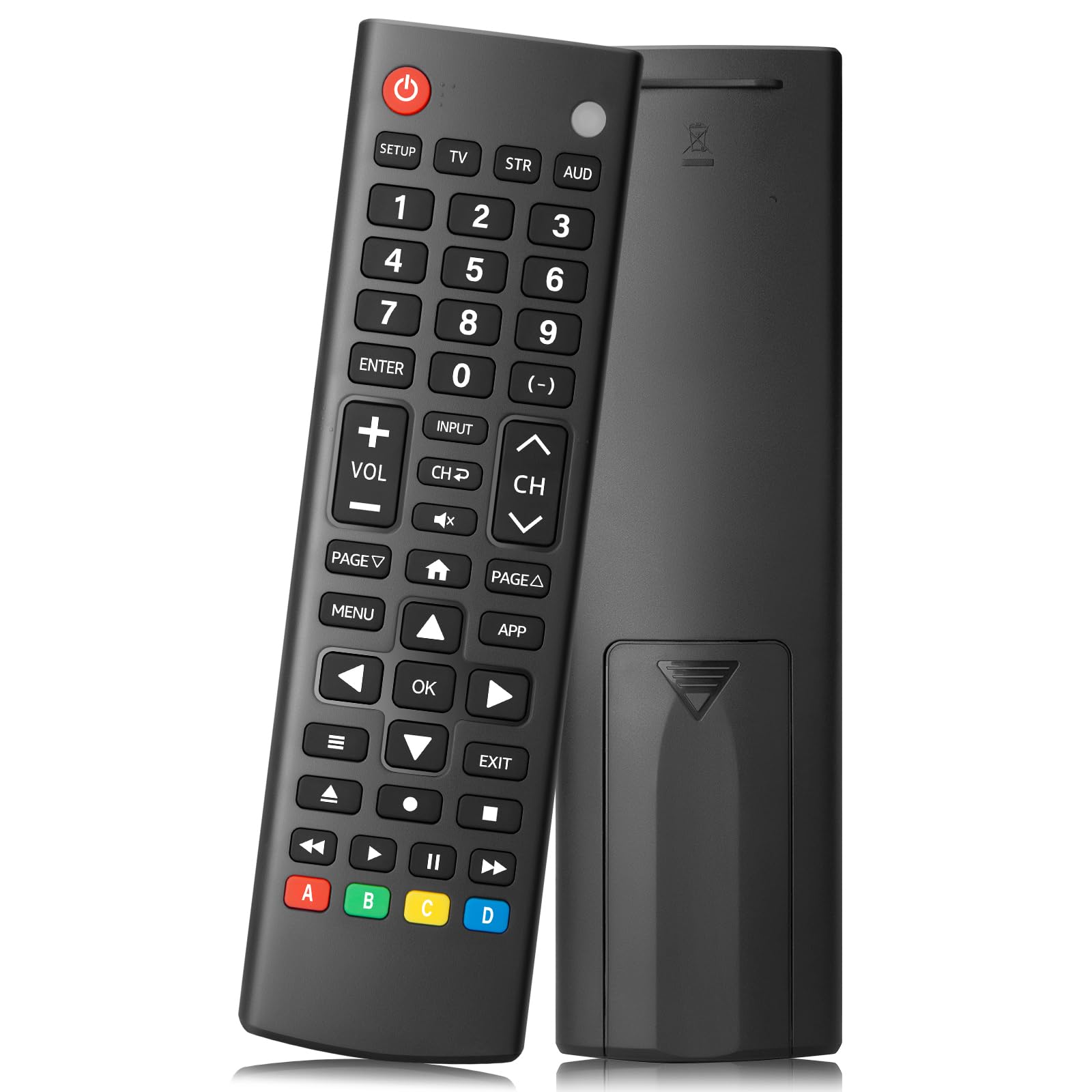
Image: The LOUTOC Universal TV Remote Control, Model SRP9232D.
Características del producto
- Compatibilidad universal: Controls over 5 types of devices, including TVs, DVD/Blu-ray players, soundbars, streaming media players, and set-top boxes.
- Wide Brand Support: Compatible with major TV brands such as Samsung, LG, Hisense, TCL, Vizio, Sony, Onn, Toshiba, Philips, Element, Westinghouse, Sharp, Emerson, Sanyo, RCA, and more. Also supports audio/video brands like Sony, LG, Panasonic, Samsung, Bose, Vizio.
- Rango extendido: Funciona eficazmente hasta 26 pies (aproximadamente 8 metros).
- Respuesta rápida: Features a 0.2-second fast response time for immediate command execution.
- Diseño duradero: Tested for over 50,000 presses, ensuring long-lasting durability.
- Fuente de energía: Requiere 2 pilas AAA (no incluidas).
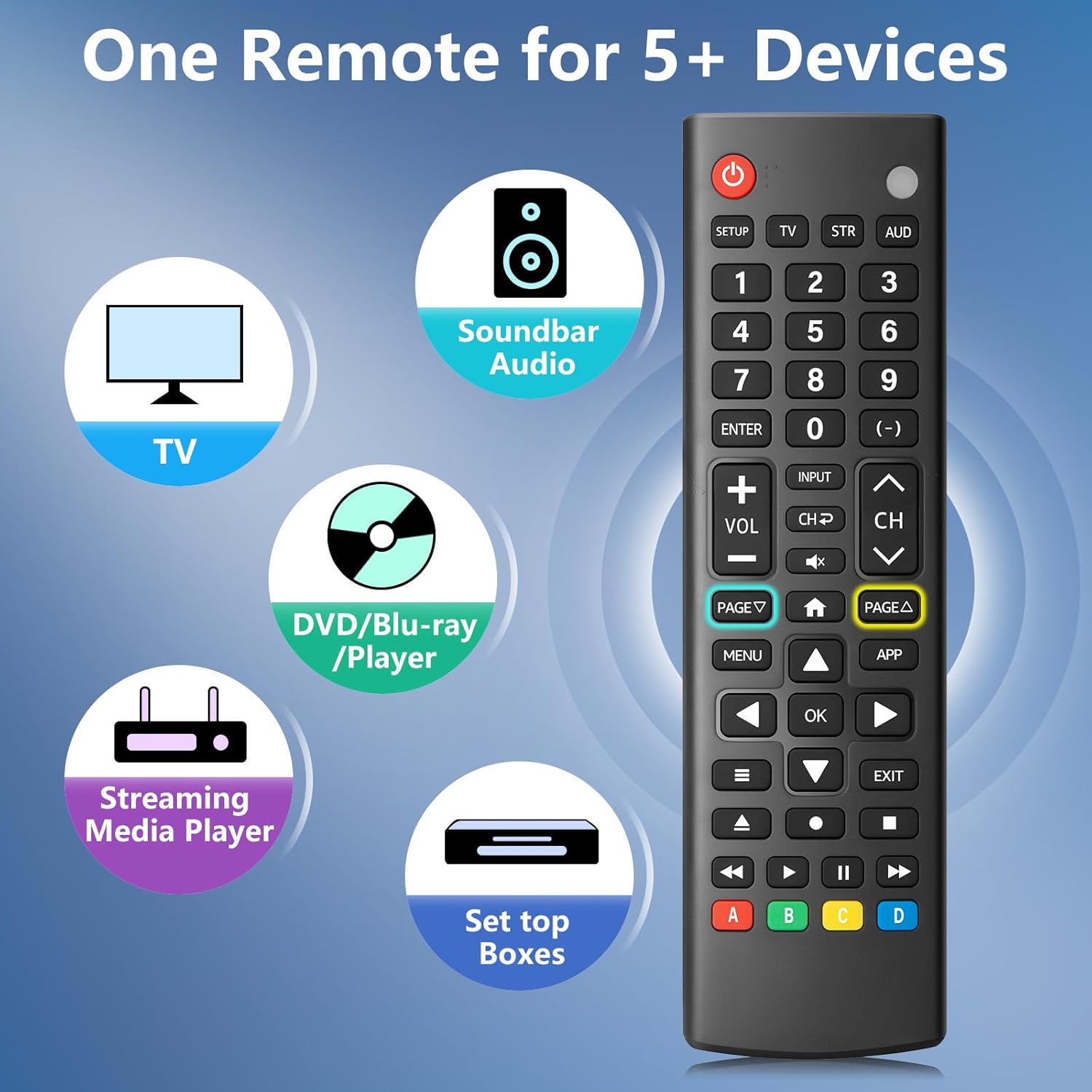
Image: The remote control is capable of operating multiple device types, including TV, Soundbar Audio, DVD/Blu-ray Player, Streaming Media Player, and Set Top Boxes.
Instrucciones de instalación
1. Instalación de la batería
Before using the remote control, install two new 1.5V AAA batteries. Ensure correct polarity (+/-) when inserting the batteries. Do not mix old and new batteries or different battery brands.
2. Métodos de emparejamiento
The remote control offers two methods for pairing with your devices:
Método 1: Entrada manual de código
- Locate your device's specific 4-digit code in the provided CODE LIST.
- Mantenga pulsado el CONFIGURACIÓN button on the remote until the remote's red indicator light turns on.
- Press and release the corresponding device button (e.g., TV, STR, Dólar australiano) for the device you wish to control.
- Enter the 4-digit code for your device using the number buttons. The red light will turn off after the code is entered.
- Point the remote at the device and test the buttons. If the buttons do not function as expected, repeat steps 2-5 using the next code listed for your device until proper functionality is achieved.
Método 2: Emparejamiento automático
For automatic pairing, please refer to pages 8-9 of the physical user manual included with your product for detailed instructions. This method automatically scans for compatible codes.

Image: Visual guide for Method 1 (Manual Code Entry) and a reference to Method 2 (Automatic Pairing) in the manual.
Instrucciones de funcionamiento
Once paired, your LOUTOC Universal TV Remote Control can operate your devices using its various buttons. Below is a general overview de funciones de botones comunes:

Image: Labeled diagram of the remote control, highlighting each button and its corresponding function.
- Botón de encendido: Enciende y apaga los dispositivos.
- Botones numéricos (0-9): Enter numbers for direct channel selection or code entry.
- Botón OK: Confirma selecciones o ingresa a menús.
- Pad direccional (arriba/abajo/izquierda/derecha): Navigates on-screen menus and selections.
- Subir/Bajar volumen: Ajusta el nivel de volumen.
- Canal arriba/abajo: Cambia los canales de televisión.
- Botón de silencio: Silencia o activa el audio.
- Botón de entrada: Selecciona fuentes de entrada de vídeo.
- Botón de menú: Muestra el menú en pantalla.
- Botón de aplicación: Quick access to popular streaming applications (e.g., Netflix, YouTube).
- Controles de reproducción (Reproducir, Pausar, Detener, Rebobinar, Avance rápido): Controla la reproducción de medios en dispositivos compatibles.
- Botones de colores (A, B, C, D): Provide additional features for DVRs, cable, and satellite receivers, depending on the device.
Compatibilidad
The LOUTOC Universal TV Remote Control is designed for broad compatibility:
Marcas de TV compatibles:
- Samsung, LG, Hisense, TCL, Vizio, Sony, Onn, Toshiba, Philips, Element, Westinghouse, Sharp, Emerson, Sanyo, RCA, and others.
Compatible Other Devices:
- DVD Players, Blu-ray Players, Soundbars, Streaming Media Players, Set Top Boxes, DVRs, VCRs, Audio Devices.
- Supported brands include Sony, LG, Panasonic, Samsung, Bose, Vizio, and others.

Image: The remote control is compatible with numerous TV brands, including Samsung, LG, Hisense, TCL, Sony, Vizio, Onn, Toshiba, and Philips.
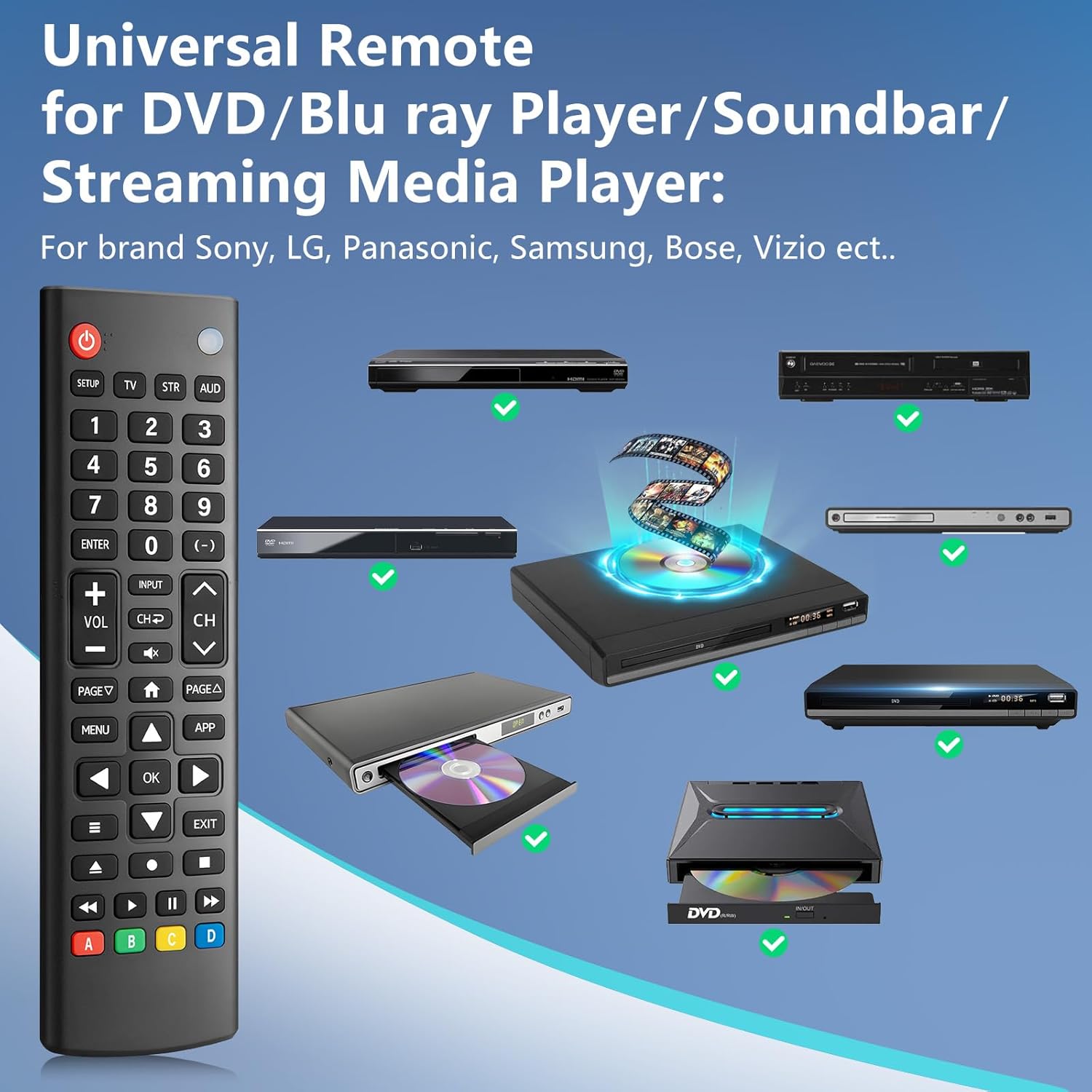
Image: The remote control is compatible with various DVD/Blu-ray players, soundbars, and streaming media players from brands like Sony, LG, Panasonic, Samsung, Bose, and Vizio.
Solución de problemas
If you encounter issues with your LOUTOC Universal TV Remote Control, try the following steps:
- El control remoto no responde: Ensure fresh AAA batteries are correctly installed. Check if the remote's red indicator light flashes when a button is pressed.
- El dispositivo no responde: Verifique que el control remoto esté apuntando directamente al receptor IR del dispositivo. Asegúrese de que no haya obstrucciones entre el control remoto y el dispositivo.
- Funcionalidad incorrecta: If buttons perform incorrect actions, re-attempt the pairing process (Method 1 or Method 2) using a different code from the CODE LIST for your specific device.
- Funcionalidad limitada: Some advanced or brand-specific functions may not be supported by a universal remote.
- Interferencia: Asegúrese de que ningún otro dispositivo esté causando interferencias de infrarrojos.
Presupuesto
| Dimensiones del producto | 6.7 x 1.8 x 0.7 pulgadas |
| Peso del artículo | 2.08 onzas |
| Número de modelo | SRP9232D |
| Marca | LOUTOC |
| Característica especial | Ergonómico, ligero, universal |
| Número máximo de dispositivos compatibles | 1 (at a time, configured for specific device type) |
| Dispositivos compatibles | DVD/Blu-ray Player, Set Top Box, Television |
Vídeo oficial del producto
Vídeo: Un overview of the LOUTOC Universal TV Remote Control, highlighting its compatibility with various brands like Samsung, LG, Hisense, and TCL.
Garantía y soporte
For warranty information or technical support, please refer to the contact details provided with your product packaging or visit the official LOUTOC websitio. Guarde su recibo de compra para reclamos de garantía.


