1. Introducción
This manual provides essential information for the safe and efficient use of your realme 14 Pro Lite Smartphone. Please read it carefully before using your device.
Contenido del paquete:
Al desembalar, asegúrese de que todos los elementos estén presentes:
- realme 14 Pro Lite Smartphone
- Cable USB
- adaptador 45W
- Estuche protector
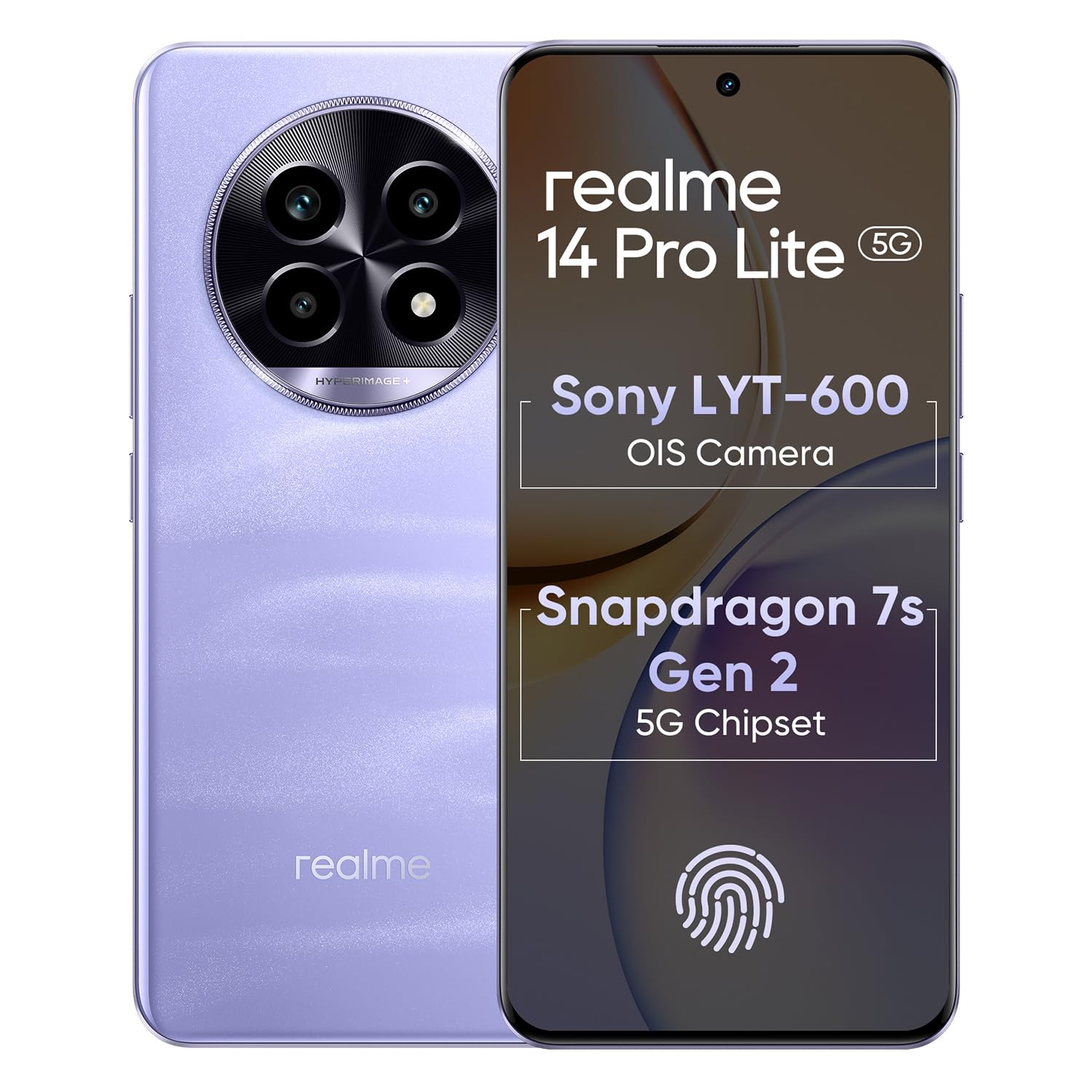
Image 1.1: The realme 14 Pro Lite Smartphone, showcasing su diseño.
2. Configuración
2.1. Instalación de la tarjeta SIM y la tarjeta MicroSD
- Localice la bandeja de la tarjeta SIM en el costado de su dispositivo.
- Inserte la herramienta de expulsión de SIM en el pequeño orificio al lado de la bandeja y presione suavemente hasta que la bandeja salga.
- Coloque sus tarjetas Nano-SIM (hasta dos) o una tarjeta microSD en las ranuras designadas de la bandeja. Asegúrese de que los contactos dorados estén hacia abajo.
- Vuelva a insertar con cuidado la bandeja en el teléfono hasta que encaje en su lugar.
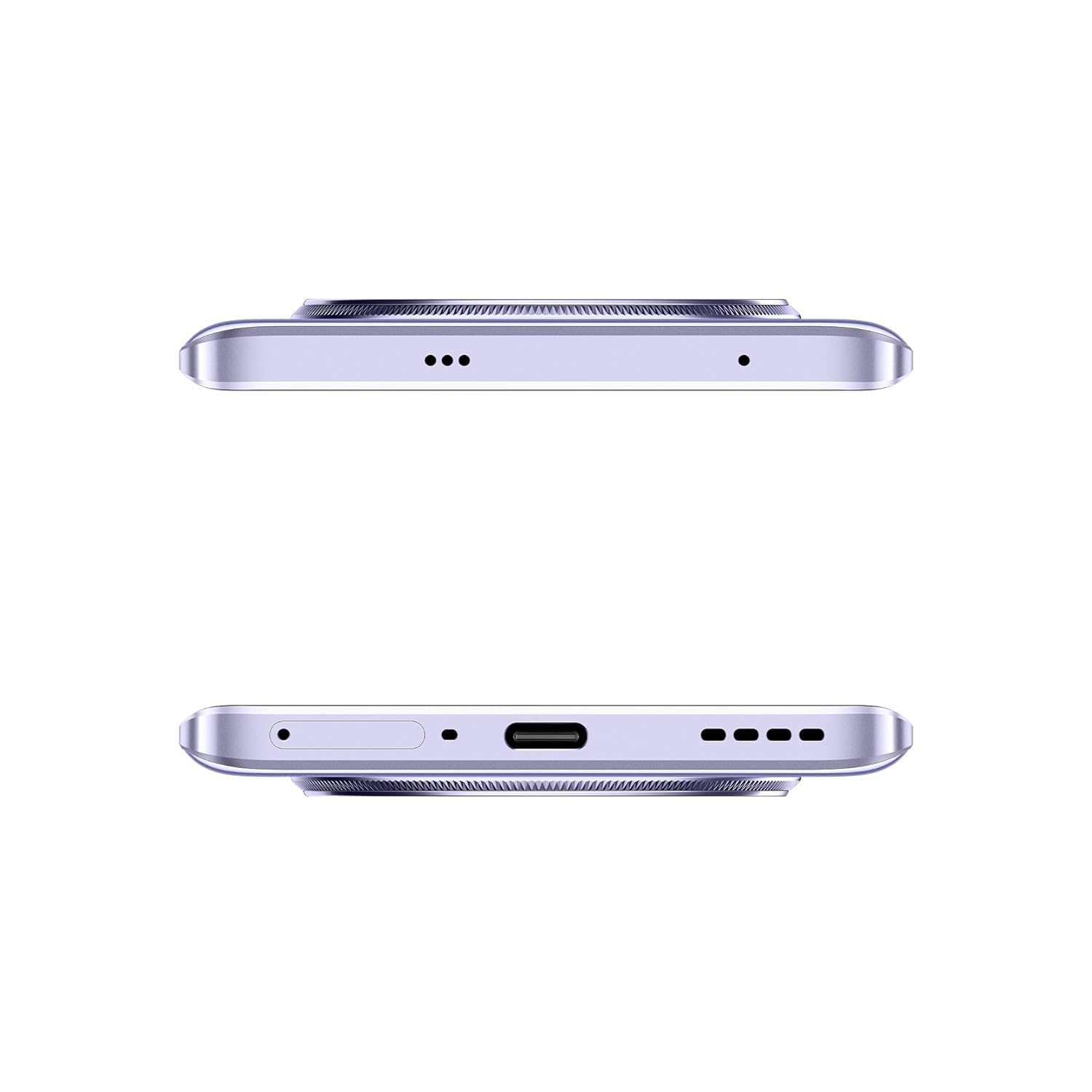
Imagen 2.1: Lateral view of the realme 14 Pro Lite, indicating the SIM card tray position.
2.2. Carga del dispositivo
Connect the 45W adapter to a power outlet and the USB cable to the phone's charging port. The device supports 45W SuperVOOC fast charging. It is recommended to fully charge the device before first use.
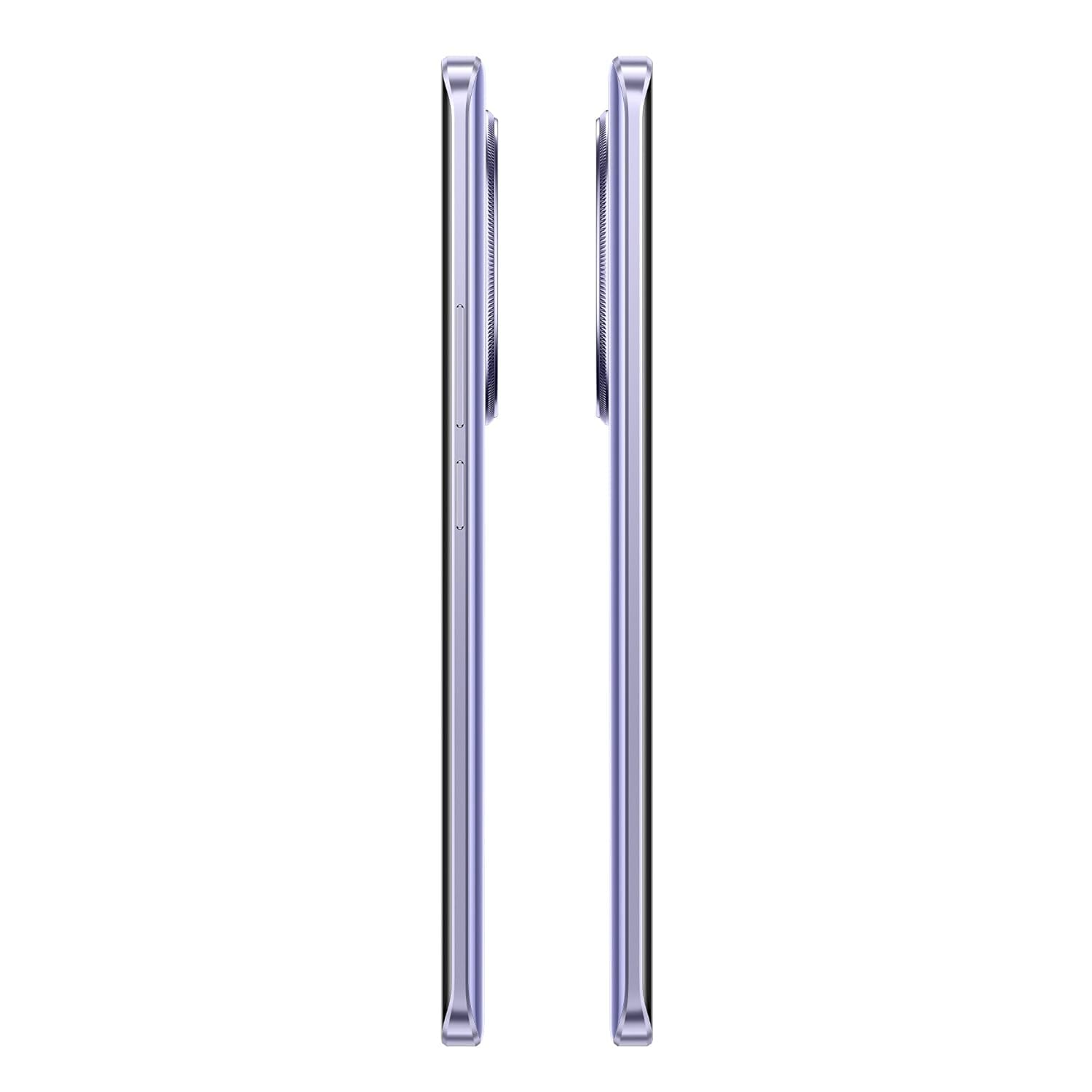
Imagen 2.2: Abajo view of the realme 14 Pro Lite, highlighting the USB-C charging port.
2.3. Encendido y configuración inicial
Press and hold the Power button located on the side of the device until the realme logo appears. Follow the on-screen instructions to select your language, connect to Wi-Fi, and set up your Google account.
3. Instrucciones de funcionamiento
3.1. Visualización y navegación
Your realme 14 Pro Lite features a 6.7-inch OLED Flow Display with a 120Hz refresh rate for smooth visuals and a 2000Hz instant touch sampling rate for responsive interaction. Navigate the Android 14 operating system with realme UI 5.0 using gestures or on-screen buttons.
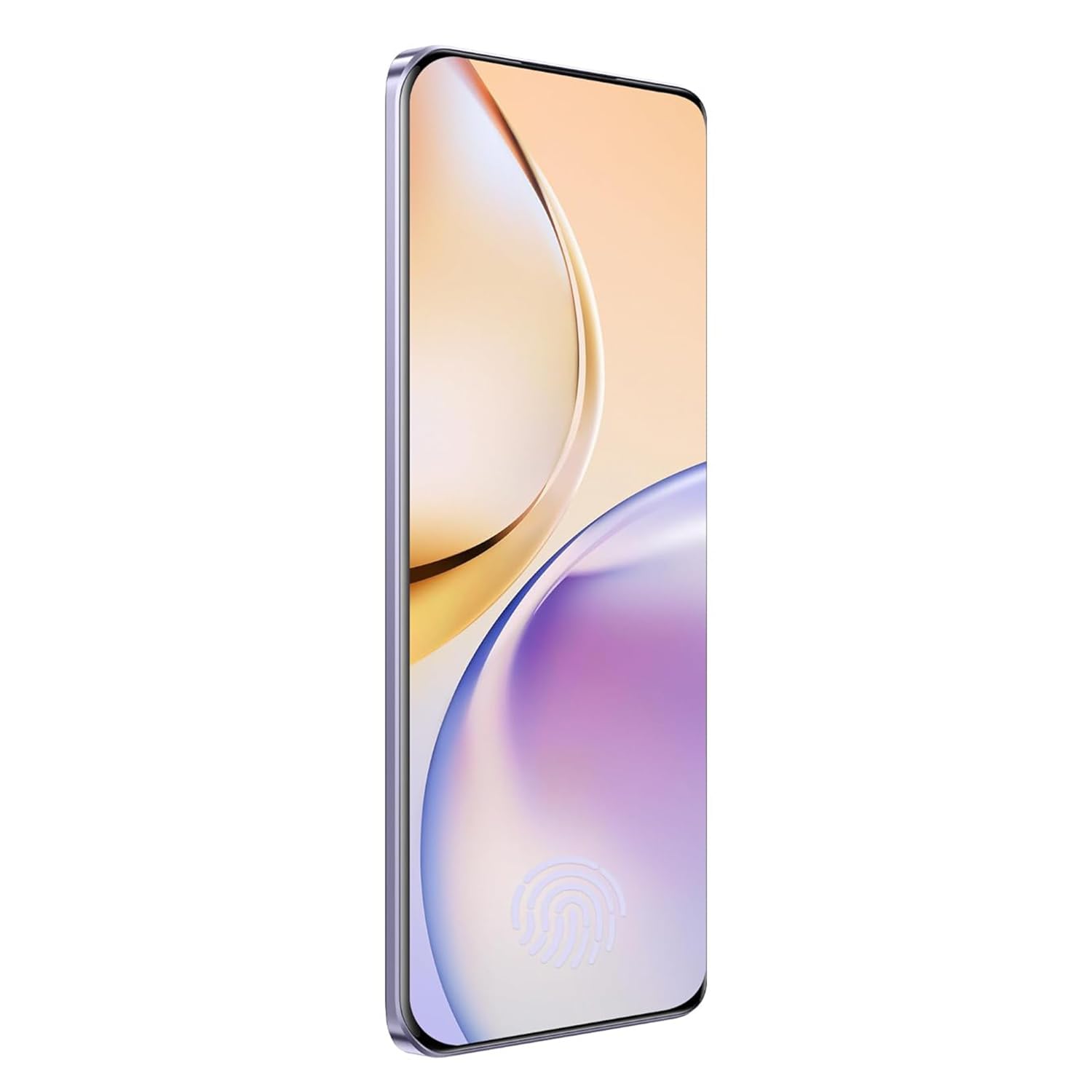
Imagen 3.1: Frente view of the realme 14 Pro Lite, showcasing su pantalla.
3.2. Rendimiento y conectividad
The device is powered by a Snapdragon 7s Gen 2 4nm 5G Chipset, ensuring efficient performance for various tasks. Connectivity options include Bluetooth, USB, and Wi-Fi. For 5G network access, ensure you have a compatible SIM card and service plan.
3.3. Uso de la cámara
Utilize the integrated camera system for photography and videography. Open the Camera application from your home screen or app drawer. Select modes such as Photo, Video, Portrait, or Night mode as desired. Tap the shutter button to capture images or start/stop video recording.

Imagen 3.2: Espalda view of the realme 14 Pro Lite, highlighting the camera module.
4. Mantenimiento
4.1. Cuidado de la batería
- Evite exponer el dispositivo a temperaturas extremas.
- Use only the provided 45W adapter and USB cable for charging.
- No deje el dispositivo cargándose durante períodos prolongados después de que alcance el 100%.
4.2. Actualizaciones de software
Verifique e instale periódicamente las actualizaciones de software para garantizar un rendimiento óptimo, seguridad y acceso a nuevas funciones. Vaya a Ajustes > Acerca del dispositivo > Versión de realme UI para comprobar si hay actualizaciones.
4.3. Limpieza del dispositivo
Use a soft, lint-free cloth to clean the screen and body of the phone. Avoid using harsh chemicals or abrasive materials. Do not immerse the device in water.
5. Solución de problemas
5.1. El dispositivo no se enciende
- Asegúrese de que la batería esté cargada. Conecte el cargador y espere unos minutos antes de intentar encenderla de nuevo.
- Mantenga presionado el botón de encendido durante al menos 10 a 15 segundos para forzar el reinicio.
5.2. Problemas de conectividad (Wi-Fi/Bluetooth)
- Desactiva y activa nuevamente el Wi-Fi o Bluetooth.
- Reinicie su dispositivo.
- Forget the network/device and attempt to reconnect.
5.3. Las aplicaciones se bloquean o se congelan
- Borre el caché y los datos de la aplicación problemática a través de Configuración > Aplicaciones > [Nombre de la aplicación] > Almacenamiento.
- Desinstale y vuelva a instalar la aplicación.
- Asegúrese de que el software de su dispositivo esté actualizado.
6. Especificaciones
| Característica | Detalle |
|---|---|
| Nombre del modelo | realme 14 Pro Lite |
| Sistema operativo | Android 14 (with realme UI 5.0) |
| Procesador | Snapdragon 7s Gen 2 4nm 5G Chipset |
| Mostrar | 6.7-inch OLED Flow Display, 120Hz Refresh Rate, 2412x1080 Resolution |
| RAM | 8 GB |
| Almacenamiento interno | 128GB (expandable up to 1TB with microSD) |
| Capacidad de la batería | 5200 mAh |
| Cargando | Carga SuperVOOC de 45 W |
| Conectividad | 5G, Bluetooth, USB, Wi-Fi, GPS |
| Dimensiones (LxAnxAl) | 16.13 x 7.39 x 0.82 cm |
| Peso | 183 gramos |
7. Garantía y soporte
7.1. Información de garantía
Your realme 14 Pro Lite Smartphone comes with a standard manufacturer's warranty. Please refer to the warranty card included in your package or visit the official realme websitio para conocer los términos y condiciones detallados sobre la cobertura y duración de la garantía.
7.2. Atención al cliente
For technical assistance, service, or further inquiries, please contact realme customer support. You can find contact details, FAQs, and support resources on the official realme websitio:
8. Vídeos oficiales del producto
No official product videos from the seller were found in the provided data. Please visit the official realme website or authorized channels for any available video guides or demonstrations.


