1. Introduction to the DJI Mini 4K Drone
This manual provides detailed instructions for the safe and efficient operation of your DJI Mini 4K drone. It covers essential topics from initial setup and flight procedures to maintenance and troubleshooting. Please read this manual thoroughly before operating your drone to ensure a safe and enjoyable experience.
The DJI Mini 4K is a compact and powerful drone designed for aerial photography and videography, offering advanced features in a portable form factor. Understanding its functions and adhering to safety guidelines are crucial for optimal performance.
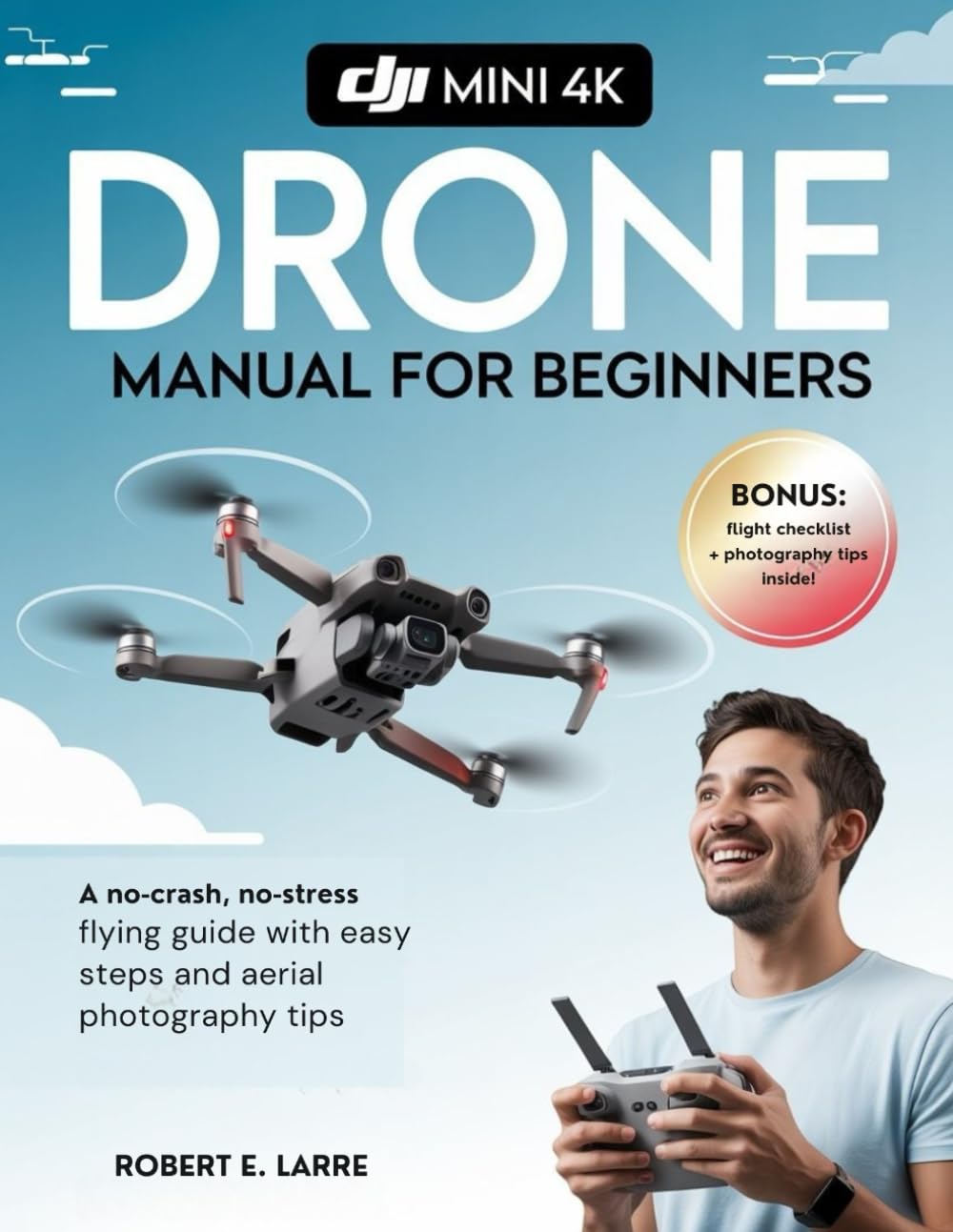
Image 1.1: Cover of the accompanying instructional guide for the DJI Mini 4K drone.
2. Safety Guidelines and Regulations
Operating a drone requires adherence to local regulations and general safety practices. Failure to comply can result in serious injury, property damage, or legal penalties. Always prioritize safety during flight.
- Comprobación previa al vuelo: Always inspect your drone, remote controller, and battery levels before each flight.
- Advertencia ambiental: Avoid flying in strong winds, rain, fog, or extreme temperatures. Maintain a clear line of sight with your drone.
- Áreas restringidas: Do not fly near airports, military bases, power plants, or other sensitive infrastructure. Respect no-fly zones.
- Privacidad: Be mindful of privacy concerns when flying near people or private property.
- Leyes locales: Familiarize yourself with and obey all local aviation laws and regulations regarding drone operation.
- Seguridad de la batería: Use only approved chargers and batteries. Do not overcharge or damage batteries.
3. Configuración y preparación inicial
Before your first flight, follow these steps to set up your DJI Mini 4K drone and remote controller.
- Desembalaje e Inspección: Carefully remove all components from the packaging. Verify that all items listed in the product box are present and undamaged.
- Cargar baterías: Fully charge the intelligent flight battery and the remote controller using the provided charging cables and adapter.
- Instalar hélices: Attach the propellers to the motor arms according to the markings (e.g., silver cap to silver motor, no cap to black motor). Ensure they are securely fastened.
- Descargue e instale la aplicación: Download the official DJI Fly app from your mobile device's app store. Install the app and create or log in to your DJI account.
- Activate Drone: Connect your mobile device to the remote controller, then power on the drone and controller. Follow the on-screen prompts in the DJI Fly app to activate your drone. This may require an internet connection.
- Actualización de firmware: If prompted by the app, update the drone and remote controller firmware to the latest version. Ensure batteries are sufficiently charged before starting an update.
4. Operating the DJI Mini 4K Drone
This section covers basic flight operations and camera controls for capturing stunning aerial content.
4.1 Controles básicos de vuelo
- Despegue/Aterrizaje: Use the automatic takeoff/landing button in the DJI Fly app or perform a manual takeoff by pushing both control sticks down and inwards/outwards.
- Ascender/Descender: Left stick up/down.
- Hacia adelante hacia atrás: Right stick up/down.
- Izquierda/Derecha (Ametrallamiento): Right stick left/right.
- Girar (guiñada): Left stick left/right.
4.2 Modos de vuelo inteligentes
The DJI Mini 4K offers various intelligent flight modes to assist with capturing dynamic footage. Access these modes through the DJI Fly app.
- Disparos rápidos: Automated flight paths for cinematic video clips (e.g., Dronie, Helix, Rocket, Circle, Boomerang).
- Panorama: Capture automáticamente panoramas gran angular, de 180° o esféricos.
- Regreso a casa (RTH): The drone automatically returns to its recorded home point when activated or in case of signal loss or low battery.
4.3 Operación de la cámara
Utilize the DJI Fly app to control the camera settings and capture high-quality photos and videos.
- Modos de fotografía: Single Shot, Timed Shot, AEB (Auto Exposure Bracketing).
- Resolución de vídeo: Select from various resolutions including 4K at 30fps, 2.7K at 60fps, and 1080p at 60fps.
- Control de cardán: Use the gimbal dial on the remote controller to adjust the camera's tilt angle.
5. Mantenimiento y cuidado
Regular maintenance ensures the longevity and reliable performance of your DJI Mini 4K drone.
- Limpieza: Use a soft, dry cloth to clean the drone body and camera lens. Avoid harsh chemicals.
- Inspección de la hélice: Revise regularmente las hélices para detectar grietas, deformaciones o daños. Reemplace las hélices dañadas inmediatamente.
- Cuidado de la batería: Guarde las baterías con una carga aproximada del 50-60 % si no las usa durante períodos prolongados. Evite temperaturas extremas.
- Protección del cardán: Always attach the gimbal protector when transporting the drone.
- Almacenamiento: Store the drone in a cool, dry place, away from direct sunlight.
6. Solución de problemas comunes
This section addresses common issues you might encounter during drone operation.
| Asunto | Posible causa | Solución |
|---|---|---|
| Drone fails to power on | Low battery, damaged battery, incorrect power sequence | Ensure battery is fully charged and properly inserted. Press power button once, then press and hold. |
| No hay señal GPS | Volar en interiores, obstruido view of sky, magnetic interference | Fly in an open outdoor area. Avoid areas with strong magnetic fields. |
| Weak video transmission | Obstacles between drone and controller, strong interference, antenna orientation | Ensure clear line of sight. Adjust controller antennas. Avoid areas with high Wi-Fi traffic. |
| Gimbal abnormal warning | Gimbal protector still on, physical obstruction, calibration error | Remove gimbal protector. Check for obstructions. Calibrate gimbal via DJI Fly app. |
Para una solución de problemas más detallada, consulte el soporte oficial de DJI. websitio o póngase en contacto con el servicio de atención al cliente.
7. Especificaciones técnicas
Below are the key technical specifications for the DJI Mini 4K drone. These specifications are subject to change without notice.
| Característica | Especificación |
|---|---|
| Peso de la aeronave | Under 249 g (with battery and propellers) |
| Tiempo máximo de vuelo | Approx. 31 minutes (measured while flying at 4.7 m/s in windless conditions) |
| Distancia máxima de transmisión | 10 km (FCC), 6 km (CE / SRRC / MIC) |
| Sensor de cámara | 1/2.3-inch CMOS, 12 MP |
| Resolución de vídeo | 4K: 3840×2160 @ 24/25/30fps 2.7K: 2720×1530 @ 24/25/30/48/50/60fps FHD: 1920×1080 @ 24/25/30/48/50/60fps |
| Resistencia a la velocidad máxima del viento | 8.5-10.5 m/s (Level 5) |
| Temperatura de funcionamiento | 0° a 40° C (32° a 104° F) |
8. Garantía y soporte
The DJI Mini 4K drone comes with a standard manufacturer's warranty. For specific warranty terms and conditions, please refer to the official DJI webSitio web o la tarjeta de garantía incluida con el producto. Conserve el comprobante de compra para reclamaciones de garantía.
For technical support, troubleshooting assistance beyond this manual, or service requests, please visit the official DJI Support page: Soporte oficial de DJI.
You can also find FAQs, video tutorials, and community forums on the DJI website to help you get the most out of your drone.


